- Status: Resolved in optional update
- Affected builds: Windows 11 OS Builds 26200.8737 and 26100.8737 (Preview)
- KB Article: KB5095093
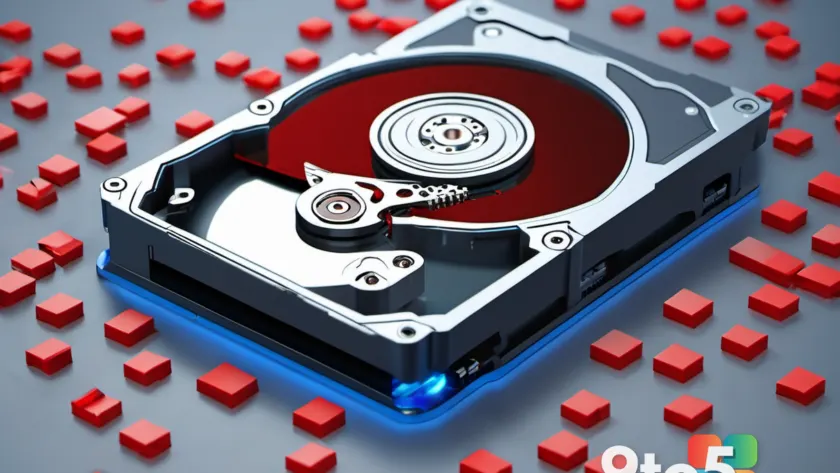
A specific system file in Windows 11 has been identified as the cause of massive, unintended storage consumption on some devices. In extreme cases reported by users, a single database log file has ballooned to occupy up to 500GB of disk space.
The culprit: CapabilityAccessManager.db-wal
The file responsible is named CapabilityAccessManager.db-wal. This component is part of the system’s permission management framework, handling requests for apps to access sensitive hardware features like your camera, microphone, or location services.
Under normal operation, this file should remain small. However, a bug caused Windows 11 to inefficiently log repeated access events, allowing the file to grow indefinitely. While most users may only see minor bloat, some have reported losing hundreds of gigabytes of usable storage to this single file.
Microsoft confirms a fix is available
Microsoft has acknowledged the issue and included a resolution in its recent optional update. The fix targets OS builds 26200.8737 and 26100.8737 (Preview). You can install this update immediately via Windows Update under the ‘Optional updates’ section, or wait for it to roll out broadly in July’s Patch Tuesday release.
The update, tracked as KB5095093, explicitly notes that it “improves disk space usage for the CapabilityAccessManager.db-wal file.” This ensures the logging mechanism functions correctly without consuming excessive resources.
Other changes in KB5095093
Beyond the storage fix, this update includes several other improvements and bug fixes:
- Secure Boot: Enhances device targeting data to expand coverage for devices eligible to receive new Secure Boot certificates automatically.
- Authentication: Improves Netlogon secure channel connections, resolving issues where member servers could not connect to domain controllers established before 2025.
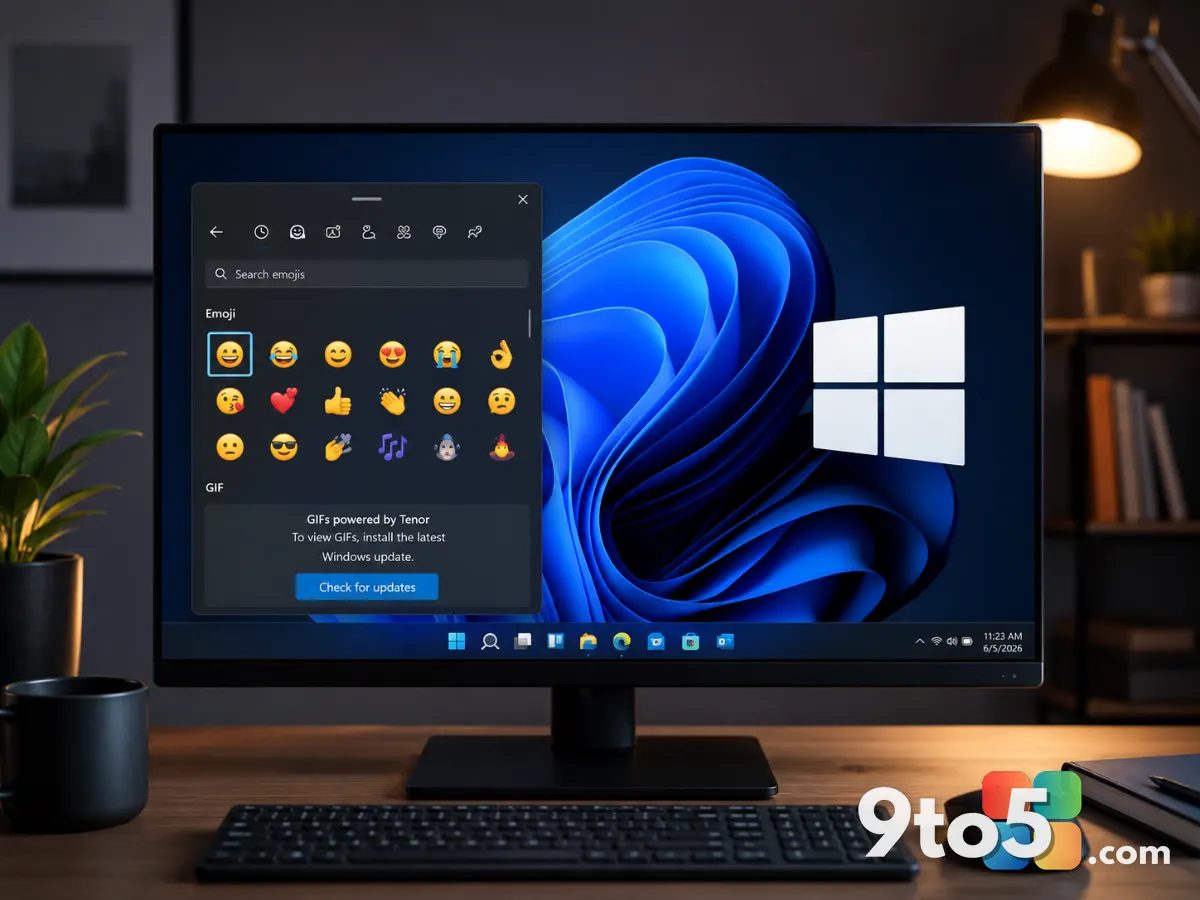
- Emoji Panel: Updates the GIF source from Google’s Tenor API to GIPHY. Users must update by June 30, 2026, to avoid seeing a “GIF service is not available” error when using the emoji panel (Win + .).
- Networking: Improves reliability for shared network resource connections, including unauthenticated null sessions.
- Recycle Bin: Fixes an issue where permanently deleting a file would display an internal Recycle Bin filename instead of the original name. This was introduced in June 2026 security update KB5094126.
- Taskbar: Corrects notification badge displays, ensuring app counts and visuals update accurately.

Should you delete the file manually?
If you are currently experiencing significant storage loss due to this bug, you might be tempted to delete the CapabilityAccessManager.db-wal file yourself. Proceed with extreme caution.
User reports indicate that deleting just the file—or the wrong item in its directory—can break Wi-Fi connectivity on some systems. One user reported losing internet access after removing the file, though restarting the PC and deleting the entire folder resolved the issue for them. Given the risk of destabilizing your network connection, it is safer to wait for the official patch or consult IT support before attempting manual deletion.
If your storage levels are stable and you have sufficient space for daily tasks, there is no urgent need to act. Simply install the optional update when convenient to prevent future bloat.
Source: Latest from Windows Central
Build details:
- kb5094126
Over to you: Have you noticed your storage filling up unexpectedly on Windows 11, or are you waiting for the July Patch Tuesday to fix it?