- Status: Confirmed by Microsoft Product Manager
- Affected OS: Windows 11
- Feature: WSL Containers (not WSL 3)
- Availability: Shipping within one week of June 23, 2026
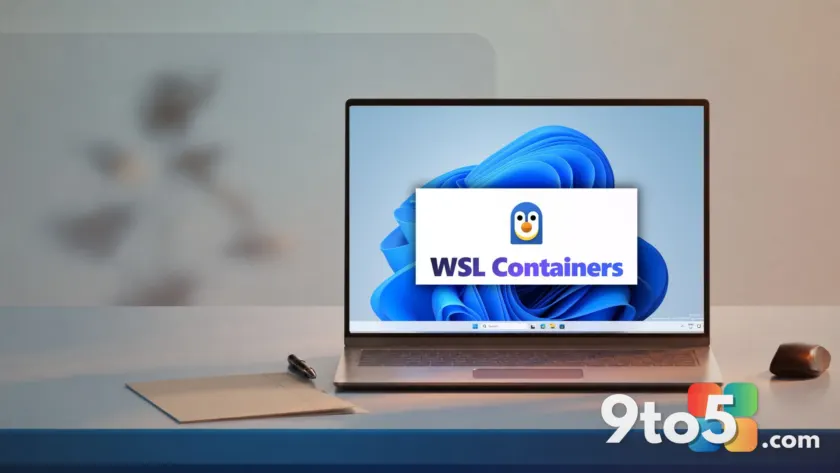
Rumors have been swirling about a major update called “WSL 3,” but Microsoft has officially stepped in to correct the record. Craig Loewen, the Product Manager for the Windows Subsystem for Linux (WSL), took to X to clarify that WSL 3 is not a thing. The confusion stems from recent reports misidentifying a different, upcoming feature: WSL Containers.
Loewen stated clearly, “As a PSA, there is no such thing as WSL 3! I’ve seen some articles talking about it, and it’s not currently a thing.” He confirmed that the feature many are anticipating will arrive in less than a week. This isn’t a new version of the subsystem itself, but a significant capability layer built on top of existing WSL infrastructure.
What is WSL Containers?
For those unfamiliar with the terminology, WSL allows Windows users to run a Linux environment directly on their machine without dual-booting or setting up a heavy virtual machine. WSL 1 used a translation layer, while WSL 2 introduced a full Linux kernel running in a lightweight Hyper-V managed VM.
WSL Containers is not a successor version like “WSL 3.” It is a new built-in feature that lets you create, run, and interact with Linux containers directly on Windows. Previously, developers needed third-party tools like Docker Desktop to manage these containers. With WSL Containers, this functionality is native to the OS.

The feature introduces a new command-line interface called wslc.exe. This tool allows developers to build and deploy containers using syntax that closely mirrors Docker commands, minimizing the learning curve. It also supports GPU passthrough via the Container Device Interface, enabling GPU-accelerated workloads like machine learning pipelines to run inside Linux containers using your Windows GPU drivers.
Why this matters for developers
The primary benefit of WSL Containers is removing the dependency on Docker Desktop. While Docker works well with WSL 2, it introduces per-seat licensing costs for larger teams and requires separate management for IT administrators. WSL Containers integrates directly into Windows management infrastructure.
IT pros can now use Group Policy or MDM controls to enable containers, restrict image sources, and audit running containers through standard Windows tools. This level of native integration was previously missing when relying on third-party container engines.

Other Linux updates at Build 2026
Alongside WSL Containers, Microsoft announced other developer-focused updates at Build 2026. Coreutils for Windows is now generally available, bringing over 75 familiar Linux command-line utilities like ls, grep, and cp natively to Windows. These tools are built on the open-source uutils project in Rust and run directly on Windows without needing WSL or a VM.
Microsoft also previewed the Intelligent Terminal, an experimental feature that brings context-aware AI assistance directly into the terminal window. These updates reinforce Microsoft’s strategy to make Windows a first-class platform for Linux-first development workflows, reducing the friction that often pushes developers toward macOS or native Linux setups.
What this means for you: If you are a developer on Windows 11, keep an eye on your update settings next week. You will likely receive WSL Containers as a routine update. This will allow you to run Linux containers natively without installing Docker Desktop, potentially saving costs and simplifying your development environment.
Source: Windows Latest
Over to you: Will you switch to native WSL Containers for your development workflow, or will you stick with Docker Desktop?