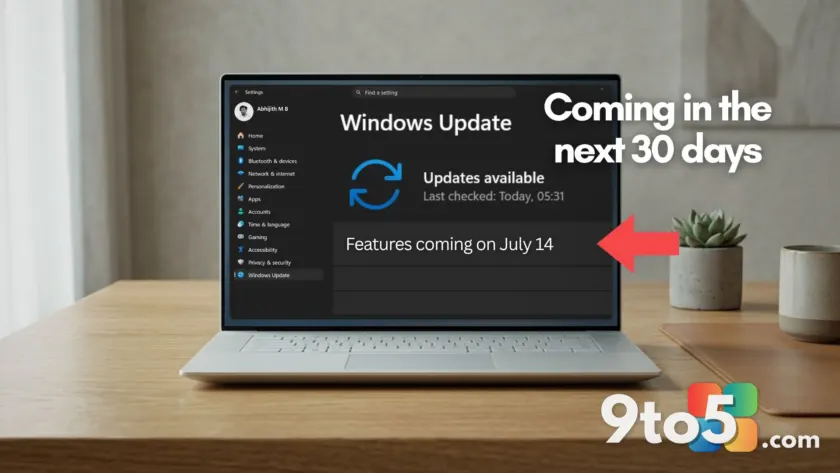
Microsoft is accelerating its pace for Windows 11 improvements, with five significant features set to arrive on all PCs within the next 30 days. While recent updates have focused heavily on AI integration, this upcoming batch—delivering via an optional update in June and the July 2026 Patch Tuesday—is strictly about core usability and stability. None of these changes require a Copilot+ PC or an AI subscription.
Here is a breakdown of the five long-overdue features heading to your desktop, along with what they mean for everyday users.
1. Widgets finally get quieter
One of the most persistent complaints about Windows 11 has been the intrusive nature of the Widgets board. Microsoft is addressing this by disabling the ‘open on hover’ behavior by default. The taskbar badge will also be toned down, with notification counts minimized and colors adjusted to match your system accent.
Additionally, new users will land directly on the dashboard rather than the MSN feed, and the lock screen will display only a Weather widget instead of a crowded array of cards. This shift aims to make the experience less distracting while keeping useful information accessible.

2. Indefinite update pausing with a calendar
Windows 11 is introducing a new calendar-based interface in Settings that allows users to pause updates for up to 35 days at a time. Crucially, you can extend this pause indefinitely by selecting a new end date, effectively ending the era of forced reboots during critical work periods. This feature gives users full control over when their PC receives updates, addressing a long-standing demand from professionals and gamers alike.
3. Point-in-time Restore for system rollbacks
Perhaps the most significant addition is ‘Point-in-time Restore,’ a recovery tool that creates automatic snapshots of your entire system, including apps, settings, and personal files. These restore points are kept for up to 72 hours and can be accessed from the recovery environment if an update or driver causes issues.
Unlike traditional System Restore, which only affects system files, this feature uses Volume Shadow Copy Service to capture block-level snapshots in the background. It works offline and requires no cloud dependency, providing a robust safety net for users hesitant to install updates due to fear of breaking their setup.

4. Screen Tint for eye strain
For users suffering from eye strain or photosensitivity, Windows 11 is adding a ‘Screen Tint’ feature in the Accessibility settings. This applies a full-screen color overlay (such as amber, blue, or green) to soften the display. Unlike Night Light, which adjusts color temperature, Screen Tint allows for custom color and intensity control, offering a software alternative to tinted glasses.
The update also improves the Magnifier tool, allowing users to type specific zoom percentages directly into the window and adjust increments without navigating through Settings.
5. Major Bluetooth reliability sweep
Microsoft is delivering its largest batch of Bluetooth fixes yet, addressing microphone sync, device compatibility, and connection stability. A key improvement is microphone mute sync: when you press mute on your headset, Windows will now correctly reflect this state in the audio mixer and Hands-Free Profile.
Other enhancements include faster pairing for AirPods, improved mic reliability for Beats Studio Pro headphones, and smarter audio routing for Phone Link calls. Classic Bluetooth devices will also reconnect more quickly after hibernation.
What this means for you
For everyday Windows users, these updates represent a shift toward stability and user control. The ability to pause updates indefinitely and roll back the system if something breaks significantly reduces the anxiety associated with monthly Patch Tuesdays. Meanwhile, quieter Widgets and better Bluetooth support address daily friction points that have persisted since Windows 11’s launch.
While Insiders are currently testing features like a movable taskbar and a redesigned Start menu, these five updates are guaranteed to reach all users soon. Keep an eye on your Windows Update settings in the coming weeks for the optional June update or wait for the July Patch Tuesday release.
Source: Windows Latest
Over to you: Which of these five features are you most excited to try: Point-in-time Restore or indefinite update pausing?