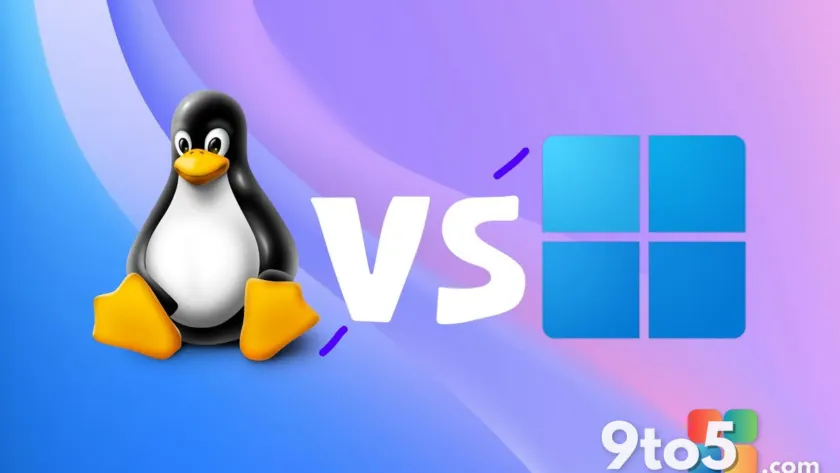
The Windows versus Linux debate has been a staple of tech culture for decades, usually revolving around a clear set of trade-offs. Linux advocates emphasize freedom, deep customization, and granular control over the system. Windows supporters counter with broad software compatibility, native driver support, and a ‘just works’ philosophy that reduces friction for everyday tasks. For years, the assumption has been that anyone deeply embedded in the Unix ecosystem would never willingly abandon it for Microsoft’s operating system.
That assumption took a notable hit recently when a dedicated Reddit thread detailed a Linux to Windows 11 switch driven entirely by practical workflow requirements. The original poster was no casual explorer. They grew up on Linux, cut their teeth on a Raspberry Pi, and spent years running it as their primary desktop environment. Despite a deep understanding of the Unix philosophy and the tools it offers, they made the decision to move their main machine to Windows 11. Their conclusion was refreshingly balanced: Windows 11 isn’t a perfect system, but it aligns better with their specific professional needs.
#1 The Practical Drivers Behind the Switch
The core reason for the transition came down to application compatibility. The user highlighted that native support for industry-standard tools like Microsoft Office and Autodesk software played a decisive role. While Linux offers robust alternatives and increasingly capable compatibility layers like Wine, the overhead of troubleshooting, patching, or accepting workarounds often clashes with professional deadlines. Native execution remains a significant advantage for users who rely on these specific suites daily.
To bridge the gap between the two ecosystems, the user integrated MSYS2 into their Windows environment. MSYS2 provides a Unix-like shell and development environment on Windows, allowing users to run many Linux-style commands and tools natively. This setup helped recreate the familiarity of a Linux terminal while retaining access to Windows-native applications. It serves as a functional middle ground, demonstrating how modern Windows can accommodate Unix workflows without forcing a complete migration.
As one commenter summarized the mindset behind the decision: “I like to consider myself a practical person – I’m making this decision based on the os which works for my workflow and the tools I need to use, not based on idealism / dislike for Microsoft’s practices.” This statement captures a growing sentiment among professionals who prioritize output over ideology. The operating system is increasingly viewed as a utility rather than a statement of technical allegiance.
#2 Separating the Operating System from the Company
A recurring theme in the discussion was the clear distinction users draw between Windows 11 as a product and Microsoft as an organization. Several commenters with enterprise experience noted that Microsoft has addressed many historical pain points related to system fragmentation, update reliability, and cross-device compatibility. The underlying platform has matured significantly, offering stability on modern hardware that rivals or exceeds what many Linux distributions provide out of the box.
One user noted, “On good hardware – Windows simply works.” This reflects the reality that Windows must support thousands of hardware configurations, legacy drivers, and decades of software. While this breadth creates complexity, it also delivers a level of universal compatibility that is difficult to replicate elsewhere. The system functions as a reliable baseline for professional environments where hardware diversity is the norm rather than the exception.
However, the same users expressed reservations about Microsoft’s broader corporate direction. Criticisms frequently target the integration of advertisements, mandatory online account requirements for certain features, and the aggressive push toward cloud services and AI integrations. As one commenter put it, “Windows 11 is good OS but Microsoft as a company… I don’t think that it’s really good.” This reflects a nuanced stance where the product earns its keep, but the company’s practices invite ongoing scrutiny.
#3 Valid Complaints About the Windows Experience
The discussion did not dismiss the legitimate criticisms leveled at Windows 11. Users pointed to ongoing issues regarding resource consumption, particularly on older or lower-spec machines. The modern Windows interface, while visually polished, demands more background processes and telemetry than many privacy-conscious users prefer. Additionally, the shift toward promoting Microsoft 365 and Copilot features has led to a perception that the OS is increasingly designed to funnel users toward paid services rather than remaining a neutral computing platform.
Microsoft has acknowledged some of these concerns through initiatives like Windows K2, which focuses on performance optimization, reliability improvements, and streamlining the desktop experience. The goal is to reduce bloat and address interface decisions that have drawn backlash. While progress is measurable, the transition is gradual, and many users continue to adjust Group Policy settings or use third-party tools to strip away unwanted integrations.
For IT administrators and power users, the ability to customize and control the environment remains a priority. The OS provides extensive configuration options, but the default experience often requires effort to align with professional or privacy-focused standards. This reality keeps many users engaged in the tuning process, even as they acknowledge the platform’s underlying stability.
#4 Why Linux Retains Its Dedicated Following
Despite the practical appeal of Windows 11, the Linux ecosystem continues to attract users who value absolute control over their computing environment. The ability to choose from numerous distributions, swap desktop environments, manage packages through terminal commands, and modify the kernel provides a level of flexibility that Windows does not offer. For developers, researchers, and enthusiasts, this customization is not just a preference but a necessity.
The original poster also noted that the Linux desktop experience can be demanding in terms of troubleshooting and decision-making. Fragmentation across distributions and hardware support varies widely, meaning users often invest significant time in configuration and maintenance. For some, this process is rewarding. For others, it becomes a barrier that outweighs the benefits of openness.
Community dynamics also play a role. While the Linux ecosystem is vast and collaborative, interactions in certain forums and support channels can sometimes feel unwelcoming to newcomers. The original poster remarked that “many members of the community are… not so great,” highlighting that the human element of tech support can influence adoption just as much as technical capability.
#5 The OS as a Means to an End
The broader takeaway from the discussion is that the Windows versus Linux debate rarely yields a definitive winner. Both platforms involve distinct trade-offs. Linux offers transparency, customization, and a strong open-source community. Windows provides broad compatibility, native support for professional software, and a streamlined experience on diverse hardware. The optimal choice depends on the user’s specific workflow, technical comfort, and professional requirements.
Even users who criticize Microsoft’s business practices often continue using Windows because it reliably handles their daily tasks with minimal friction. As one commenter summarized: “The OS is a means to an end so stop shoving the holiness of some OS on me.” This pragmatic perspective underscores a shift in how many professionals view operating systems. They are tools selected for their ability to facilitate work, not objects of ideological devotion.
Microsoft’s recent improvements to the developer experience, including enhancements to Windows Subsystem for Linux (WSL) and the Winget package manager, reflect an acknowledgment that modern workflows often span both ecosystems. By bridging the gap, Microsoft reduces the need for users to choose one side exclusively, further validating the practical approach taken by those who have made the transition.
What This Means for You
If you are currently evaluating whether to switch or stay put, the discussion reinforces that platform loyalty should not override workflow needs. Test the applications you rely on daily. Consider whether compatibility layers or virtualization tools meet your standards, or if native execution is non-negotiable. Evaluate your tolerance for system tuning versus out-of-the-box functionality. Your choice should align with how you actually work, not how you believe you should work.
How to Get It
Windows 11 is available for immediate upgrade on compatible hardware through Windows Update or via a clean installation using Microsoft’s official Media Creation Tool. Users interested in bridging the gap between Linux and Windows can explore MSYS2 for Unix-like environments or leverage WSL for full Linux subsystem integration directly within Windows 11.
Source: Latest from Windows Central
Over to you: Do you prioritize native compatibility or system control when choosing an operating system?
You may also like
 Windows 11 Insider Preview Build 29634.1000 Adds Voice Isolation, GIPHY, and HID Braille Support
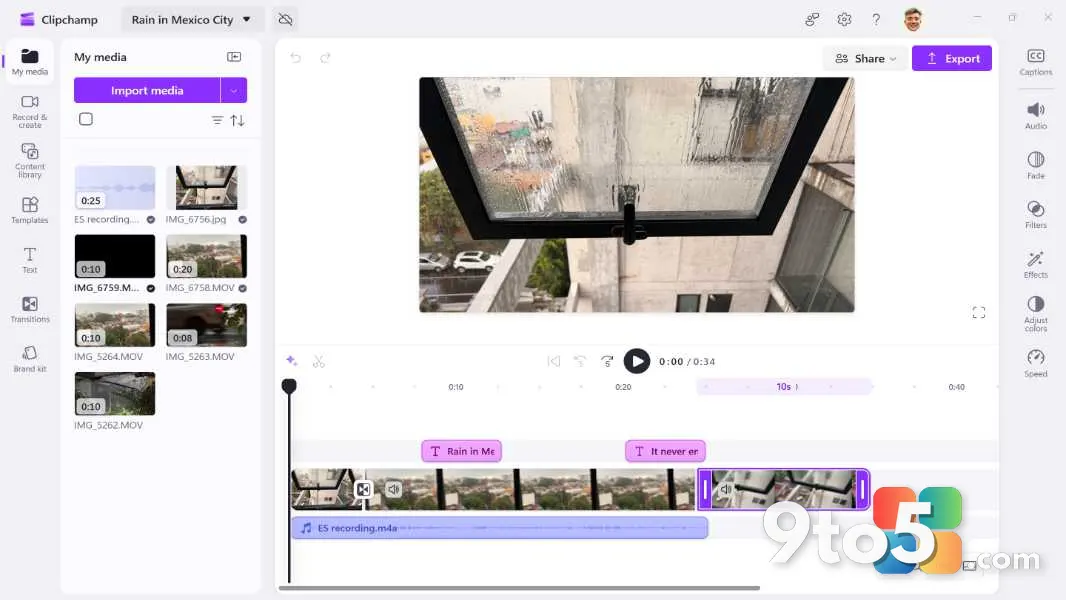 Clipchamp in Windows 11: A Complete Guide to Microsoft’s Built-In Video Editor
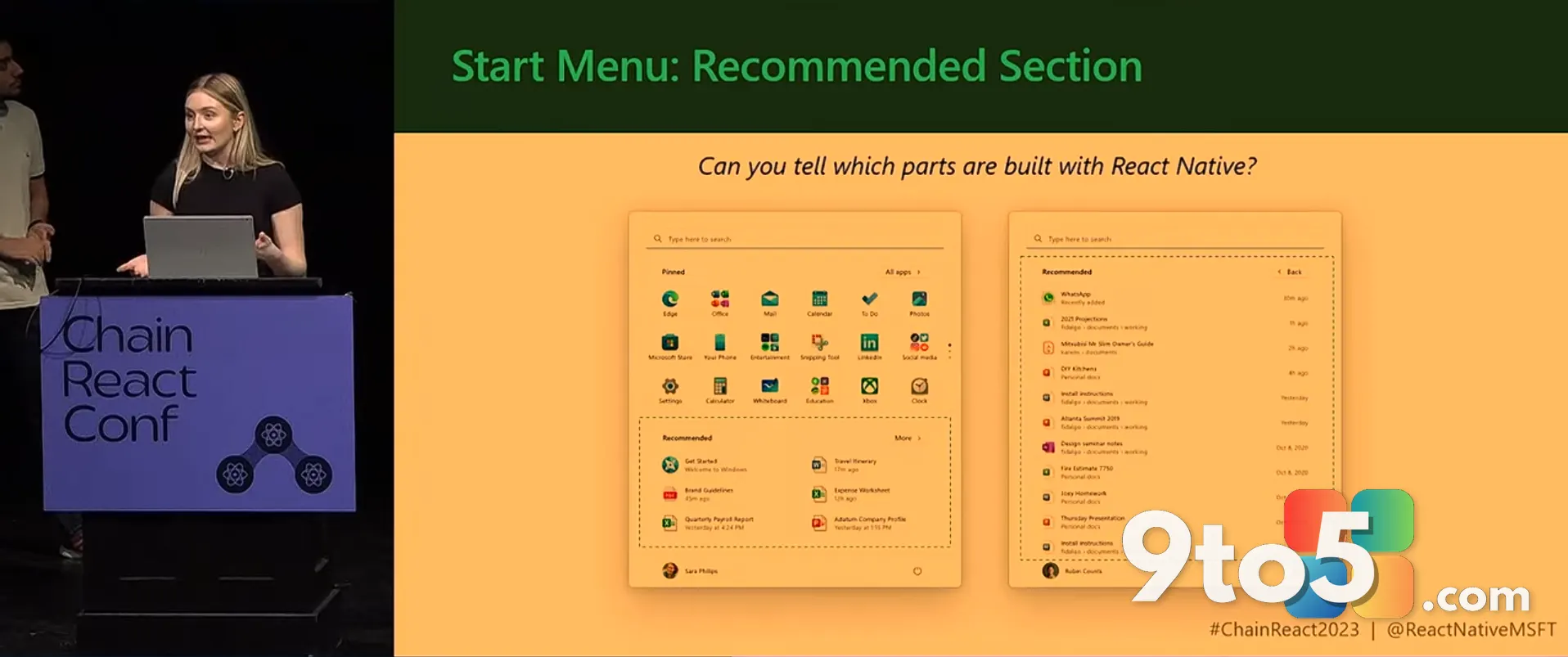 Microsoft Admits WinUI Native Apps Hog RAM, Promises Performance Boost Before Start Menu Rewrite
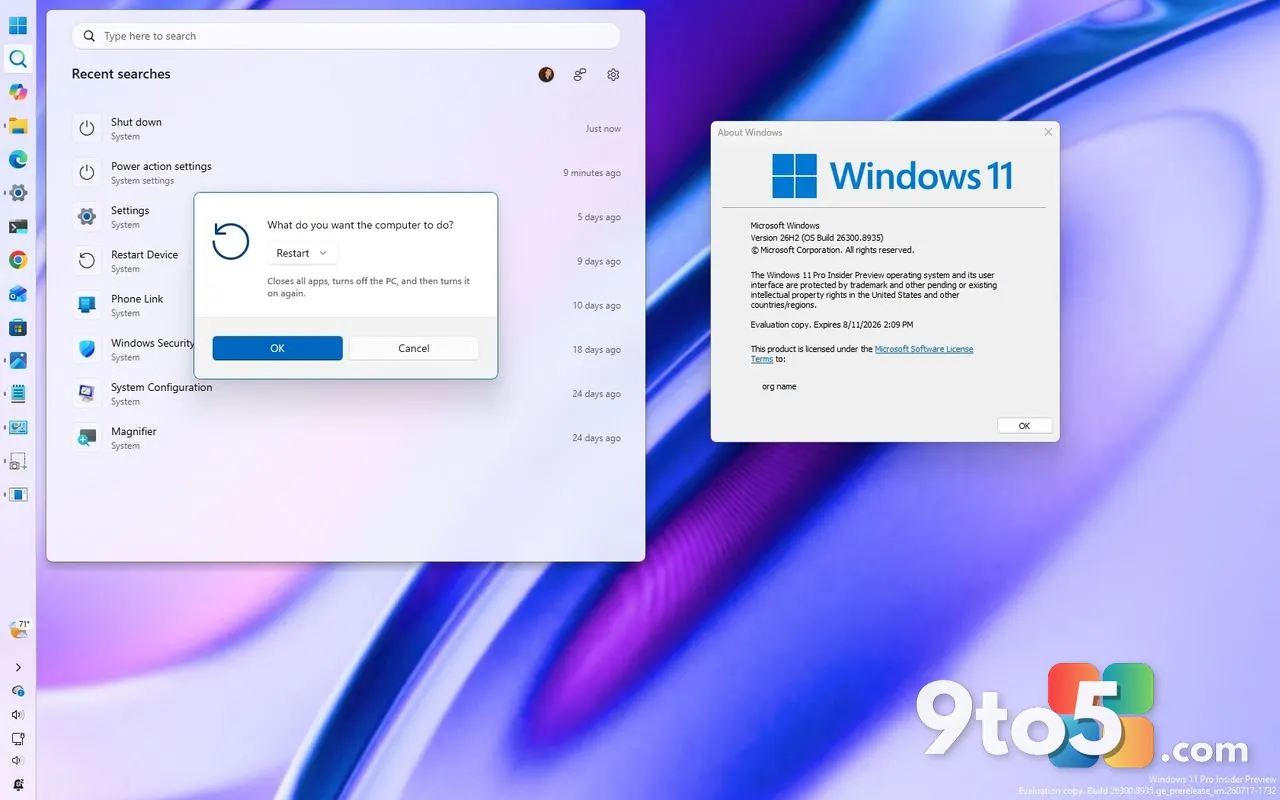 Windows 11 26H2 Update: Movable Taskbar, Smarter Search, and More Start Menu Control