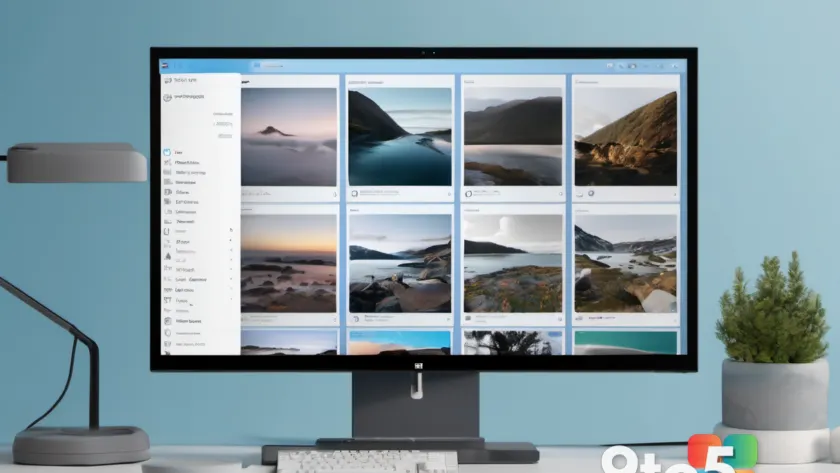
ImageGlass 10 is out, and the headline change is that this long-time Windows-only image viewer is finally cross-platform. According to Thurrott, the maker shipped a major update that brings ImageGlass to macOS and Linux for the first time, while also improving performance across the board.
For years, ImageGlass has been a go-to recommendation for people who want a fast, lightweight alternative to the Windows Photos app. This update is the first time that recommendation can extend beyond Windows, which is a meaningful shift for a project that has historically lived and died on the Windows platform.
What changed in ImageGlass 10
The core of the release is portability. ImageGlass 10 now runs on macOS and Linux in addition to Windows, meaning the same viewer you may already use can follow you across operating systems. That is a notable milestone for a project that has historically been tied to Windows alone, and it reflects a broader trend in which popular Windows utilities finally get the multi-platform treatment their users have long asked for.
Beyond the new platforms, the update also focuses on performance. The maker describes the release as improving speed and responsiveness, which is exactly the kind of behind-the-scenes work that makes an image viewer feel less sluggish when you are flipping through large folders or opening high-resolution files.
Performance improvements
Performance tuning has been a recurring theme for ImageGlass across its versions, and this release continues that thread. Faster rendering and snappier navigation are the general promise, and for anyone who works with extensive image libraries — photographers, designers, or just people with thousands of screenshots — even modest speed gains add up over a day of use.
It is worth noting that the announcement does not spell out exactly which formats or workflows got the most attention, so treat the finer details as coming straight from the brief release notes rather than a full technical breakdown. If you are looking for specific benchmarks, those have not been published in the summary of the release.
A bit of ImageGlass history
For context, ImageGlass is a free, open-source image viewer that has built a reputation for being lightweight and format-friendly. It supports a wide range of common and less common image types, and it has long been positioned as a lean alternative to the heavier built-in Windows photo tools that many users find clunky or slow.
The app has primarily served Windows users throughout its life, which is why this cross-platform leap is such a departure. Bringing it to macOS and Linux opens it up to a much broader audience, including developers and creatives who routinely work in multi-OS environments and would rather stick with one tool they already trust.
Because it is open-source, ImageGlass has also benefited from community involvement, with users contributing format support and bug fixes over the years. That collaborative model often makes these kinds of cross-platform ports possible, as extra hands can help adapt the codebase to new operating systems and their specific requirements.
What This Means for You
If you are a Windows user who already likes ImageGlass, this update means better performance and essentially no change to your current workflow. If you also use a Mac or Linux machine, you can now run the same viewer everywhere instead of juggling different apps and losing your preferred settings and habits.
For teams and power users who move between operating systems, having a single consistent image viewer can simplify things — though you will want to confirm that your favorite formats render identically across platforms once you install it. Cross-platform ports sometimes have quirks, so a quick test with your usual files is a reasonable first step.
How to Get It
Windows users can grab ImageGlass 10 from the official ImageGlass website or the Microsoft Store, as has been the case for previous releases. The Windows version should feel like a natural continuation of what you already have, just faster.
Mac and Linux users will need to look for the new platform-specific builds, which the maker is rolling out as part of this release. Because this is the first time the app is available outside Windows, keep an eye on the official ImageGlass channels for platform-specific download links and any setup notes for macOS or Linux before you dive in.
Source: Thurrott.com
Over to you: Now that ImageGlass 10 is on Mac and Linux, will you switch your other machines over to it, or stick with the viewer you already have?