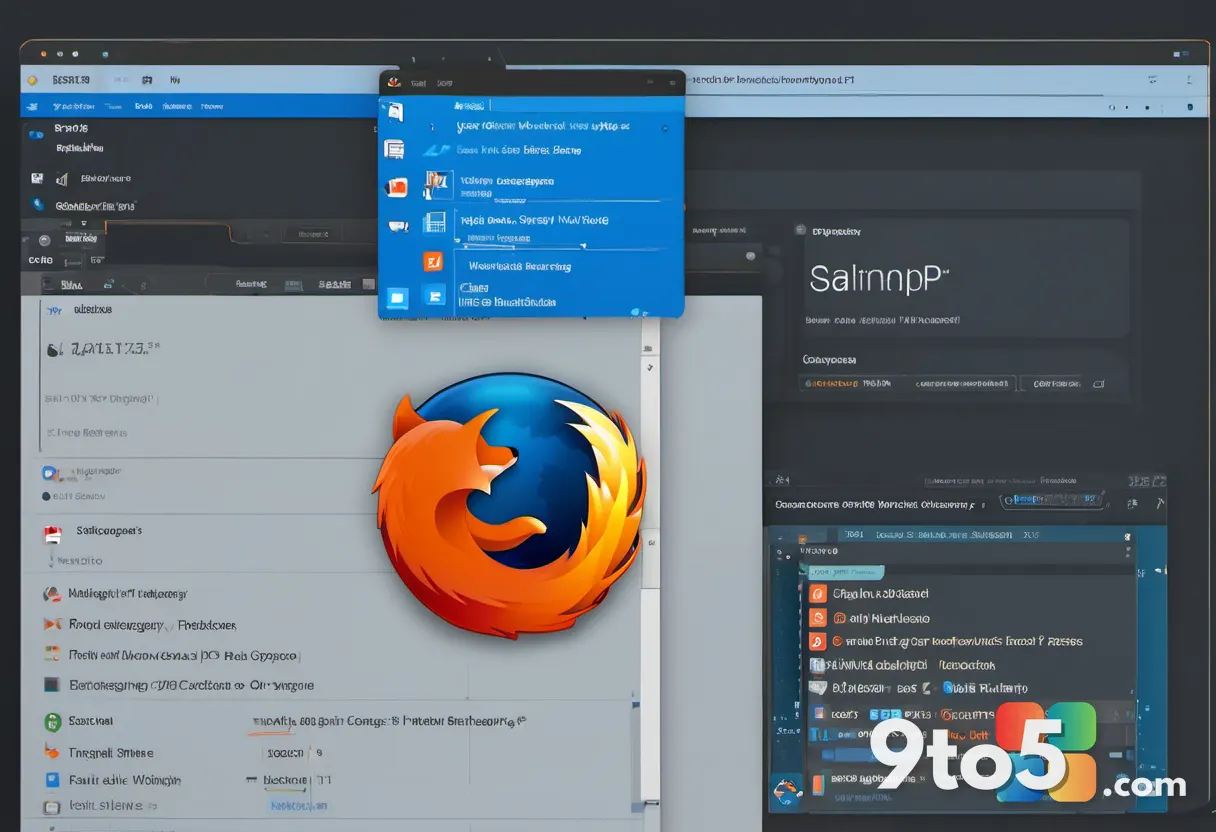
Stardock has officially announced AltTabby, a brand-new window management tool designed specifically for Windows 11. The utility aims to replace the operating system’s native Alt+Tab experience with a more contemporary interface, addressing long-standing complaints about how users switch between open applications.
For decades, the core mechanism for switching windows in Windows has relied on a simple keyboard shortcut. While Microsoft introduced a grid-based layout in Windows 11 to improve visibility on high-resolution displays, the fundamental approach to window switching has seen minimal evolution. AltTabby represents Stardock’s attempt to modernize this essential workflow.
What Is AltTabby?
AltTabby is positioned as a direct successor to the traditional Alt+Tab function. Instead of relying on the legacy overlay that has defined Windows multitasking for years, the new utility offers a redesigned visual interface for navigating between open windows. The goal is to provide a cleaner, more intuitive way to manage multiple applications without sacrificing speed.

In practice, window switchers like this typically serve as a lightweight overlay that activates when the user presses the designated key combination. By decoupling the switching mechanism from the underlying Windows shell, Stardock can implement design changes and interaction models that would otherwise require deep system-level modifications. This approach allows for a more flexible user experience tailored to modern desktop workflows.
The Evolution of Window Switching in Windows
The announcement comes at a time when user expectations for desktop environments have shifted significantly. While Windows 11 brought a refreshed aesthetic to the Start menu, taskbar, and file explorer, the window management system has remained relatively static. The introduction of the grid layout was a step forward, but many power users still find the native switching experience limiting.
Over the years, the Windows ecosystem has seen various third-party utilities attempt to fill this gap. From classic tools like AltSnap to more recent innovations, the demand for better window control is clear. AltTabby enters this space by focusing specifically on the act of switching, rather than trying to manage window positioning or snapping rules. This targeted approach suggests a streamlined experience designed to get users to their desired application as quickly as possible.
Design and Functionality
While Stardock has highlighted the “modern” aspect of AltTabby, the broader design philosophy appears to prioritize visual clarity and efficiency. By moving away from the traditional thumbnail-heavy interface, the utility likely explores new ways to represent open windows, potentially incorporating grouping, search functionality, or dynamic resizing of the switcher overlay itself.
Based on Stardock’s previous approach to system utilities, expect a focus on performance and low resource usage. Unlike heavier desktop customization suites, a dedicated switcher should remain unobtrusive, running quietly in the background without impacting system responsiveness. This is particularly important for users who rely on rapid window toggling during intensive tasks like gaming, video editing, or coding.
It is worth noting that this development aligns with Stardock’s history of refining core Windows experiences. The company has previously released utilities that enhance the Start menu and system aesthetics, often focusing on areas where Microsoft’s default implementation feels dated. AltTabby follows this pattern by addressing a fundamental interaction that has not kept pace with modern UI trends.
What This Means for You
For everyday Windows 11 users, AltTabby offers an alternative to the built-in window switching experience. If you find the current grid layout cumbersome or simply prefer a different visual style when multitasking, this utility provides a fresh option to consider. It is designed to integrate seamlessly with your existing workflow, requiring only the standard keyboard shortcut to activate.
Power users and enthusiasts will likely appreciate the focus on modernization. As Windows continues to evolve, tools that keep core interactions feeling current can significantly improve daily productivity. The announcement signals that Stardock is actively working on updates to fundamental Windows features, ensuring they remain relevant in a changing software landscape.
Administrators managing corporate fleets should also note the potential implications. While third-party utilities can enhance user experience, IT departments often prefer standardized environments. If AltTabby gains traction, it may prompt Microsoft to consider similar updates in future Windows builds, potentially reducing the need for enterprise workarounds.
How to Get AltTabby
Stardock has not yet released specific details regarding availability or pricing. Users interested in trying the new window switcher should keep an eye on the official Stardock website and their ObjectDesktop platform for launch information. Given the company’s typical distribution model, AltTabby may be available as a standalone purchase or as part of a broader utility suite.
Source: Neowin
Over to you: Are you planning to try AltTabby to replace Windows 11’s native window switcher, or do you prefer the current Alt+Tab layout?