If you are picking up a copy of Halo Campaign Evolved, the Halo Campaign Evolved controller you choose will shape your experience. While the game runs smoothly on modern Xbox consoles and Windows PCs, longtime fans have quickly identified the ideal pairing: the Hyperkin Duke. According to community discussions and early hands-on impressions, this oversized peripheral restores the exact physical feedback the original title was built around, making the modern remaster feel remarkably faithful to its roots.
Why the Halo Campaign Evolved Controller Pairing Matters
The original Xbox launched in 2001 with a controller that immediately became a talking point. At over a foot wide, the Duke was built for stability during intense multiplayer sessions, featuring a distinctive D-pad layout and a center button that housed the console’s startup sequence. When Halo: Combat Evolved shipped alongside the system, its aim-assist mechanics, shoulder-trigger sprint, and spatial audio cues were tuned specifically for that physical form factor. Playing the game on a standard Xbox controller today often feels slightly off to veterans, as the button spacing and trigger resistance differ from the hardware Bungie originally designed around.
Halo Campaign Evolved restores the classic campaign with updated visuals and performance targets, but it does not fundamentally alter the underlying input mapping. That is precisely why the Hyperkin Duke has become the go-to peripheral for purists. The replica maintains the original button layout, trigger travel distance, and grip dimensions. It also features a built-in OLED display in the center button that plays the authentic Xbox boot animation when connected. This visual cue, combined with the familiar weight distribution, creates a seamless bridge between 2001 and today.
Community members who have tested the setup report that the combination feels intentionally designed rather than merely compatible. The oversized grips align naturally with the original game’s pacing, while the tactile response of the triggers matches the weapon handling physics Bungie programmed. For players who grew up with the Duke, booting up Campaign Evolved on a modern display with this controller attached effectively removes the friction of adapting to newer input standards.
Availability and Current Stock Status
If you want to build this setup today, inventory availability is the main hurdle. Hyperkin has produced several limited-run variants of the Duke over the years, but current retail stock is heavily restricted. As of this week, the white Xbox 20th Anniversary edition remains the only widely available model on major retailers like Amazon. The original black launch edition and the crystal green variant are consistently listed as out of stock, leaving buyers to monitor restock notifications or search the secondary market.
The scarcity stems from Hyperkin’s production model, which relies on pre-order windows and limited manufacturing runs to manage costs for niche peripherals. Unlike mass-market controllers, these replicas are not kept in continuous rotation. Collectors and retro gaming enthusiasts have noted that waiting for a legitimate restock is generally safer than purchasing from third-party sellers, where pricing can fluctuate dramatically based on demand.
What This Means for You
The decision to pair Halo Campaign Evolved with the Hyperkin Duke ultimately comes down to how you value authenticity versus convenience. If you prioritize the exact input feel and physical dimensions of the 2001 launch hardware, the Duke delivers a purpose-built experience that standard controllers cannot replicate. The OLED boot animation and accurate button mapping also make it a strong choice for capturing that era’s atmosphere on modern displays.
However, if you are primarily focused on gameplay performance, the standard Xbox Wireless Controller remains a fully capable option. The game does not lock input methods, and modern controllers offer lower latency, adaptive triggers, and broader wireless connectivity. You can also take advantage of Xbox SmartGlass or the native Windows gaming overlay to monitor performance metrics while playing. The choice between nostalgia and modern convenience is entirely personal, but both paths deliver a complete experience.
How to Get It
To set up this pairing, you will need a modern Xbox console, a Windows PC with the game installed, or an Xbox Cloud Gaming subscription. The Hyperkin Duke connects via a wired USB-C connection, which means you will need an available port or a short extension cable if your desk setup is cramped. Once connected, the controller should be recognized immediately without additional drivers, as Hyperkin uses standard HID protocols for plug-and-play compatibility.
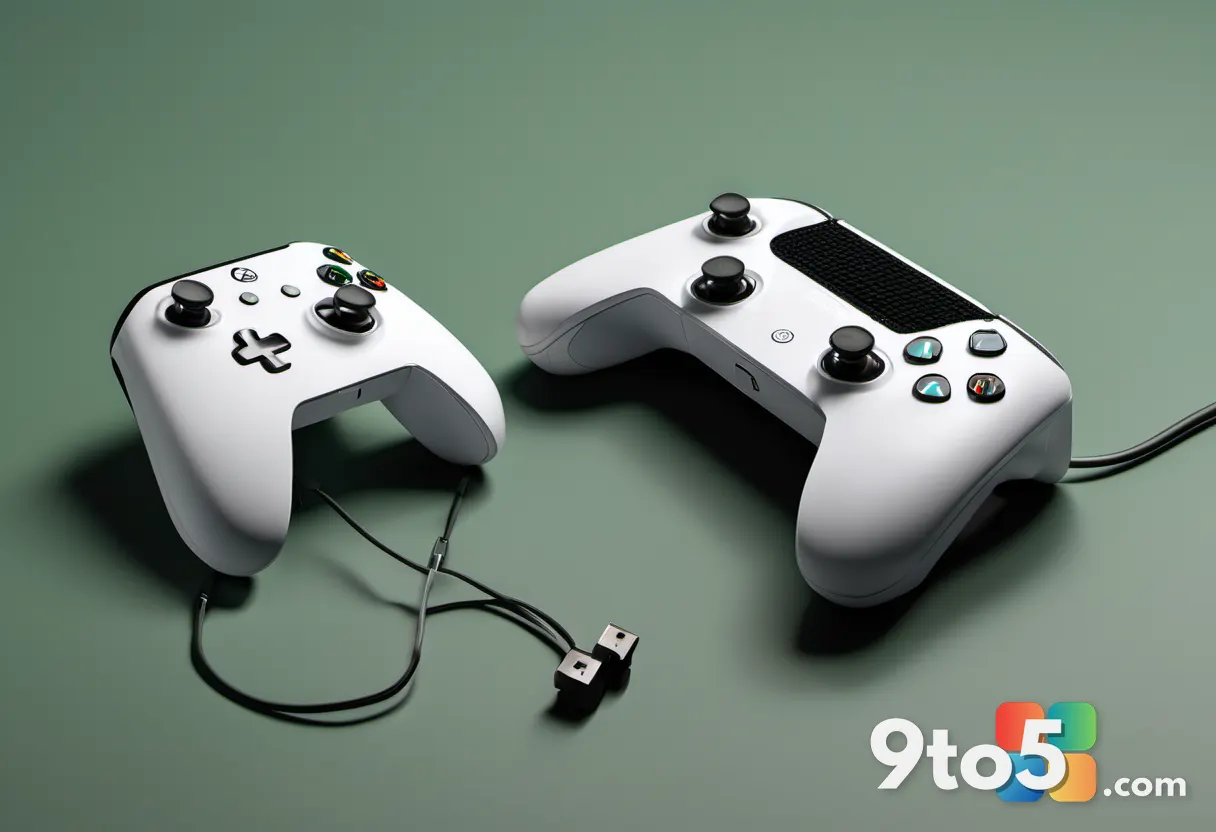
You can purchase the white Xbox 20th Anniversary edition directly through Amazon or Hyperkin’s official storefront. The Duchess model follows the same availability window. For the original black or crystal green variants, setting up retailer restock alerts or checking authorized retro gaming shops will be your best approach. Once you have the peripheral, launch Halo Campaign Evolved, verify the input settings in the options menu, and you will be ready to play with the hardware the original title was designed for.
Source: Latest from Windows Central
Over to you: Are you sticking with a standard Xbox controller for Campaign Evolved, or hunting down a Duke to match the original hardware?