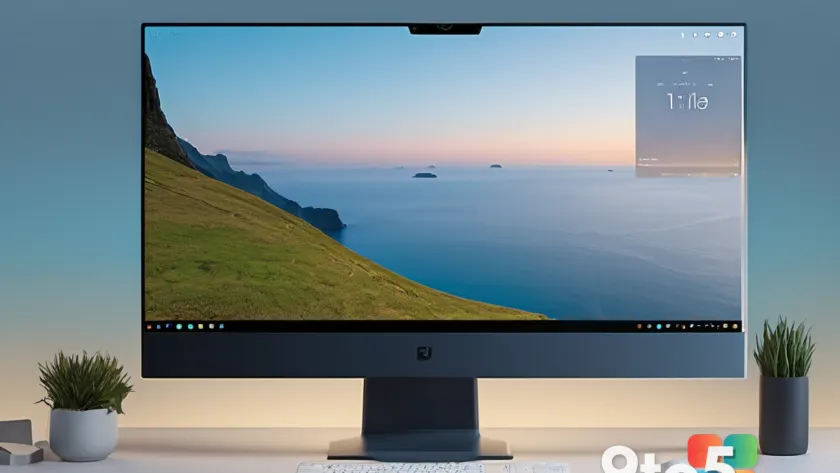
Microsoft has finally explained why the Windows 11 Taskbar feels more restrictive than the one in Windows 10, and the answer comes down to a design tradeoff the company made on purpose.
According to Microsoft, the reduced movability of the Windows 11 Taskbar is intentional rather than a missing or broken feature. The company deliberately prioritized a resizable Taskbar over the free-floating positioning that Windows 10 users took for granted, and the two capabilities don’t fully coexist.
What Microsoft actually said
Microsoft confirmed that it deliberately limited how far you can move the Windows 11 Taskbar. Rather than treating this as a bug or an incomplete feature waiting to be fixed, the company framed it as a conscious design decision.
The core reasoning is that the resizable Taskbar — one of the most requested Windows 11 improvements since its 2021 launch — takes precedence. When you make the Taskbar thicker or thinner, that resizing behavior is what Microsoft chose to protect, even if it means the Taskbar can’t be dragged to every position as freely as it could under Windows 10.
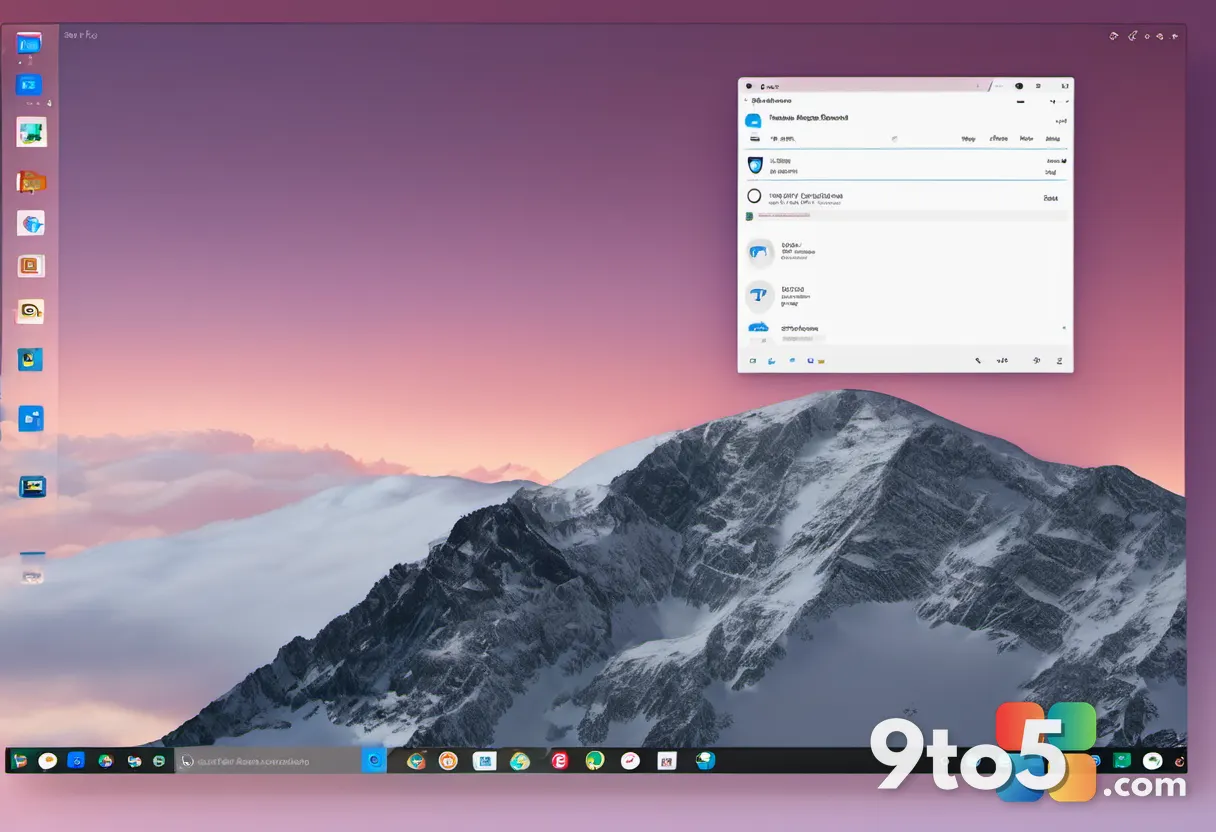
Windows 10 vs. Windows 11
If you’ve used both operating systems, you’ve probably noticed the difference firsthand. Windows 10’s Taskbar could be dragged to any of the four screen edges — top, bottom, left, and right — with zero fuss. The catch was that it couldn’t be resized; it arrived in one fixed thickness that you simply had to live with.
Windows 11 flipped part of that equation. It gave users the ability to resize the Taskbar, which had been one of the most persistent complaints since the OS debuted with a thin, inflexible Taskbar. But that added flexibility came with a compromise: the Taskbar isn’t as free to move around the screen as its Windows 10 predecessor.
In short, Windows 10 traded resize ability for full movability, while Windows 11 trades a bit of that movability for resize ability. Microsoft weighed the two and decided the resize feature was worth limiting position flexibility.
The tradeoff behind the design
For years after Windows 11 shipped, the resizable Taskbar remained one of the most upvoted requests on the Windows UserVoice-style feedback channels, so its eventual arrival was a big deal for enthusiasts. Yet the engineering reality is that a Taskbar which can freely resize in every orientation doesn’t play nicely with being positioned on every edge.
Microsoft’s explanation suggests that the resizable design simply doesn’t work cleanly at all four screen positions. Rather than ship a Taskbar that could be resized everywhere but positioned nowhere, or movable everywhere but fixed in size, the company chose a middle ground that favors resizing. That’s why the current behavior is locked in by design rather than left as an open question.
What you can and can’t do
So what does this mean in practice? You can still resize the Windows 11 Taskbar to whatever width or height feels comfortable, and you can reposition it to the edges of your display. But the combination of resizing and moving to certain positions is where the limitations kick in.
The resizable design essentially constrains how the Taskbar behaves once you start mixing size and location changes. If you want both a resized Taskbar and full four-edge positioning, you’ll find the two features don’t combine as seamlessly as Windows 10’s single-purpose Taskbar did.
What this means for you
For most users, this is effectively a non-issue. If you keep the Taskbar at the bottom of your screen — which is the default and what the majority of people do — you won’t notice any restriction. You can still resize it and use it exactly as you expect.
The limitation mainly affects power users who like to customize their setup, such as moving the Taskbar to the side of the screen for a vertical layout with pinned apps. If that’s your workflow, you may find the experience a bit more constrained than Windows 10 offered, especially when you try to resize it in those side positions.
It’s also worth noting that this isn’t a bug that will be “fixed” — Microsoft has stated the limitation is by design. So don’t expect a future update to suddenly grant full four-edge movability while keeping the resize feature intact. The behavior you see today is the intended end state.
What you can do about it
If the limited movability bothers you, your options are constrained by design. You can stick with the bottom-positioned, resizable Taskbar, or you can adjust your workflow to work within the existing constraints. There’s no official setting to unlock full movability, and Microsoft hasn’t indicated it plans to change course.
If you’d genuinely prefer the Windows 10-style free-moving Taskbar, some users turn to third-party utilities that recreate that behavior, though those come with their own stability tradeoffs and aren’t endorsed by Microsoft. For everyone else, the practical move is to embrace the resizable Taskbar at the bottom and accept the positioning limits as the new normal.
Source: Neowin
Over to you: Do you keep the Windows 11 Taskbar at the bottom, or have you moved it to the side — and does the resize limitation bother you?