Microsoft is quietly expanding how Windows 11 handles smartphone connectivity, and the latest test build shows exactly where the company wants Phone Link integration to live. According to the Windows Insider Blog, Windows 11 Insider Build 26300.9032 is now available to participants on the Experimental Preview Channel, bringing a more deeply embedded Phone Link experience directly into the Start menu. Rather than forcing users to launch the companion app just to check a text or notification, Microsoft is moving preview functionality straight into the OS shell.
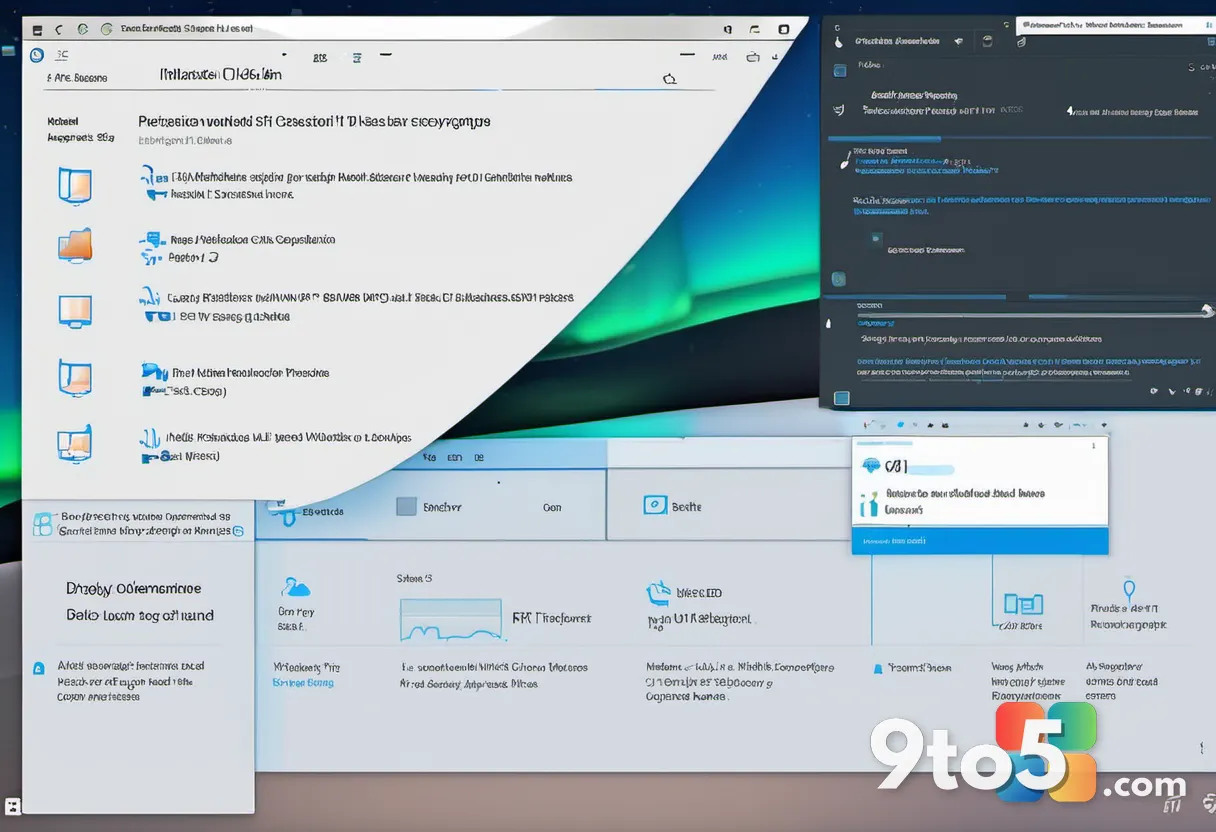
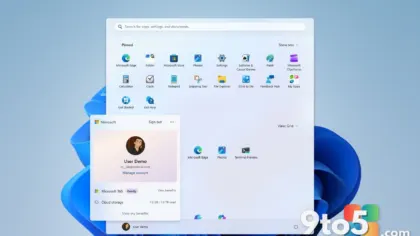
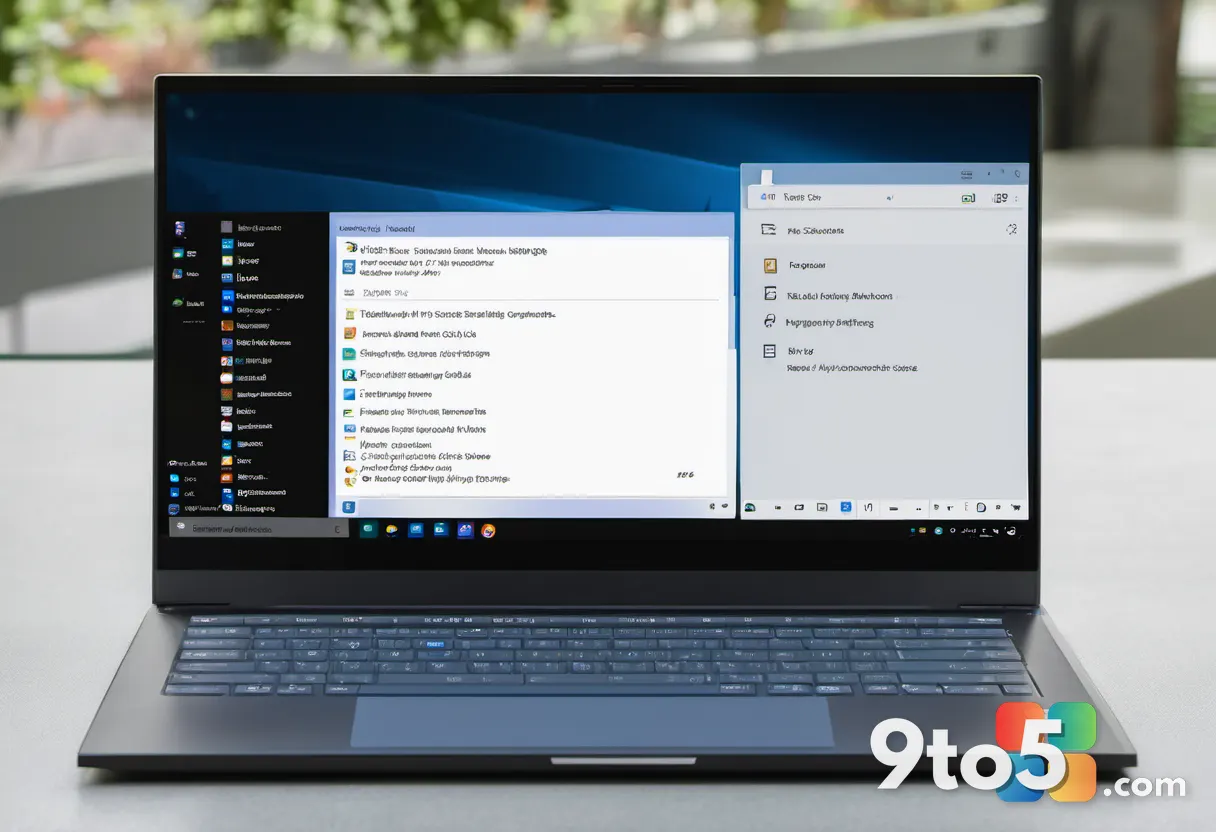
The most visible change arrives in the Recent section of the Start menu. When you hover your cursor over a recent Phone Link message or notification, Windows now renders a content preview directly in the Start menu overlay. You no longer need to unlock your phone or open the Phone Link app just to read a quick update or decide if a notification requires your attention. The feature is being rolled out gradually to ensure stability, meaning some users on the latest build may need to wait for the rollout to reach their device. To enable it, navigate to Phone Link > Settings > Start menu personalization and toggle the option on. The minimum required Phone Link version is 1.26021.3.0.
This Start menu embedding is just the first step in a broader strategy Microsoft is exploring for cross-device continuity. Senior Editor Zac Bowden previously reported that a dedicated Messages app supporting full SMS conversations is currently being prototyped internally, though Microsoft noted those concepts could change or be shelved before a public release. Looking further ahead, the company is evaluating whether Phone Link should eventually integrate directly into the Windows shell rather than operating as a standalone application layered on top of Windows 11. There are also ongoing experiments with direct PC-to-smartphone pairing that would bypass the Phone Link app entirely. While both approaches could theoretically coexist, the shift toward deeper OS-level integration suggests Microsoft is prioritizing a unified experience over app-based connectivity.
Windows Search is also receiving meaningful updates in this build, particularly around how it indexes your files. The new configuration options let you control whether search integrates with your personal Microsoft account, your work or school account, or your OneDrive cloud storage. A new toggle also governs activity-based indexing expansion, which automatically broadens the search scope based on your recent files and frequently accessed locations. This helps surface relevant documents without requiring manual index configuration. You can manage these preferences under Settings > Privacy & security > Search. Additionally, the Settings app itself now uses improved ranking algorithms to surface relevant configuration pages faster when you type in the search box.
Beyond the headline features, this build addresses several stability and performance concerns that have affected Insider builds recently. The adaptive hibernate policy has been recalibrated to favor Modern Standby instant-on resumes while improving battery preservation at lower charge levels. In practice, laptops will skip hibernation when the battery sits above 80 percent but will hibernate more aggressively once it drops below 10 percent. File Explorer Home now remembers whether you expanded or collapsed specific sections, and the address bar no longer clears its contents when you click near the right edge to enter edit mode. Dragging files to disconnected network drives is also more reliable, and a long-standing issue affecting DFS mapped drives has been resolved. Files on those drives will no longer incorrectly trigger the Mark of the Web or display the “could harm your computer” preview warning after a network reconnection. Storage users will also notice a fix for File History automatic backups to SMB network shares, which previously failed with a false invalid credentials error. This had forced many users to manually trigger backups or switch to alternative tools. The Start menu crash that occurred while dragging apps, as well as a taskbar overflow preview dismissal bug, have both been patched.
What this means for you
If you rely on Phone Link to bridge your phone and PC, the new Start menu hover previews will likely become your default way to check messages. The gradual rollout means patience is required, but the underlying architecture suggests Microsoft is committed to making Phone Link a core Windows component rather than a peripheral app. Even if you do not use Phone Link, the smarter Windows Search indexing and the resolved File History SMB issue will provide a smoother daily experience.
How to get it
To test these changes, you will need to join the Windows Insider Program and switch to the Experimental Preview Channel. Windows 11 Insider Build 26300.9032 is available for download through the Insider Hub in Settings. Keep in mind that Experimental builds are intended for testing and may contain instability, so Microsoft recommends using a secondary device or a virtual machine for daily work.
Source: Latest from Windows Central
Over to you: Are you hoping for a dedicated Messages app, or would you prefer Phone Link become a permanent part of the Windows shell?