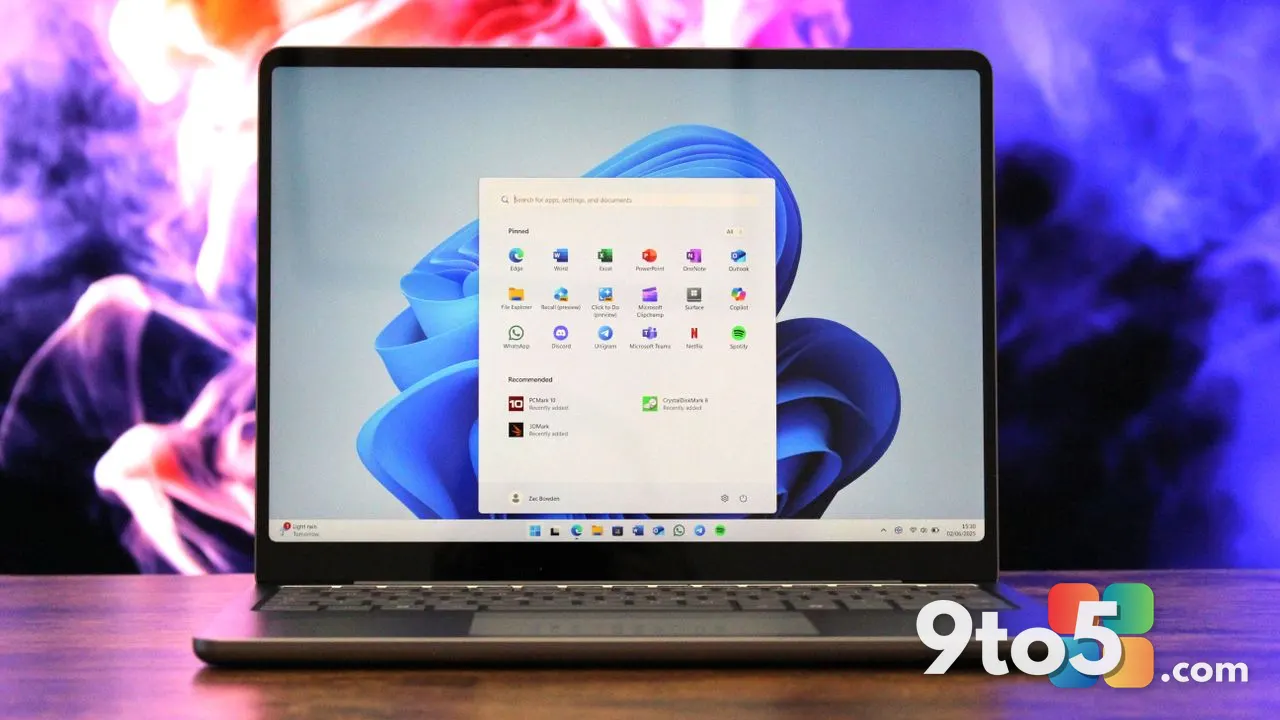
Microsoft has released Windows 11 KB5102117, a new dynamic update designed to assist with OS recovery across recent versions of the operating system. This release targets both Windows 11 version 25H2 and version 24H2, providing users with updated recovery components that may help resolve system instability or boot-related issues.
While the update is categorized as a dynamic patch rather than a full cumulative monthly update, it carries specific improvements aimed at the underlying recovery infrastructure. Users who have experienced difficulty accessing recovery environments or those facing unexpected system errors may find this update relevant to their troubleshooting efforts.
What is Windows 11 KB5102117?
The Windows 11 KB5102117 update is classified as a dynamic update, which distinguishes it from the standard monthly cumulative patches released on Patch Tuesday. Dynamic updates are typically smaller in scope and are deployed to address specific, time-sensitive issues or to provide critical component updates that do not require a full system restart or a major version bump.
In this case, the update focuses on OS recovery mechanisms. This suggests that Microsoft has made adjustments to the files or services responsible for system repair, potentially improving the reliability of the recovery environment or the processes that trigger automatic repair routines.
Focus on OS Recovery
The primary function of this update is to support OS recovery. For many Windows users, the recovery environment is the last line of defense when the operating system fails to boot correctly or becomes corrupted. By updating these components, Microsoft ensures that recovery tools are functioning as intended.
This could be particularly beneficial for users who rely on system restore points, advanced startup options, or reset-this-PC features. If previous recovery attempts were failing or timing out, the updated files in KB5102117 may help streamline the process. It serves as a maintenance patch for the repair subsystems rather than introducing new user-facing features.
Supported Windows 11 Versions
Microsoft has confirmed that this update is available for two specific editions of Windows 11:
- Windows 11 version 25H2: The latest preview or release channel version, which includes the newest features and changes.
- Windows 11 version 24H2: The previous major release, which remains widely supported and receives ongoing updates for stability and security.
This dual support indicates that recovery issues can persist across both the newest and the more established builds. Users on either version should check for this update to ensure their recovery tools are up to date.

Dynamic vs. Cumulative Updates
Understanding the difference between dynamic updates and cumulative updates is important for Windows users. Cumulative updates, released monthly, bundle all previous fixes along with new patches, often requiring a restart. Dynamic updates, like KB5102117, are more targeted.
They are often delivered without a mandatory restart and focus on specific components. This allows Microsoft to push critical fixes faster than the monthly cycle permits. For OS recovery, this means that if a critical bug in the recovery process is identified, Microsoft can deploy a fix immediately rather than waiting for the next Patch Tuesday.
How to Get It
To install Windows 11 KB5102117, you do not need to manually download the patch from the Microsoft Update Catalog. Instead, the update is distributed through the standard Windows Update mechanism.
- Open Settings on your Windows 11 PC.
- Navigate to Windows Update in the left-hand menu.
- Click on Check for updates.
- If the update is available for your device, it should appear in the list of available updates.
If you do not see the update immediately, it may be rolling out in phases. Microsoft often distributes updates gradually to monitor for any widespread issues before making them available to the entire user base. Restarting your PC after checking may also help trigger the installation.
What This Means for You
For the average Windows 11 user, this update is a background improvement to system reliability. You likely will not notice a change in daily performance, but you may benefit from more robust recovery options if your system ever encounters a critical error.
If you have recently experienced boot failures or issues with the recovery environment, installing this update is recommended. It ensures that your system’s repair tools are current and functioning correctly. For most users, simply keeping Windows Update enabled is sufficient to receive this patch automatically.
Source: Neowin
Over to you: Have you encountered any recovery issues on your Windows 11 PC that this update might help resolve?