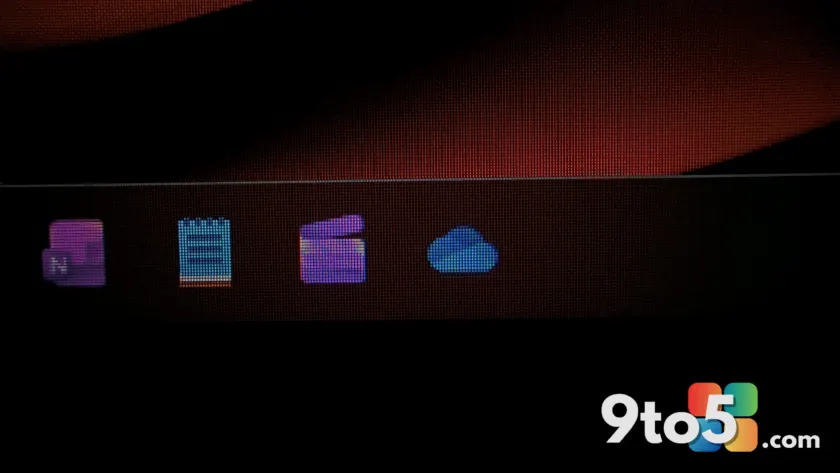
Microsoft is finally addressing one of the most persistent complaints about Windows 11: the inability to reduce the overall height of the taskbar. In recent testing builds, Microsoft has introduced a dedicated setting to shrink the taskbar itself, distinct from the existing option that only resizes icons.
New ‘Small’ taskbar height setting
For years, Windows 10 users relied on a simple toggle called “Use small taskbar buttons” to reduce the vertical space the taskbar occupied. When Windows 11 launched, Microsoft removed this feature entirely, citing a complete rewrite of the shell components. While a “Show smaller taskbar buttons” option was added later, it only affected the icons, leaving the thick bar intact.
The new update changes this by introducing a specific Taskbar size setting in Personalization. Users can now select “Small,” which reduces the actual height of the taskbar strip. This is different from the previous icon-only toggle; when you choose Small, both the bar and the icons within it scale down together.
This means users who prefer a maximized window workspace can reclaim that vertical screen real estate without sacrificing the visual consistency of the interface. The change is currently available only to testers in preview builds.
Separate control for icons and bar height
What makes this update particularly interesting is that Microsoft isn’t replacing the existing icon toggle; it’s adding to it. You now have two independent controls:
- Taskbar size: Controls the physical height of the bar (Normal or Small).
- Show smaller taskbar buttons: Controls the size of the icons within that bar (Never, Always, or When full).
This combination offers more granular control than Windows 10 ever provided. In Windows 10, enabling small buttons automatically reduced the taskbar height. In Windows 11, you can keep a normal-height taskbar but force icons to shrink when the bar gets crowded, or vice versa.
For example, if you have a high-resolution monitor and want to fit many pinned apps without cluttering the screen, you might set the Taskbar size to “Normal” but set Show smaller buttons to “Always.” Alternatively, if you want maximum vertical space for windows, you can set both to their smallest settings.
What this means for you
If you are a Windows 11 user who feels the default taskbar takes up too much screen space, this update is a direct response to that feedback. It restores the ability to customize your desktop layout in ways that were previously locked down by Microsoft’s design guidelines.
While these features are currently in testing, they signal a shift toward greater user customization. Alongside other upcoming changes like a movable taskbar and a customizable Start menu size, Windows 11 is slowly regaining the flexibility many users missed from its predecessor.
Keep an eye on your Windows Update settings if you’re enrolled in the Insider program to see if this feature rolls out to your device. For general availability, we will need to wait for Microsoft to finalize these changes in stable builds.
Source: Windows Latest
Build details:
- kb5055625
Over to you: Will you use the new ‘Small’ taskbar setting to maximize your screen space, or do you prefer the larger default icons?