Microsoft is quietly rewriting the visual language of Windows 11 by replacing aging dialog boxes with modern WinUI 3 components. The latest preview builds reveal a redesigned AutoPlay interface that finally abandons the Windows 8-era flyout in favor of a centered, Fluent Design-native experience.
The AutoPlay Dialog Gets a Center Stage
The AutoPlay prompt has been a persistent design inconsistency in Windows 11 since its launch. Originally inherited from Windows 8, the legacy dialog appeared as a compact flyout anchored to the top-right corner of the desktop. This placement made sense for touch-first devices where the Charms bar lived on the right edge, but it felt awkward on traditional desktop and laptop configurations where users expect system prompts to appear centrally.
The new WinUI 3 implementation transforms AutoPlay into a proper modal dialog that opens in the center of the screen, mirroring the behavior from Windows 7. The interface features a dark background with rounded corners, larger action icons, and increased spacing between interactive elements. This visual treatment aligns with Microsoft’s Fluent Design system and creates consistency with other modern Windows 11 dialogs.
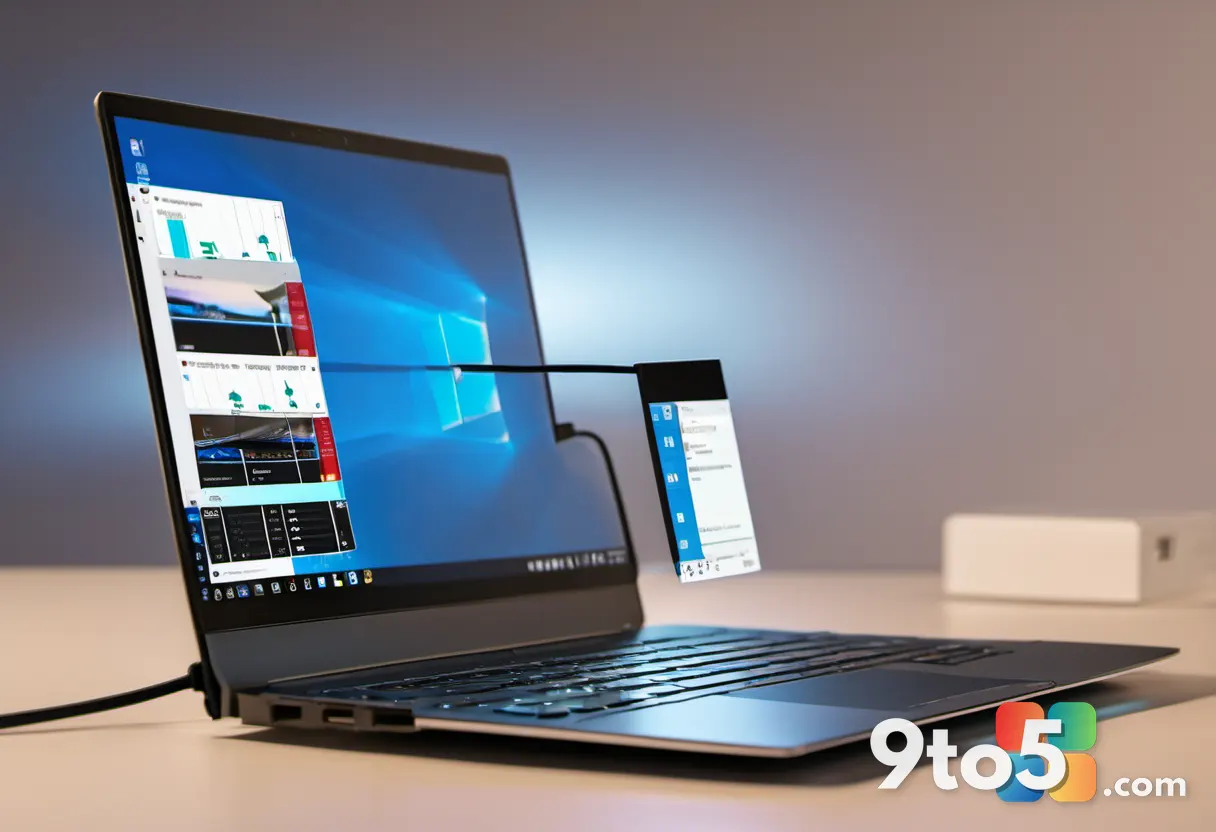
Beyond the visual overhaul, the redesigned AutoPlay dialog introduces a meaningful functional improvement. Users can now choose between “Always” and “Just once” when selecting how to handle connected devices. This two-tier approach lets you set a default action for future connections while retaining the flexibility to override it for individual instances. The previous Windows 8-era dialog lacked this option entirely, forcing users to reconfigure their preferences every time they connected a USB drive or phone.
Properties Sheet Joins the Redesign
AutoPlay isn’t the only legacy component receiving the WinUI 3 treatment. The File Explorer Properties sheet, accessed by right-clicking any file or folder, is also being rebuilt with modern frameworks. Early implementations visible in preview builds show the new design language taking shape, though Microsoft acknowledges the current version contains excessive padding that will be refined before release.
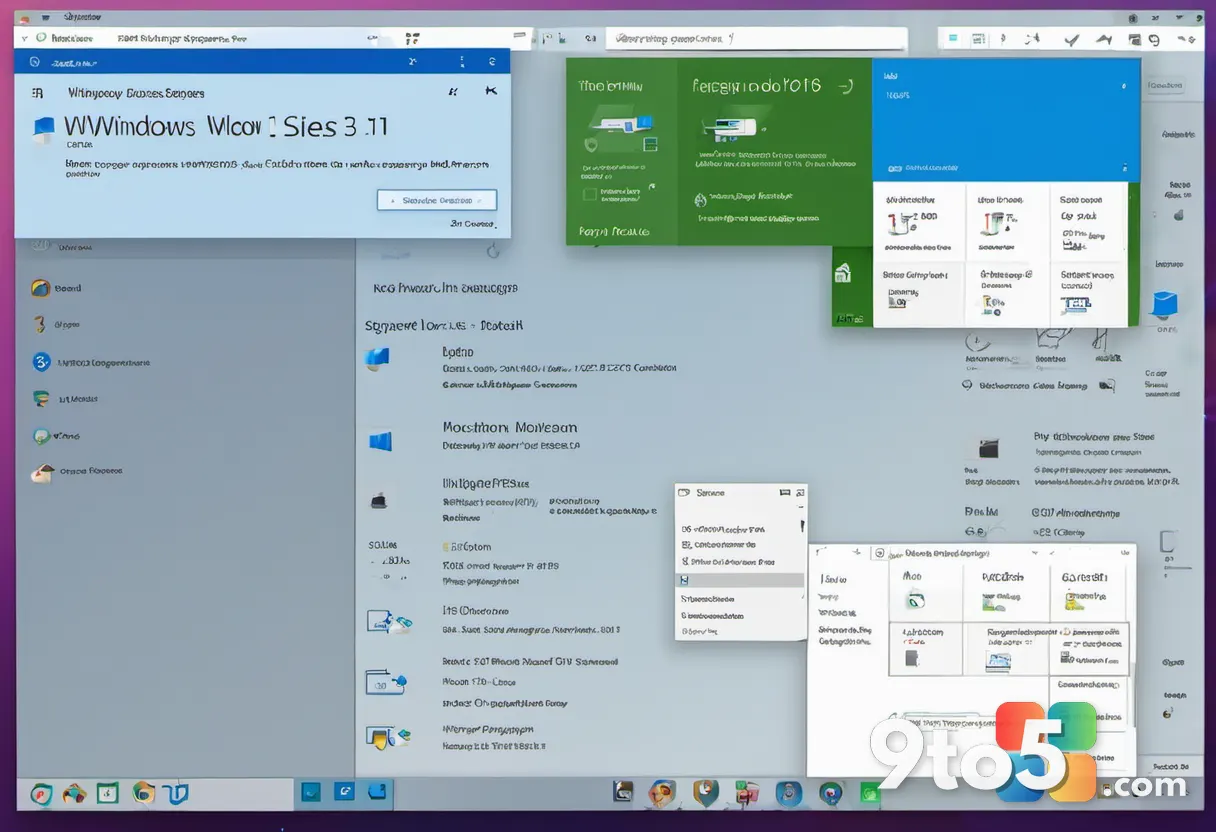
The Properties sheet has remained largely unchanged since Windows Vista, with only minor cosmetic updates over the years. Its persistence in the current Windows 11 builds has been a frequent topic of user feedback, with many requesting a refresh that matches the rest of the operating system’s visual identity. The WinUI 3 rebuild addresses this by applying the same design principles used throughout modern Windows 11, including consistent typography, spacing, and interactive element styling.
What This Means for You
For everyday Windows 11 users, these changes represent a gradual but noticeable shift toward visual consistency across the operating system. The AutoPlay redesign eliminates the need to scan the top-right corner of your screen when connecting peripherals, while the Properties sheet refresh brings a long-overdue update to one of the most frequently used system interfaces.
The functional improvements in AutoPlay are particularly practical. If you regularly connect the same USB drive or phone to your PC, the “Always” option streamlines your workflow by remembering your preferred action. Meanwhile, the “Just once” toggle provides flexibility when you need to temporarily deviate from your default settings.
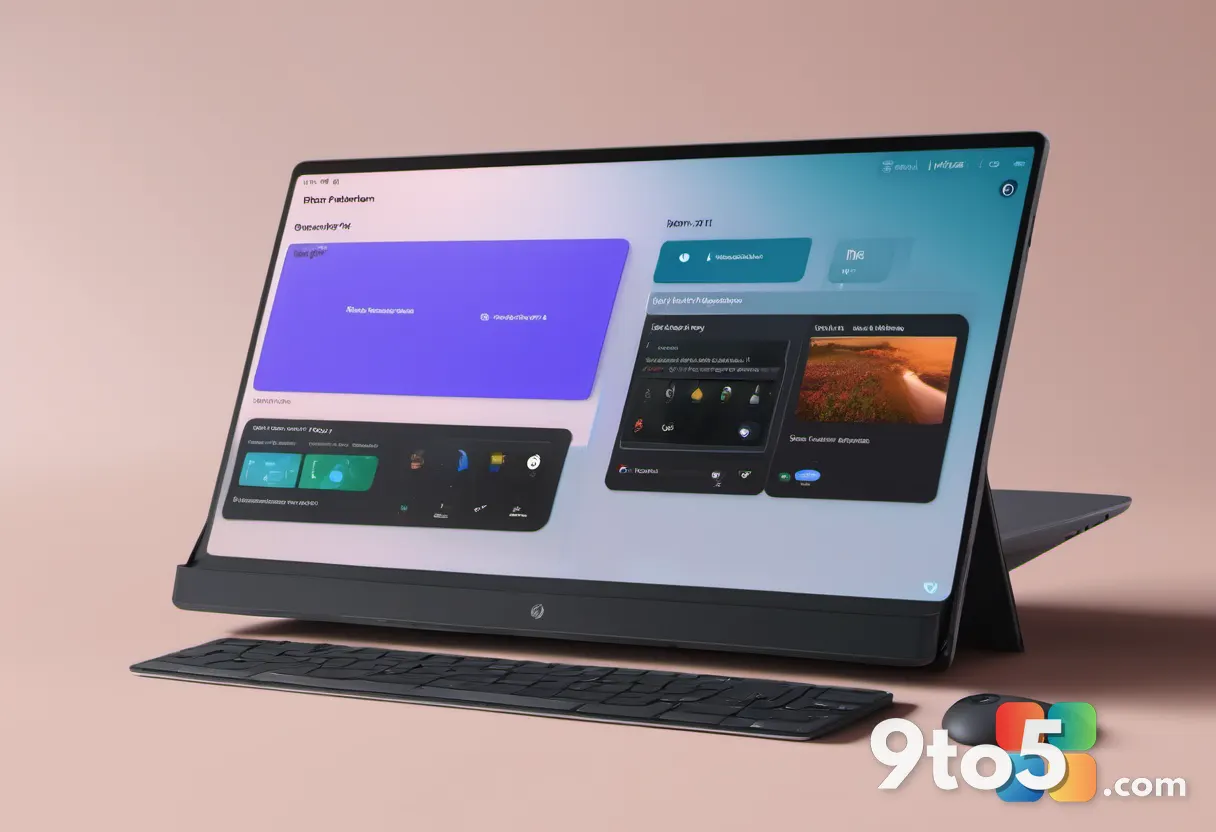
From a technical standpoint, migrating these interfaces to WinUI 3 positions Microsoft to deliver future enhancements more efficiently. WinUI 3 components are designed to be more modular and easier to update than the legacy Win32 dialogs they replace, meaning future improvements to AutoPlay behavior or Properties sheet functionality can be deployed without requiring major system updates.
How to Get It
The redesigned AutoPlay dialog and early Properties sheet implementation are currently available in Windows 11 preview builds. Users enrolled in the Windows Insider Program can access these changes by downloading the latest Dev or Beta channel builds. Microsoft has not yet announced when these updates will reach the stable Windows 11 channel, though the company’s broader 2026 redesign timeline suggests they will arrive alongside other major feature updates.
For those not interested in preview builds, Microsoft’s Windows 11 2026 revival efforts indicate that these design changes will eventually reach all users. The company has confirmed that additional WinUI 3 migrations are in progress, with the movable taskbar and Bing-free Windows Search already scheduled for September 2026 Patch Tuesday. The AutoPlay and Properties sheet updates are likely to follow a similar rollout pattern as Microsoft completes its transition to modern frameworks across the operating system.
Source: Windows Latest
Over to you: Are you using the Windows Insider Program to test the new AutoPlay dialog, or will you wait for the stable release?