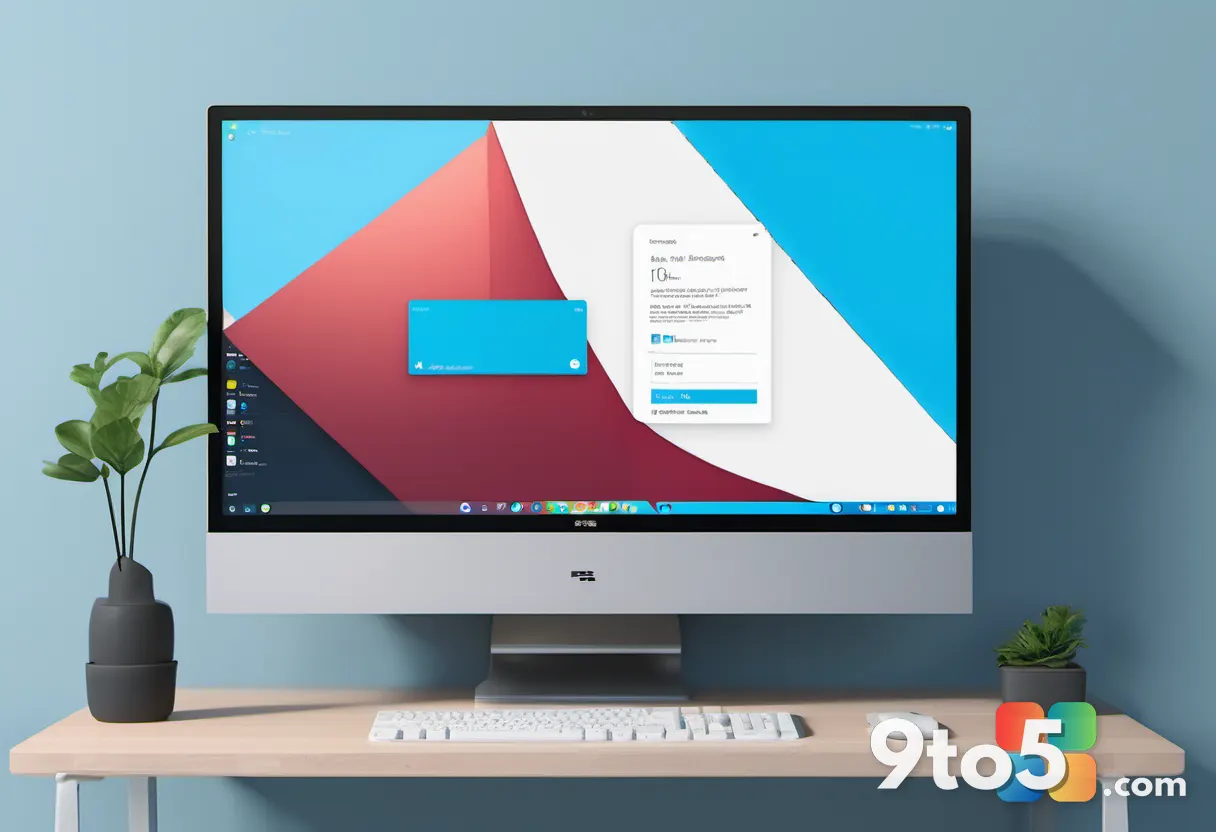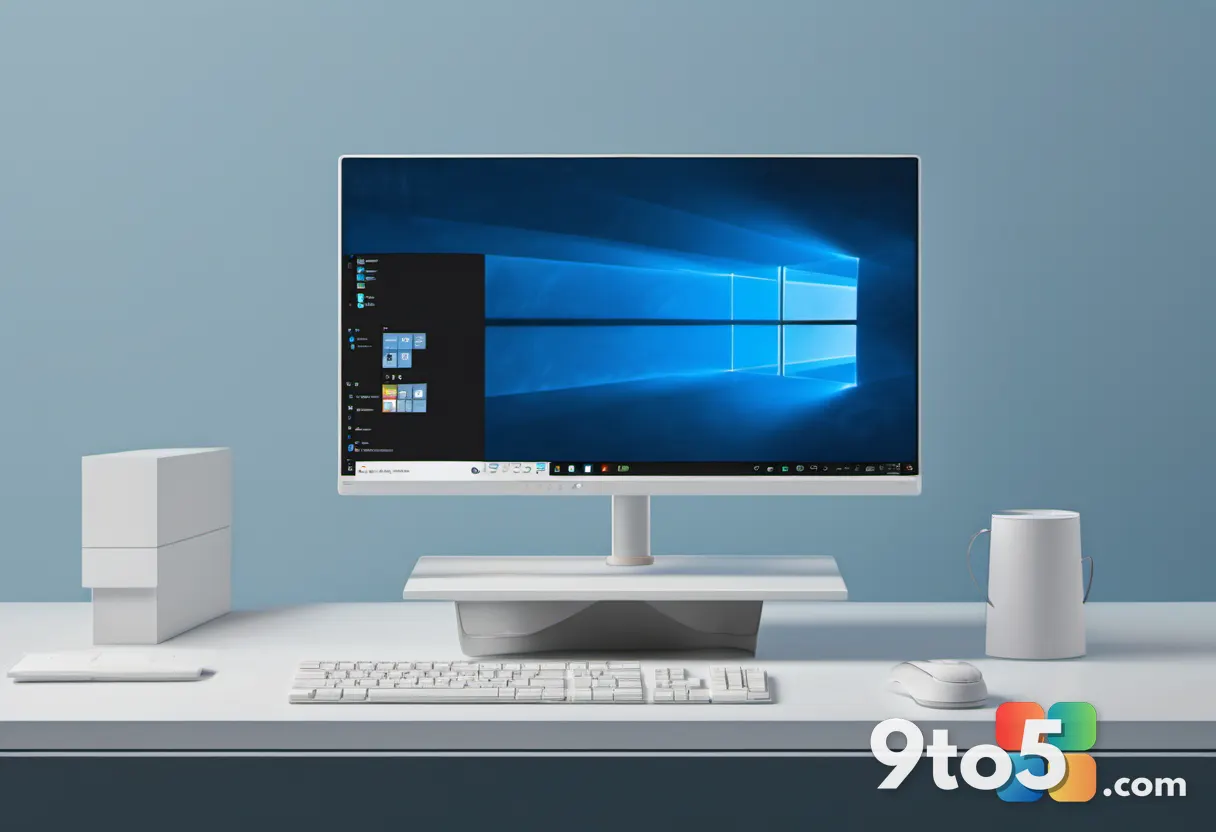
Microsoft has officially confirmed that the long-awaited Windows 11 taskbar update is moving out of the testing phase and into the final preview stage before a general public release. According to reporting from Windows Central, the features have now landed in the Windows 11 Release Preview Channel, which serves as the last checkpoint before changes reach standard users via monthly updates.
This shift marks a significant milestone for the operating system’s user interface. The update addresses some of the most persistent requests from the community, including the ability to move and resize the taskbar, as well as deeper customization options for the Start menu. Based on Microsoft’s typical release cadence, this placement in the Release Preview Channel indicates that the changes will begin appearing in standard Windows Update feeds within the next two to three weeks.
What’s Changing in the Windows 11 Taskbar Update?
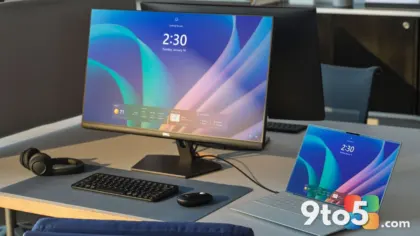
The core of this update fundamentally alters how you interact with the bottom of your screen. For years, the taskbar was locked to the bottom center of the display with a fixed height. That restriction is now gone. You will be able to drag the taskbar to the top or either side of your monitor, and you can adjust its height to accommodate more icons or save screen real estate.
Alongside the taskbar adjustments, the Start menu receives a major overhaul. Microsoft is introducing a resizable layout that allows you to expand or shrink the menu to fit your preferences. Additionally, you will gain the ability to toggle entire sections on or off. If you rarely use the Recommended or Pinned sections, you can now remove them completely to declutter your start screen.
In practice, this means the Windows 11 desktop will finally feel more like the customizable workspace that power users have requested since day one. The ability to reposition system UI elements reduces eye strain for users with ultrawide monitors and allows for more efficient multitasking workflows.
What This Means for You
For everyday users, this update bridges a major functional gap between Windows 11 and its predecessor. One of the most common reasons users stuck with Windows 10 was the inability to move the taskbar, a feature that has been standard for decades. By finally implementing this change, Microsoft is removing a significant friction point for those considering an upgrade.
However, you should be aware that Microsoft is rolling out these changes in waves. Even after the update becomes available, it may not appear on your device immediately. The company uses a measured, phased rollout strategy to monitor for stability issues and prevent widespread disruption. If you do not see the changes right away, it is likely because your device is still in an earlier wave of the deployment.
How to Get It Early
If you cannot wait for the phased rollout to reach your machine, you can opt into the Windows Insider Program’s Release Preview Channel. This channel is designed for users who want to test features that are nearly identical to the final public release. The code currently circulating in this channel is stable and representative of what will ship to the general public.
To join, navigate to Settings > Windows Update > Windows Insider Program and select the Release Preview Channel. Keep in mind that while the code is stable, you are still participating in a preview environment. Microsoft recommends backing up your data before switching channels, just in case.
Once you switch channels, you will need to check for updates manually. The new taskbar and Start menu options should appear in the next available feature update package. Microsoft typically pushes these non-security updates at the end of each month, followed by security patches on Patch Tuesday.
What’s Next for Windows 11
This taskbar overhaul is just the beginning of a broader UI modernization effort. Microsoft has outlined a roadmap that extends into 2027, focusing on performance improvements and deeper integration of the WinUI framework across the operating system. Future updates will likely bring smoother animations, faster response times for the Start menu, and additional design refinements.
As Windows 10 approaches its end-of-life date in October 2025, Microsoft is clearly prioritizing features that make Windows 11 a more compelling upgrade path. By addressing long-standing complaints and aligning the user experience more closely with modern workflow expectations, the company is laying the groundwork for broader adoption in the coming years.
For now, the focus is on stabilizing the current wave of changes. Users can expect the full public rollout to begin later this month for those with automatic updates enabled, with the remainder of the user base following shortly after. Keep an eye on your Windows Update settings, and enjoy a more flexible desktop experience.
Source: Latest from Windows Central
Over to you: Will you move your taskbar to the top, or do you prefer keeping it at the bottom?