Microsoft has pushed Windows 11 26H2 out to the general public, ending the update’s lengthy preview phase and making it ready for everyday PCs. The new feature update is now available to download, and if your machine is eligible, you can grab it straight from Windows Update.
How to get Windows 11 26H2
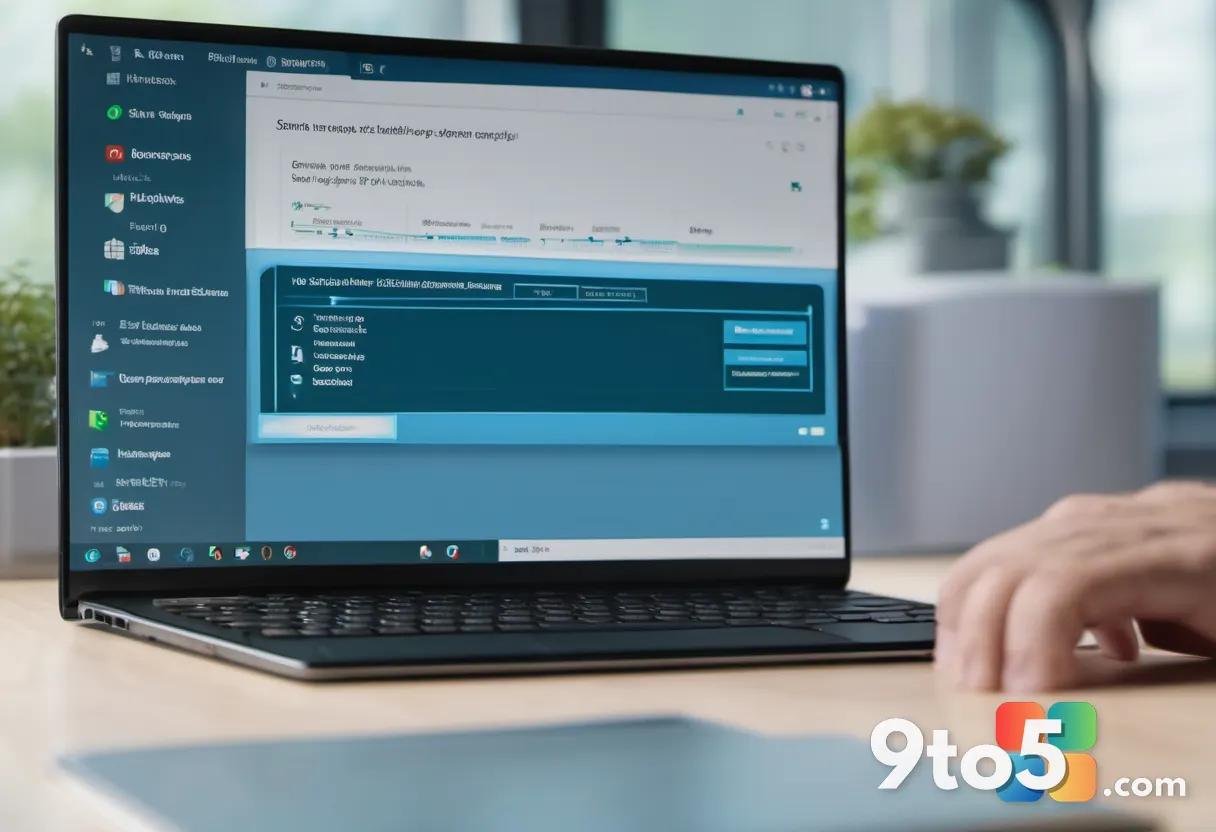
The simplest path is through Settings. Open the Start menu and search for Settings, then head to System > Windows Update and click Check for updates. If your PC qualifies and Microsoft has rolled 26H2 out to your account, the update will appear and can be downloaded and installed like any other.
As with most major Windows releases, the rollout happens in stages. Microsoft typically limits the initial wave to Insiders and devices it considers low-risk, then widens availability over the coming days and weeks. This staged approach is meant to catch any widespread issues before they affect the broader user base, so if you don’t see 26H2 immediately after checking, that doesn’t necessarily mean your PC is ineligible — it may simply be waiting its turn in the queue.
If your hardware is older than what 26H2 supports, you’ll see the usual eligibility notice rather than the update. Windows 11 carries specific minimum requirements around processor generation, RAM, storage, and a Trusted Platform Module (TPM) version 2.0, so a quick check in Windows Update will tell you whether your machine can run the new version.
What this means for you
For most users, a feature update is a quiet background event: your PC restarts, you pick up where you left off, and you’re running the latest version. The main practical takeaway is that 26H2 brings the improvements Microsoft bundled into this year’s release, along with the security patches that ship inside every feature update.
One thing worth noting is that installing the latest feature update keeps you supported. Microsoft phases out security updates for older Windows 11 versions, so staying current on your version helps ensure you continue to receive patches. If you’ve been holding off on a major update for any reason, this is a good moment to check whether you’re running behind.
Before you install, it’s still worth the usual precautions. Make sure you have a recent backup, and if you rely on specialized software or peripherals that might not be fully tested against the new build, give it a moment to settle in. Most people won’t run into trouble, but a little caution goes a long way with major version changes.
Where 26H2 fits in the Windows 11 timeline
Windows 11 follows a roughly annual release cadence, with Microsoft naming each major version by year and half of the year — hence 24H2, 25H2, and now 26H2. Each edition is meant to carry a fresh batch of features on top of the previous one, rather than reinventing the operating system from scratch.
The 24H2 release, for instance, was the vehicle for much of Windows 11’s early AI and Copilot-focused direction. Later editions have tended to build on that foundation with refinements and additional capabilities. 26H2 continues that pattern as this year’s scheduled feature update.
It’s worth keeping in mind that not every annual update is equally substantial. Some years bring larger overhauls while others focus on stability and incremental tweaks. Without a detailed changelog to reference here, the safest assumption is that 26H2 delivers the standard mix of new features, performance work, and security updates that Microsoft targets for each edition.
What to do next
Open Settings, check for updates, and install 26H2 when it becomes available to you. If it isn’t showing up yet, don’t force it — the staged rollout will reach your device in due course, and Microsoft’s approach is generally reliable at getting the update onto eligible machines automatically.
Once installed, take a few minutes to confirm everything is working as expected: check that your apps open, your peripherals connect, and your display looks right. If you notice anything unusual, that’s worth reporting through Windows’ feedback tools so Microsoft can track it.
Source: Neowin
Over to you: Has Windows 11 26H2 shown up on your PC yet, or are you still waiting for the staged rollout to reach you?