- Status: Confirmed fixed
- Affected versions/builds: Windows 11 24H2 (Build 26100) and Windows 11 25H2 (Build 26200)
- KB/Error Code: KB5095093
Microsoft has confirmed a significant storage bug in Windows 11 that causes the Capability Access Manager write-ahead log file to grow continuously without compacting. On affected systems, this single file can consume over 500GB of drive space, potentially filling up SSDs and causing system instability.
What is causing the storage bloat?
The issue stems from the CapabilityAccessManager.db-wal file. This component manages app permissions for privacy-sensitive features like the camera, microphone, location, and screen capture. Normally, this write-ahead log grows during use but merges back into the main database to save space.
In affected systems, the compaction process fails. The log continues to expand indefinitely. Users have reported file sizes ranging from 70GB to 200GB in common cases, with some verified instances reaching approximately 513GB using tools like TreeSize.
How to check if your PC is affected
If you suspect this bug is impacting your storage, you can verify it through two methods:
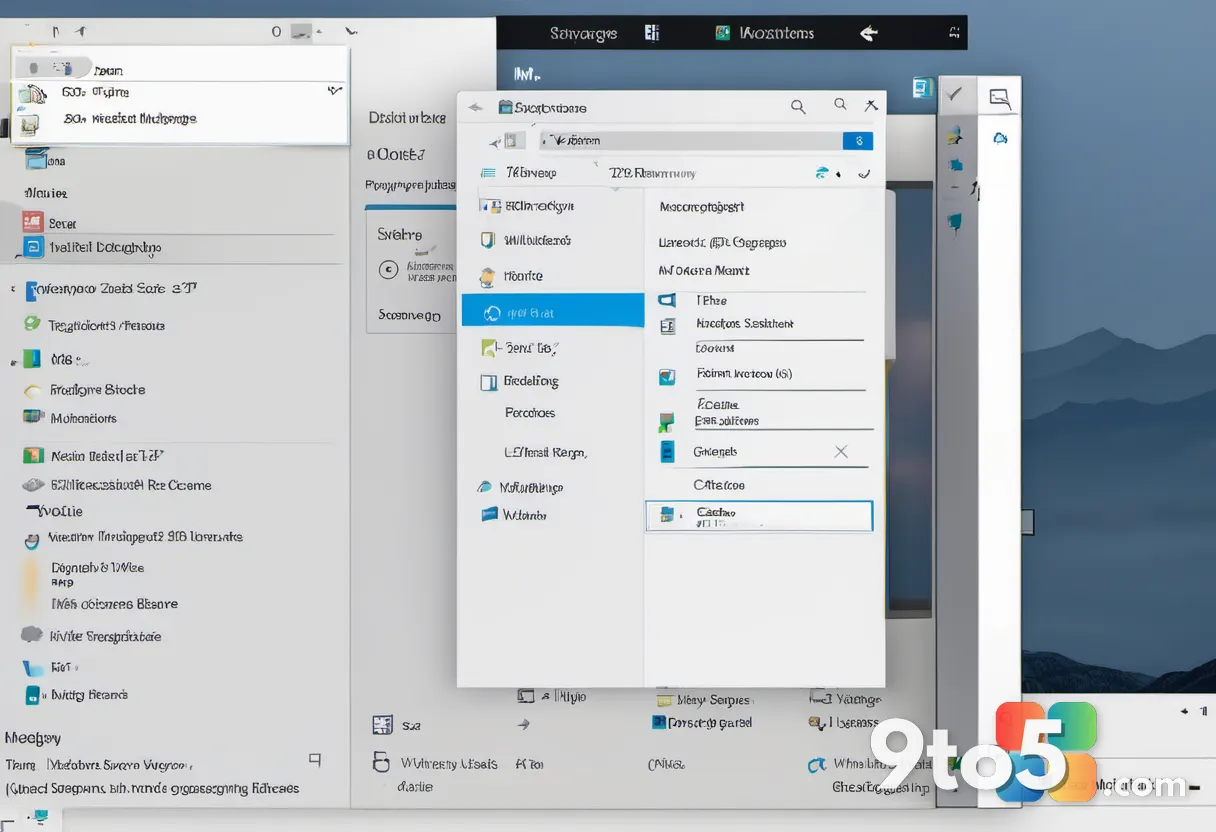
- Check Storage Settings: Open Settings > System > Storage. Select “Show more categories” and look at the size for “System files.” If this category shows hundreds of gigabytes unexpectedly, your system is likely impacted.
- Use Robocopy for Direct Verification: For a precise check, open an elevated Command Prompt and run a command to list files in the relevant folder. Look specifically for
CapabilityAccessManager.db-wal. If the file is only a few megabytes, you are safe. If it is several gigabytes or larger, the bug may be active.
How to fix the issue
The fix is included in update KB5095093. This update contains specific builds for affected versions:
- Windows 11 25H2: Build 26200.8737
- Windows 11 24H2: Build 26100.8737
You can install this update immediately by navigating to Settings > Windows Update > Advanced options > Optional updates. Look for KB5095093 in the list and follow the prompts to install it. A restart may be required for changes to take effect.
If you prefer not to install optional updates manually, this fix will also be included in the July 2026 Patch Tuesday cumulative update, scheduled for rollout on July 8, 2026. It will install automatically for users with standard Windows Update settings.
What this means for you
For users with smaller SSDs (512GB or 1TB), a bloated log file can critically reduce free space. This may lead to applications failing to install, Windows Update errors, and backup failures. After installing the fix, monitor your storage to ensure the WAL file returns to normal size. Microsoft has not explained why some systems allowed such extreme growth initially, nor have they confirmed if Insider builds for 26H1 are affected.
Source: gHacks
Build details:
- build 26200.8737
Over to you: Have you noticed unexplained storage usage on your PC recently? Let us know if this bug affected your system in the comments below.