- Status: Testing (Experimental Channel)
- Affected Builds: Windows 11 Insider Experimental 25H2
- Feature ID: Servicing_DeviceRebuild_WinREUX
Microsoft is quietly testing a new recovery mechanism in the latest Windows 11 Insider builds that could change how broken PCs are repaired. Code found by XenoPanther and reported by PureInfoTech points to a feature called Cloud Rebuild, identified internally as Servicing_DeviceRebuild_WinREUX.
This option appears within the Windows Recovery Environment (WinRE) under Advanced Options, but it is currently restricted to the Experimental 25H2 channel. It is not available in stable releases or public beta channels.
How Cloud Rebuild works
The primary goal of Cloud Rebuild appears to be automating system restoration without requiring physical media. When a device fails to boot, the system may attempt repairs via Quick Machine Recovery first. If those attempts fail, WinRE could offer Cloud Rebuild as the next step.
Unlike local resets that rely on cached files on your drive, this feature downloads a fresh copy of Windows 11 directly from Microsoft’s servers. This ensures you receive the latest secure build rather than an outdated image stored locally.
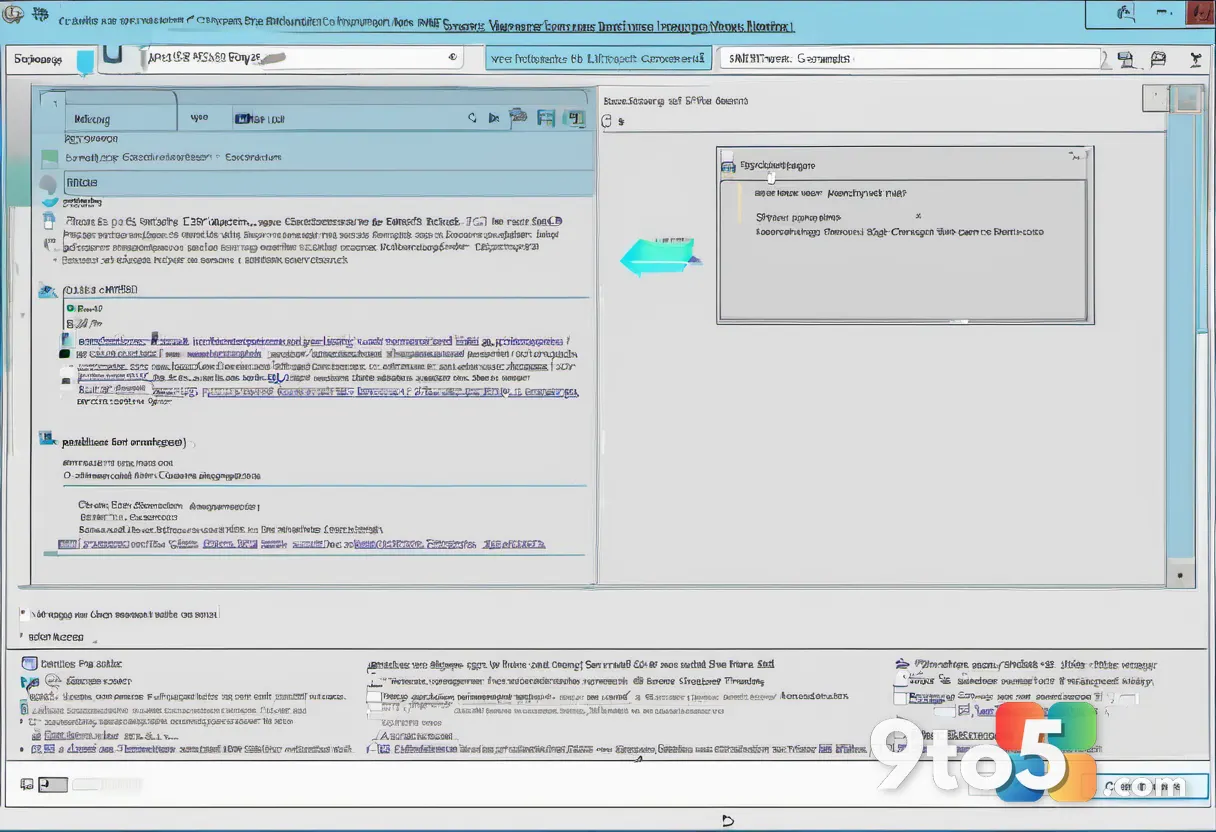
Based on current strings, Cloud Rebuild does not preserve user data or installed applications. The process wipes the drive and reinstalls the operating system from scratch. Users would need to restore files and apps from a separate backup after the rebuild completes.
Why this matters for Windows users
This feature could significantly reduce reliance on USB installation media for fixing unbootable systems. In the past, if your PC wouldn’t start, you often needed another computer to create a bootable drive. Cloud Rebuild aims to handle this entirely over Wi-Fi.
However, because it wipes data, having a reliable backup strategy is more critical than ever. Microsoft has not confirmed if this will replace existing reset options or serve as an automated fallback only when other repairs fail.
When can you expect it?
There is no official timeline for Cloud Rebuild reaching the general public. It remains hidden in code within Experimental 25H2 builds and does not function in a user-facing way yet. Standard Windows 11 users should not see this feature anytime soon.
If you want to monitor its development, you can join the Windows Insider Program’s Experimental channel. For now, existing recovery tools like System Restore, local reset, and cloud download reset remain your best options for troubleshooting.
Source: gHacks
Over to you: Would you trust an automatic cloud rebuild to fix your PC, or do you prefer manual control with USB media?