- Status: Confirmed
- Affected versions: Windows 11 (various builds)
- Resolution: Patch available
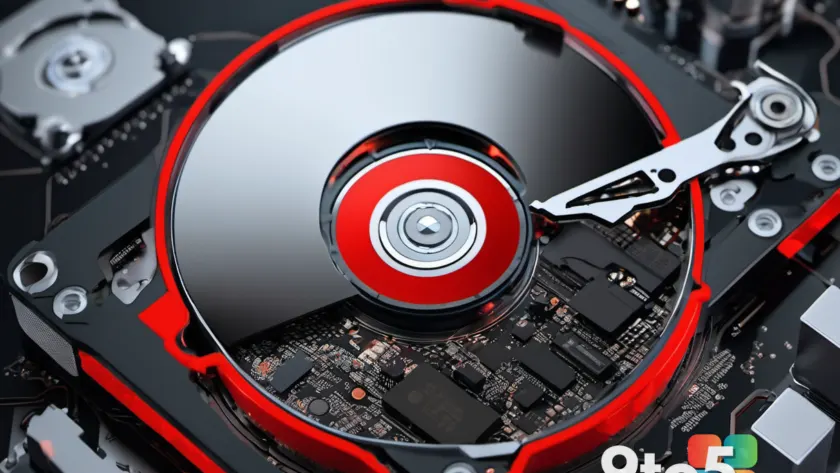
If your free disk space seems to be vanishing without a clear reason, you might be dealing with a specific storage glitch in Windows 11. A system file is known to grow indefinitely under certain conditions, potentially consuming up to 500GB of drive capacity over time.
Identifying the rogue file
The issue stems from a single system file that fails to reset its size as expected during routine operations. Instead of maintaining a manageable footprint, this file continues to expand, silently eating into your available storage. This can happen on any Windows 11 PC, regardless of whether you are running the latest updates or an older build.
To check if your system is affected, you will need to look for unusually large files in your Windows directory that do not correspond to standard system components. If you find a file growing significantly larger than its typical size, it may be the culprit behind your missing storage space.
Applying the fix
Microsoft has acknowledged this behavior and released a patch to address the underlying cause. Ensuring your system is up to date via Windows Update is the primary way to resolve the issue. If you have not checked for updates recently, running a manual scan can help install the necessary corrections.
For users who have already lost significant storage space, applying the patch should prevent further growth of the file. However, it may not automatically shrink the file back to its original size immediately. In some cases, you might need to manually delete or reset the affected file after ensuring the system is stable and updated.
What this means for you
For everyday users, this bug represents a hidden drain on your PC’s resources. A 500GB loss can render a drive nearly full, leading to performance slowdowns or an inability to install new apps and updates. Keeping your system patched is not just about security; it also maintains the health of your storage allocation.
If you are experiencing unexplained storage shortages, check for this specific file before considering hardware upgrades. It may save you from unnecessary spending on additional drives when a simple software update can reclaim your space.
Source: ZDNet
Over to you: Have you noticed unexplained storage loss on your Windows 11 PC recently?