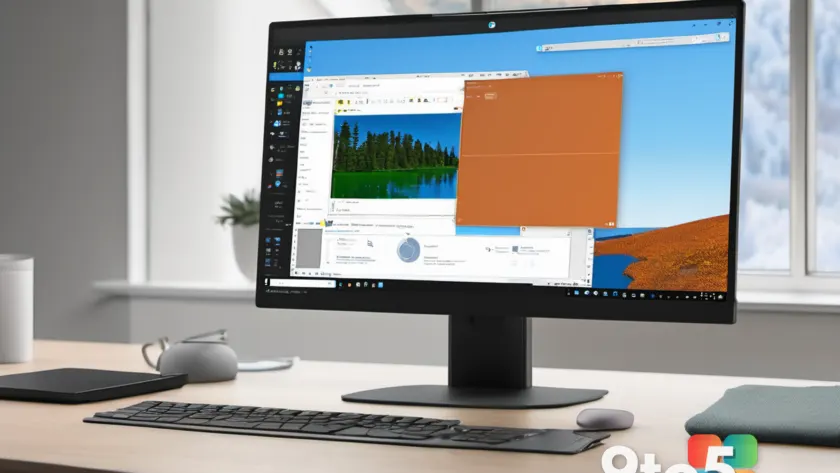
After more than four decades traveling inside Windows, Microsoft Paint is getting a fresh start on Windows 11. According to AskWoody, the basic image editor is now being presented as “new for Windows 11” — a refresh for one of the most recognizable programs in the operating system’s history.
A 40-year companion, now refreshed
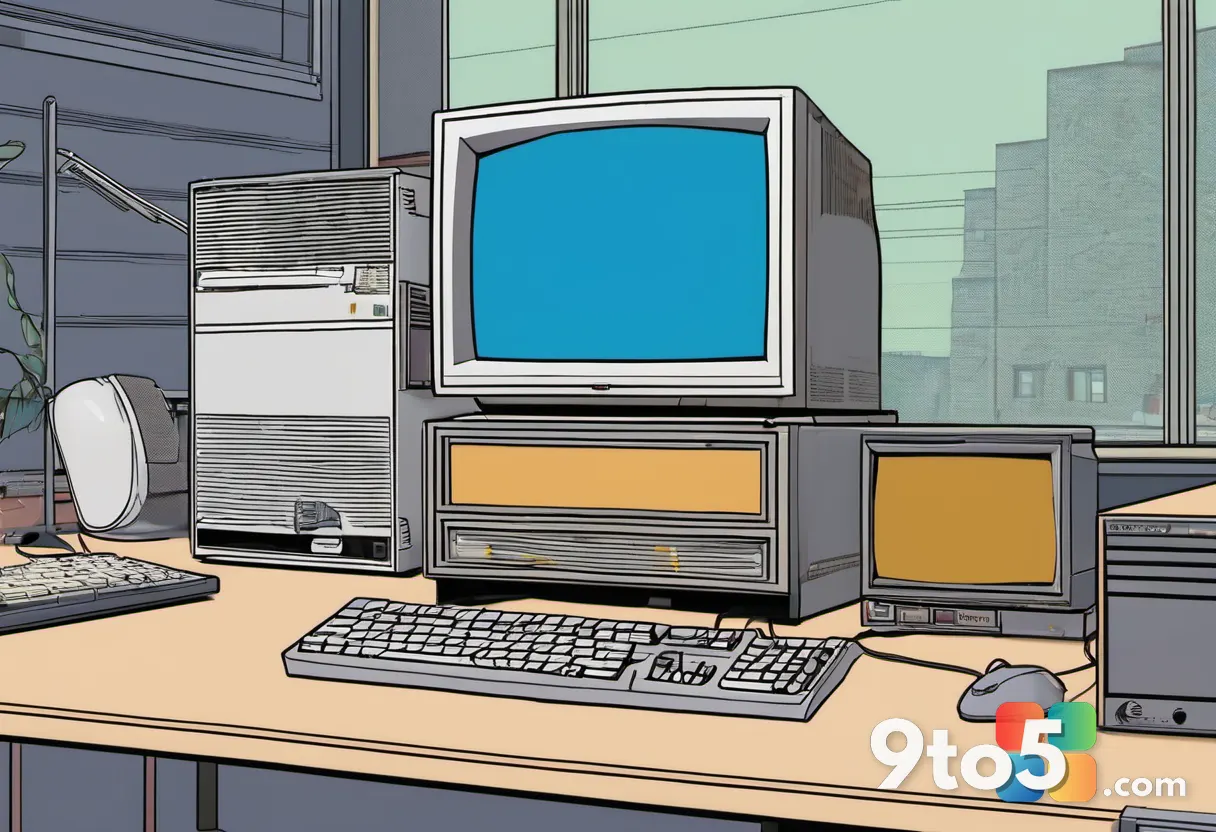
Paint has been bundled with Windows since 1985, originally shipping alongside Windows 1.0. For most of its life, it has served as the go-to tool for quick, no-frills image work: cropping a screenshot, sketching a shape, or layering text over a photo before sharing it online.
The early versions kept things simple by design. They offered a handful of drawing tools, color support, a few brushes, basic shapes, and text tools — enough to complete everyday tasks without drowning new computer users in a steep learning curve.
That simplicity is exactly why Paint stuck around. While more powerful editors dominated the professional market, Paint remained the lightweight, always-there option for casual work. It could open, edit, and save images in common formats, making it a quiet workhorse across millions of PCs over the years.
What “new for Windows 11” actually means
The framing here is notable: Microsoft is positioning Paint as new for Windows 11 rather than simply updating an aging program. That signals a redesign meant to bring the classic editor in line with the modern look and feel that Windows 11 introduced across its apps.
Readers may wonder whether this is a major overhaul or a cosmetic touch-up. The honest answer is that Paint has always been a modest tool by design. The refresh appears aimed at updating its appearance and integrating it more cleanly into the current platform, rather than turning it into a full-featured graphics suite.
Paint’s longevity is somewhat unusual in software. Many bundled utilities come and go with each Windows release, but Paint has persisted across countless versions — a sign of how useful a simple, fast image editor can be, and why its refresh draws attention.
Who still relies on Paint?
Despite the rise of sophisticated photo editors and even built-in alternatives in the Windows Photos app, Paint retains a dedicated user base. Students, casual creators, and long-time Windows users who value speed over features all reach for it.
It’s also a nostalgic staple. For many people, Paint was their first encounter with digital editing — the program behind countless childhood drawings, text overlays, and hastily cropped images. That emotional attachment is part of why a refresh matters to so many.
What this means for you
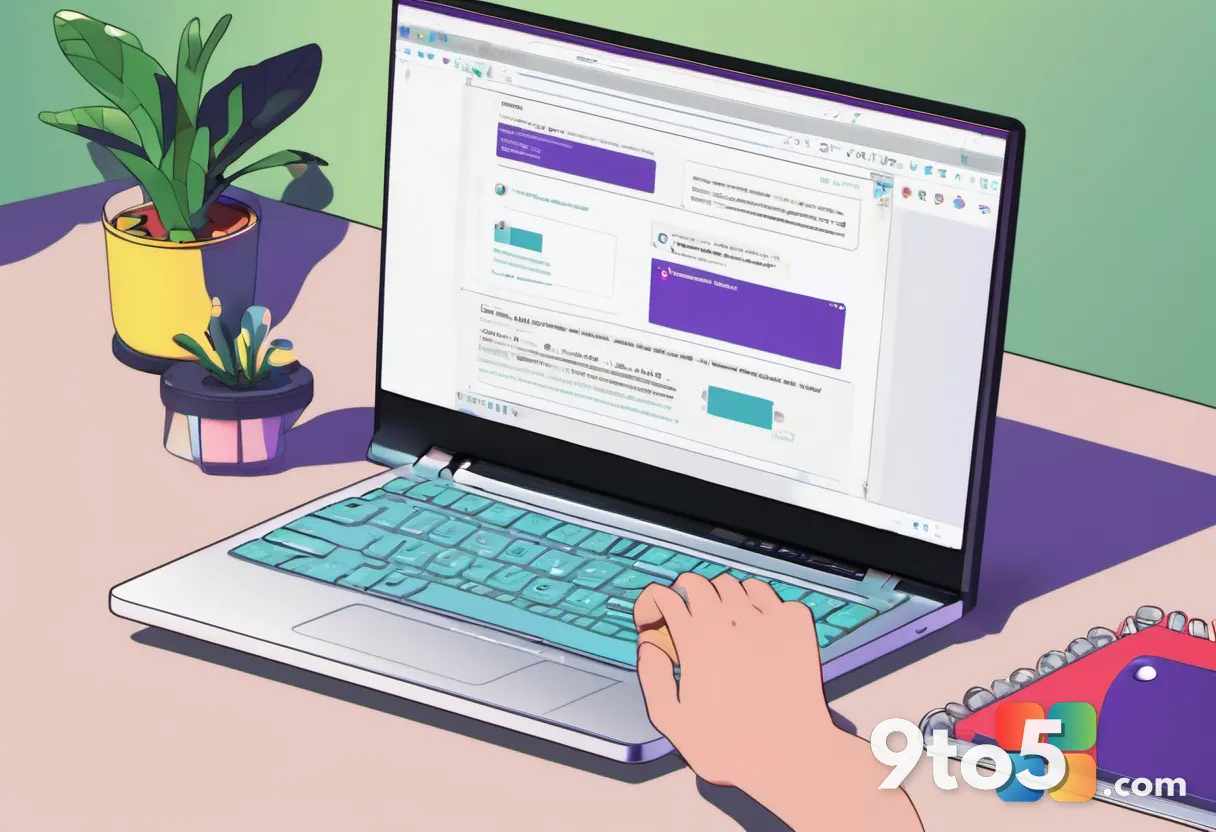
If you’ve used Paint before, you’ll likely feel right at home. The core experience — opening an image, making quick edits, and saving it — is unlikely to change dramatically. What you may notice is a more modern interface that fits the Windows 11 aesthetic.
For most users, Paint remains a practical choice for lightweight tasks. It’s fast, already installed, and needs no subscription or setup. If your image needs are simple, there’s little reason to switch to a heavier program just because a fancier option exists.
How to get it
Paint has historically shipped as part of Windows, so the refreshed version should be available to Windows 11 users through normal updates. If you don’t see it right away, search for “Paint” in the Start menu to launch it, or look for it in your apps list.
As with any bundled utility, the exact timing of the refresh rolling out to every machine can vary depending on your update channel and build. If you don’t see the new version immediately, keeping Windows up to date is the surest way to receive it.
Source: AskWoody
Over to you: Are you keeping Microsoft Paint in your Windows 11 toolkit, or have you moved on to a heavier editor?