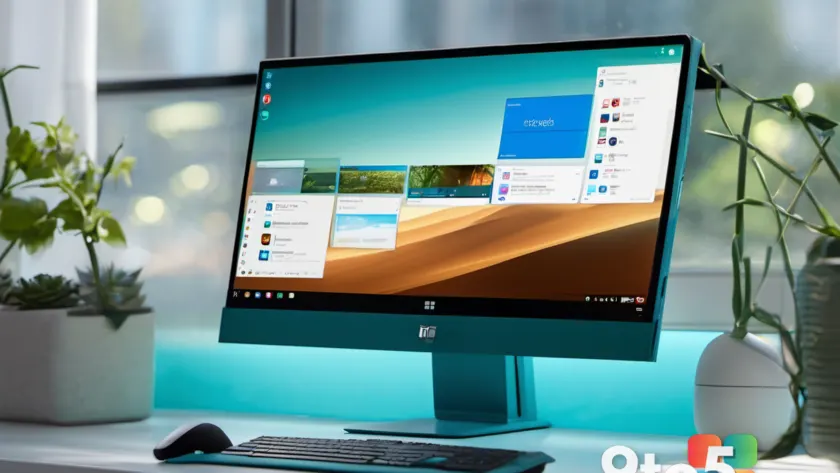
Microsoft has pushed the latest Windows 11 Start menu changes to the most experimental preview ring. the Insider Experimental (Future Platforms) Preview build 29671.1000 now ships with the redesigned Start menu that was previously announced but had not yet reached this channel.
Because the Future Platforms ring is where Microsoft tests its boldest changes first, seeing this redesign live in build 29671.1000 is a meaningful step. It signals the Start menu overhaul is moving from demos and changelog entries into something you can actually install today.
What the new Windows 11 Start menu includes
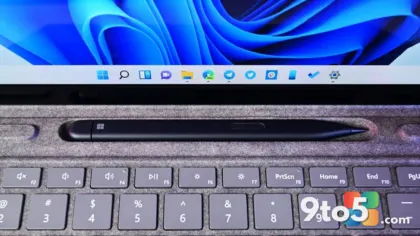
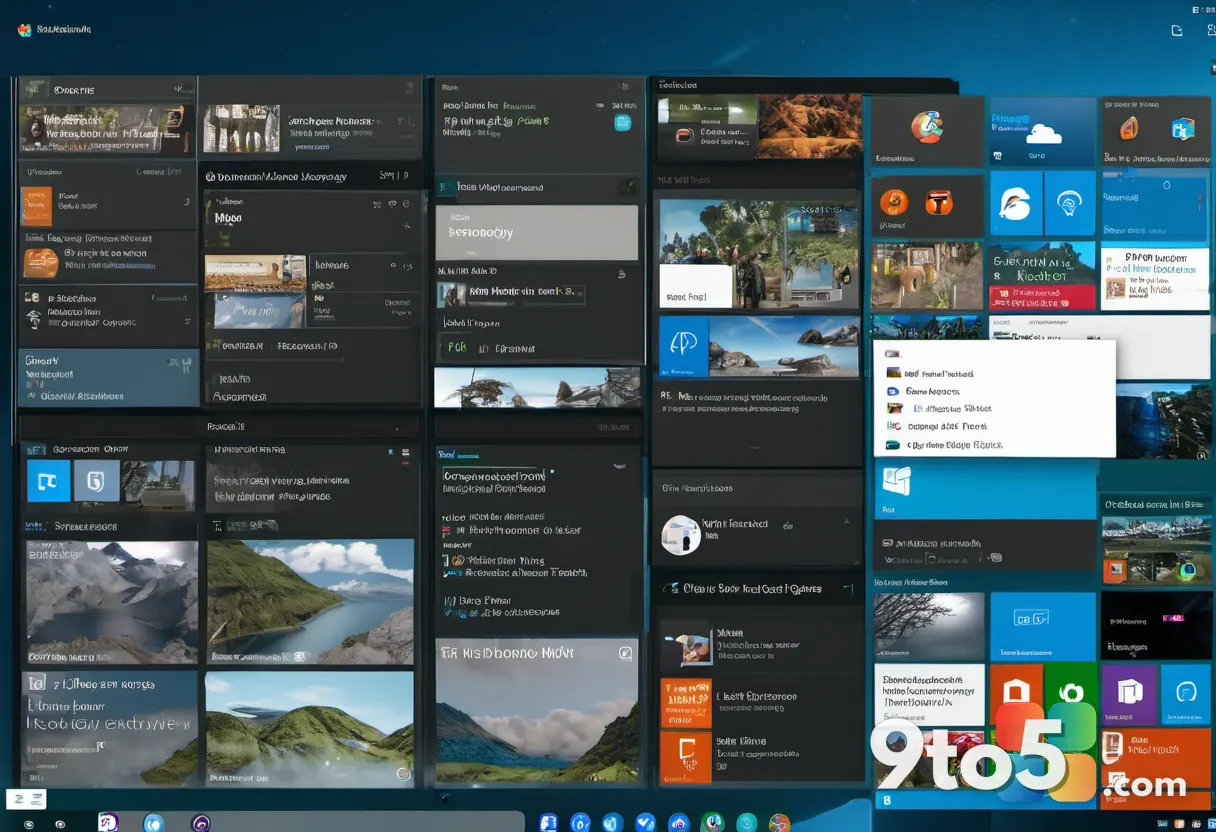
The changes arriving here are the ones Microsoft has described publicly for some time. The redesigned Start menu centers its layout, swaps in a new Start icon, and reworks how recommended apps and files appear when you open it.
Microsoft has framed this as part of a broader effort to make the Start menu feel more modern and less cluttered. The centered arrangement puts the Start icon and search box front and center, while the recommended section gets a cleaner, more deliberate presentation.
Since these are the “already known” changes, they aren’t a surprise drop. They were previously flagged in Microsoft’s previews and changelogs; this build simply carries them into a live environment where Insiders can test them against real usage.
Why the Future Platforms channel matters
Windows 11 Insiders are spread across several rings, each carrying a different level of risk. The Fast ring and Slow ring get more stable builds, while the Insider Experimental channel is the loosest rein. Build 29671.1000 lands there, which is why you should expect occasional rough edges.
The Future Platforms ring is deliberately experimental. It’s where Microsoft ships features that may or may not make it into a final release, giving Insiders a front-row seat to what Windows could look like down the line. That’s exactly why a Start menu redesign shows up here first.
For most users, this is a signal rather than a destination. If the redesign proves popular and stable, similar changes can trickle down to the slower, more established rings later on.
What this means for you
For the everyday Windows 11 user, nothing changes immediately. The Future Platforms build is not something you’ll move to on a Tuesday morning unless you’re chasing the newest experimental features. If you’re on the Fast or Slow ring, your Start menu will look the same as it did yesterday.
What you can do is watch the design closely. If you like the centered, cleaner look, this is a good sign that Microsoft is committed to pushing it further. If you prefer the older layout, this is a reason to stay put a bit longer.
Practically, running build 29671.1000 means you may see the new Start menu alongside any as-yet-unstable features. It’s a testing ground, so budget for the occasional reboot or a setting that behaves oddly.
How to get the build
To run build 29671.1000, you need to opt into the Insider Experimental (Future Platforms) Preview ring. That’s a separate enrollment from the Fast and Slow rings, so you’ll need to switch channels in the Windows Insider app.
Start in Settings, head to the Windows Insider Program section, and select the Future Platforms option. Once you switch, the update arrives through the normal Windows Update flow, and you’ll be prompted to restart.
It’s worth noting that moving to the most experimental ring is a deliberate choice. Microsoft recommends installing it on a machine you’re willing to risk, since experimental builds can be less stable than the mainstream releases.
What’s next
With the Start menu redesign now live in build 29671.1000, Insiders on the Future Platforms channel have something concrete to poke at. Watch for further tweaks to the layout, the recommended section, and the icon design as Microsoft continues to refine the look.
For anyone wondering whether this design will reach a stable release, the answer is simple: the Future Platforms ring is the canary in the coal mine. If it sticks here, it’s only a matter of time before it shows up in the rings most of you actually use.
Source: Neowin
Build details:
- build 29671.1000
Over to you: Will you jump to the Future Platforms ring to try the new Start menu, or stay put on the Fast ring a while longer?