Microsoft is widening access to its AI-powered Auto SR technology across more Windows 11 PCs, giving gamers the option to run titles with sharper visuals and smoother frame rates without draining hardware performance.
The move expands a feature that was previously locked to a curated set of machines and games. Now, thousands of additional PCs can opt in to the super-resolution upscaler, which renders games at a lower internal resolution and rebuilds each frame with an AI model running locally on your device.
What Auto SR actually does
Auto SR is Microsoft’s answer to competing upscaling technologies like AMD’s FidelityFX Super Resolution (FSR) and NVIDIA’s DLSS. Instead of pushing every pixel through your GPU at native resolution, it renders the game at a lower resolution, then uses a local AI model to upscale the frame to your display’s native output.
The result is a boost in performance that lets you hit higher frame rates or push settings further, while the AI reconstruction keeps the image looking close to native quality. You control the trade-off through a slider in the Xbox Game Bar overlay, choosing how much resolution to sacrifice for how much performance.
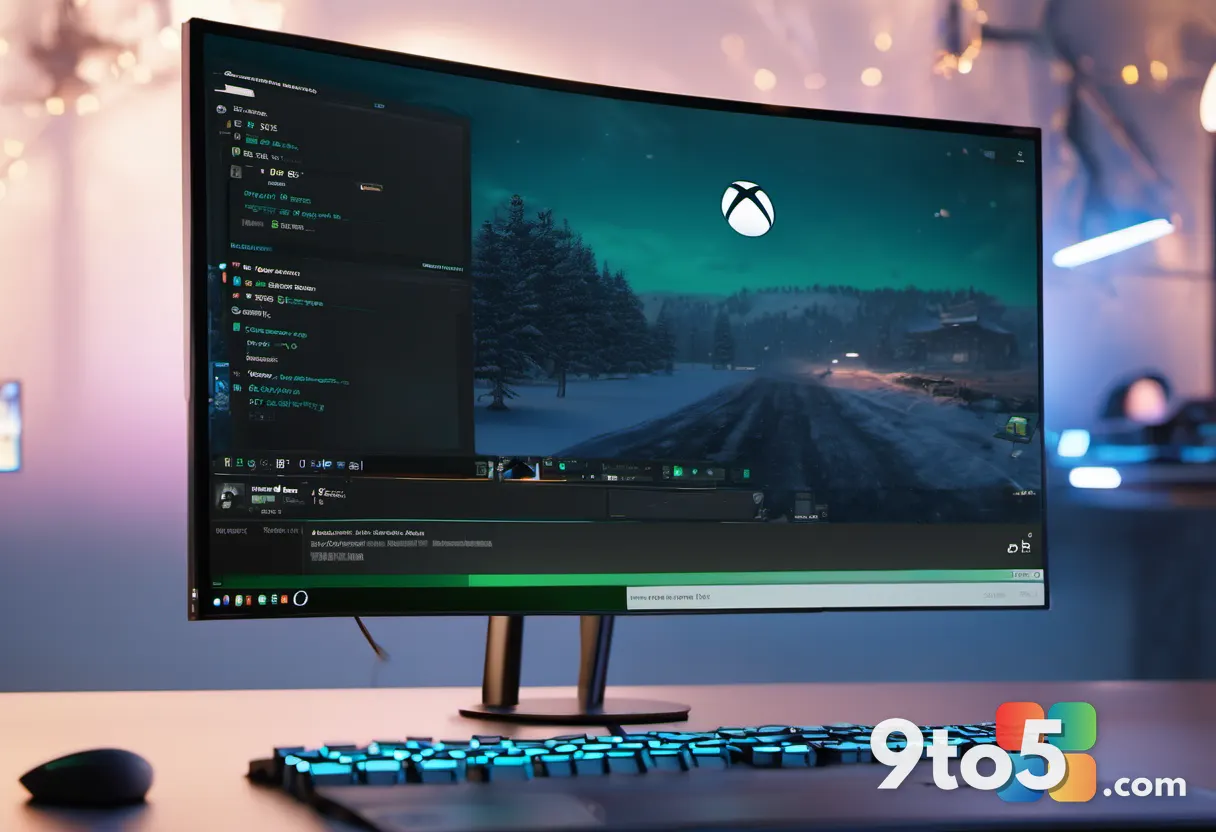
Because the AI model runs locally rather than in the cloud, latency stays low and the feature works even on a weak Wi-Fi connection or a modest data cap. That local processing is also what makes the initial rollout so picky: Microsoft had to vet each machine’s ability to run the model smoothly before granting access.
Auto SR first launched as part of the Xbox Game Bar on Windows 11, built on Microsoft’s own AI upscaling research. It was never a full-blown competitor to the dedicated AI chips in newer GPUs; instead it offers a software-based middle ground that runs on a wider range of hardware, which is likely why Microsoft is now opening it up to more machines.
Which PCs are now supported
The key change here is availability. Auto SR started life as a limited feature, whitelisting both the games that could run under it and the PCs allowed to use it. Microsoft is now unlocking access on a broader range of Windows 11 machines, so a much larger slice of the installed base can enable the upscaler.
From a practical standpoint, this means more users will see the Auto SR option in their Xbox Game Bar overlay than before. If you were previously told your device wasn’t yet supported, that restriction is loosening across a wider set of hardware. Microsoft hasn’t published a hard list of qualifying CPU or GPU combinations, so the safest way to know is to check the overlay itself once the update reaches your PC.
This is worth noting for anyone who upgraded their graphics card recently and then hit the “device not supported” wall. With the rollout expanding, older GPU drivers and mid-range cards may suddenly qualify where they didn’t before. Keep your drivers current, since a stale driver can still block the option even on supported hardware.
How to enable Auto SR
Getting Auto SR running is straightforward if your PC and game both qualify. You’ll need the Xbox Game Bar overlay open while a supported title launches, then toggle the super-resolution option from there.
- Make sure you’re on the latest Windows 11 build and have Xbox Game Bar up to date.
- Launch a game that appears in the Auto SR compatibility list.
- Open the Xbox Game Bar overlay (press Win + G) and locate the Auto SR toggle.
- Adjust the resolution-to-performance slider to your preference.
Both Xbox Play Anywhere titles and non-Xbox games can run under Auto SR, and it targets DirectX 11 and DirectX 12 applications. If the option doesn’t show up, your game or your build simply hasn’t been rolled out yet—not a sign that your hardware is permanently disqualified.
What This Means for You
For everyday gamers on Windows 11, this is a meaningful nudge toward desktop super resolution without needing a pricey GPU or a subscription. Auto SR lets you stretch a mid-range card further, which matters especially on laptops and integrated-graphic machines where native 1440p or 4K frames can struggle.
The catch is that quality isn’t quite on par with the pricier AI upscalers yet, and you’ll still notice some softening in fast-moving or detailed scenes when you push the performance slider hard. But for a free, built-in option that costs you nothing to turn on, it’s a real upgrade to the visual-and-performance trade-off.
Bottom line: if you’ve been waiting to get more frames out of a game without spending on new hardware, the wider Auto SR rollout gives you a legitimate, no-cost route to try it. Keep your Xbox App and Game Bar updated, and watch for the option to appear as Microsoft continues expanding support.
Source: Neowin
Over to you: Would you turn on Auto SR to squeeze more frames out of a mid-range card, or stick with native resolution for the cleanest image?