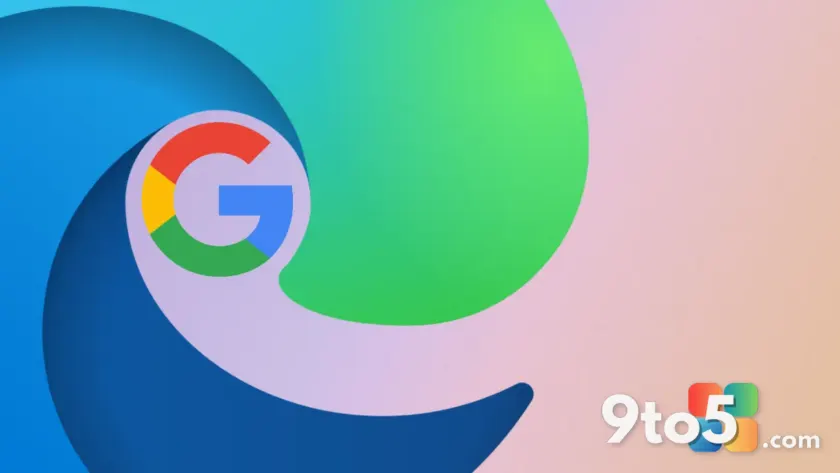
Microsoft has rolled out a significant convenience feature to Microsoft Edge: the ability to sign in directly using a Google account. This update removes the friction previously associated with switching browsers, allowing users to access their Google-synced data immediately upon logging in.
Direct Google Account Integration
In the past, moving from Chrome to Edge required a manual import process for bookmarks, passwords, and other browsing data. With this latest update, you can now authenticate with your existing Google credentials directly within the Edge sign-in flow. This integration bridges the gap between Microsoft’s browser ecosystem and Google’s user base.
Once signed in, Edge will sync your Google-managed data automatically. This means your bookmarks, saved passwords, and other preferences are available immediately without needing to run an import wizard or export files from Chrome first.

What this means for you
If you have been hesitant to switch from Chrome due to the hassle of migrating your data, this change lowers that barrier significantly. You no longer need to maintain separate accounts or worry about losing access to your saved information during a transition. For everyday users who rely on Google services, Edge now offers a more familiar and seamless experience.
This move also suggests Microsoft is prioritizing user convenience over strict ecosystem lock-in. By supporting Google sign-ins, Microsoft acknowledges that many users prefer the simplicity of using one primary account for multiple services.
Source: Neowin
Over to you: Will you switch to Edge for the seamless Google sync, or do you prefer keeping your browser data separate from your Google account?
You may also like
 Rumor: GTA 6 may hit 60 FPS on Xbox Series S with dual performance modes
 Xbox reportedly pulled funding from Assassin’s Creed creator’s new game
 Cyberpunk 2077: Edgerunners 2 trailer drops, confirms Fall 2026 Netflix release
 Assassin’s Creed Black Flag Resynced: Xbox Series X hits 60 FPS, Series S stuck at 30