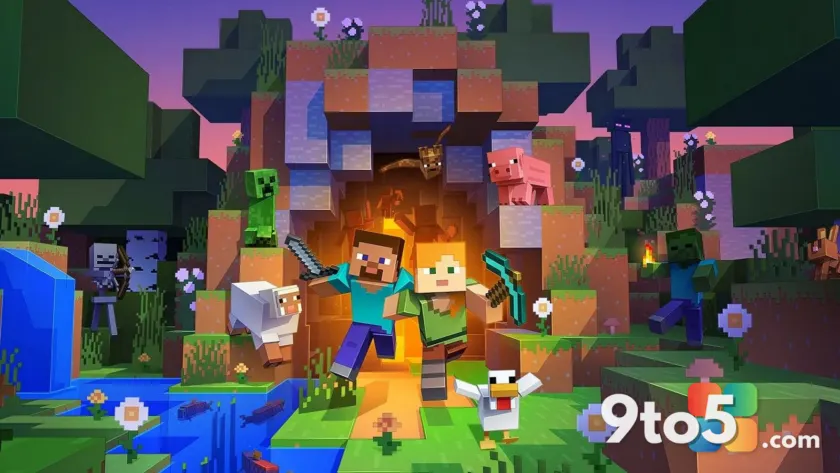
Minecraft Bedrock Edition has finally received a long-overdue accessibility update: closed captions. This feature, which has been available in Java Edition for years, allows players to see text descriptions of in-game sounds rather than relying solely on audio cues.
What closed captions do
Closed captions provide both dialogue text and visual indicators for environmental sounds. In Minecraft, this means you can see when a door opens, when an entity walks nearby, or when a creeper is sneaking up behind you. This helps players who are deaf or hard of hearing stay aware of their surroundings without missing critical audio signals.

How to enable closed captions
If you want to turn on this feature, the process is straightforward:
- Open the game and go to Settings.
- Navigate to the Accessibility menu.
- Toggle Closed Captions on and adjust the display settings to your preference.
What this means for you
This update brings Bedrock closer to feature parity with Java Edition. It also improves the gaming experience for players who process audio differently or simply prefer visual feedback for sound events. The change is opt-in, so it does not affect players who choose not to use it.
Source: Windows Central
Over to you: Will you use closed captions in your next Minecraft session, or do you prefer relying on audio cues?
You may also like
 Cyberpunk 2077: Edgerunners 2 trailer drops, confirms Fall 2026 Netflix release
 Assassin’s Creed Black Flag Resynced: Xbox Series X hits 60 FPS, Series S stuck at 30
 Rumor: GTA 6 may hit 60 FPS on Xbox Series S with dual performance modes
 Xbox reportedly pulled funding from Assassin’s Creed creator’s new game