Microsoft Edge Finally Allows Google Account Sign-In, Breaking Years of Tradition

Written by

in

For years, Microsoft has maintained a strict boundary between its own identity services and those of its competitors. If you wanted to sync your bookmarks, passwords, and history across devices while using the Edge browser, you were essentially required to use a Microsoft account. That long-standing tradition is now coming to an end.

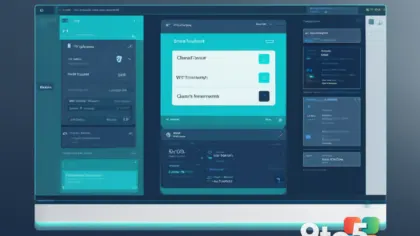
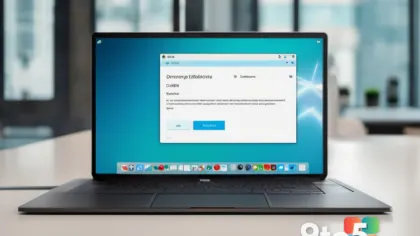
Microsoft is preparing to roll out support for signing into Edge with a Google account. This move represents a surprising break from company policy and could significantly lower the barrier to entry for users who prefer not to create or manage a separate Microsoft identity for their web browsing needs.

Why this matters for Windows users

This change is particularly relevant for the growing number of individuals who live in a multi-ecosystem environment. Many users rely on Google services for email, search, and mobile synchronization but use Windows PCs for work or gaming. Previously, keeping browsing data consistent between an Android phone and a Windows PC required juggling two different login systems.

By allowing Google credentials to authenticate Edge sessions, Microsoft is acknowledging that user convenience often outweighs brand loyalty. For everyday users, this means:

  • Reduced friction: No need to remember a second set of credentials just to sync browser data.
  • Better cross-device experience: Seamless syncing of tabs and passwords between Android devices and Windows PCs without manual account switching.
  • Increased adoption: Users who might have avoided Edge due to the Microsoft account requirement may now find it more appealing as a daily driver.

This shift suggests that Microsoft is prioritizing user experience over strict ecosystem lock-in, at least when it comes to browser identity management. It remains to be seen if this will extend to other Microsoft services in the future, but for Edge users, it is a welcome development.

Source: Neowin

Comments

Leave a Reply

Your email address will not be published. Required fields are marked *