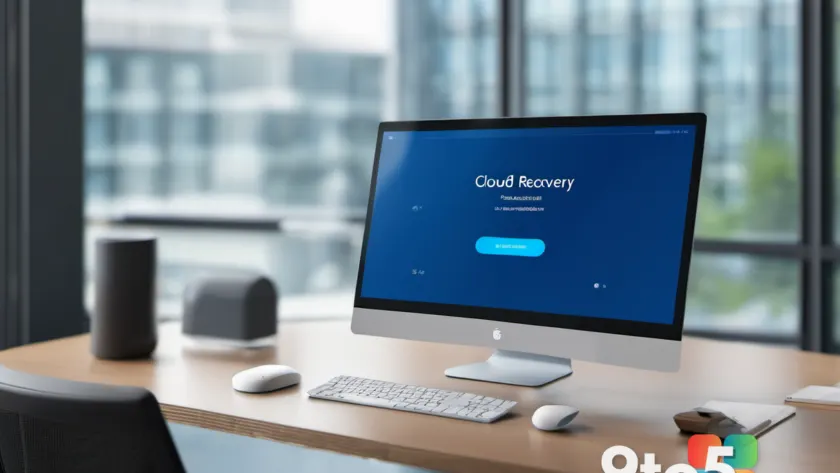
Microsoft is introducing a new recovery method called Cloud Rebuild for Windows 11, designed to help users restore their PCs to a clean state without needing external media. Currently rolling out to Windows Insiders in the latest preview builds, this feature aims to simplify the recovery process when the operating system becomes unbootable.
How Cloud Rebuild works
The primary advantage of Cloud Rebuild is its ability to download both the target Windows image and the specific device drivers directly from Windows Update. This means your PC can be restored to a fully functional state without relying on a USB installation drive or custom images.
This approach differs significantly from the existing “Reset this PC” option. While Reset this PC has offered cloud downloads for some time, it generally requires the OS to still be bootable and pulls drivers from local sources. Cloud Rebuild operates independently of the current OS health, making it a viable solution even when Windows fails to start entirely.
Key differences from Reset this PC
It is important to note that Cloud Rebuild does not offer an option to keep your files and apps. It is strictly designed for a clean reinstall of the operating system along with necessary drivers. If preserving data is your priority, the traditional “Reset this PC” method remains the appropriate choice.
- Cloud Rebuild: Downloads OS and drivers from Windows Update; works even if unbootable; wipes all data for a clean slate.
- Reset this PC: Can keep files/apps; relies on local driver sources; generally requires a bootable OS to initiate cloud download options.
Availability and rollout
This feature is currently available in preview builds for Windows Insiders. Microsoft has not yet announced a specific date for general availability, but the tool is expected to reach broader audiences in the coming months as testing progresses.
What this means for you: If your PC ever hits a critical error that prevents booting, Cloud Rebuild could save you from hunting down a USB drive or finding another computer to create installation media. Just remember to back up important data regularly, as this method performs a complete wipe.
Over to you: Would you trust Cloud Rebuild to restore your PC if it wouldn’t boot, or do you prefer sticking with traditional USB installation methods?
You may also like
 Windows 11 storage bug: How to spot and fix the file eating your drive
 Cloud Rebuild lets you fix unbootable Windows 11 without external media
 Windows 11 Cloud Rebuild fixes unbootable PCs without USB drives
 Microsoft confirms ‘Search charm’ dialog and other legacy UIs are next for Windows 11 modernization