Microsoft’s Surface Studio held the crown for design in the all-in-one (AiO) category for years, but since its discontinuation, the market has been waiting for a worthy successor. Lenovo appears to have filled that void with the Lenovo Yoga AiO i 32 Aura Edition. This isn’t just an incremental update; it is a complete redesign that prioritizes aesthetics as much as performance.
The device features a radical upside-down V-shaped stand, a transparent display chin illuminated by RGB lighting, and what the reviewer calls the best display ever fitted to an all-in-one PC. After daily-driving this machine for three weeks, here is how it performs in real-world use.
Design: The floating screen illusion
The most striking feature of the Yoga AiO i 32 Aura Edition is its form factor. Unlike traditional AiOs with bulky bases, this unit houses the entire computer system within a slender stand that leans against the desk in an inverted V-shape. From a seated position, the stand is nearly invisible, creating the illusion that the screen is floating.
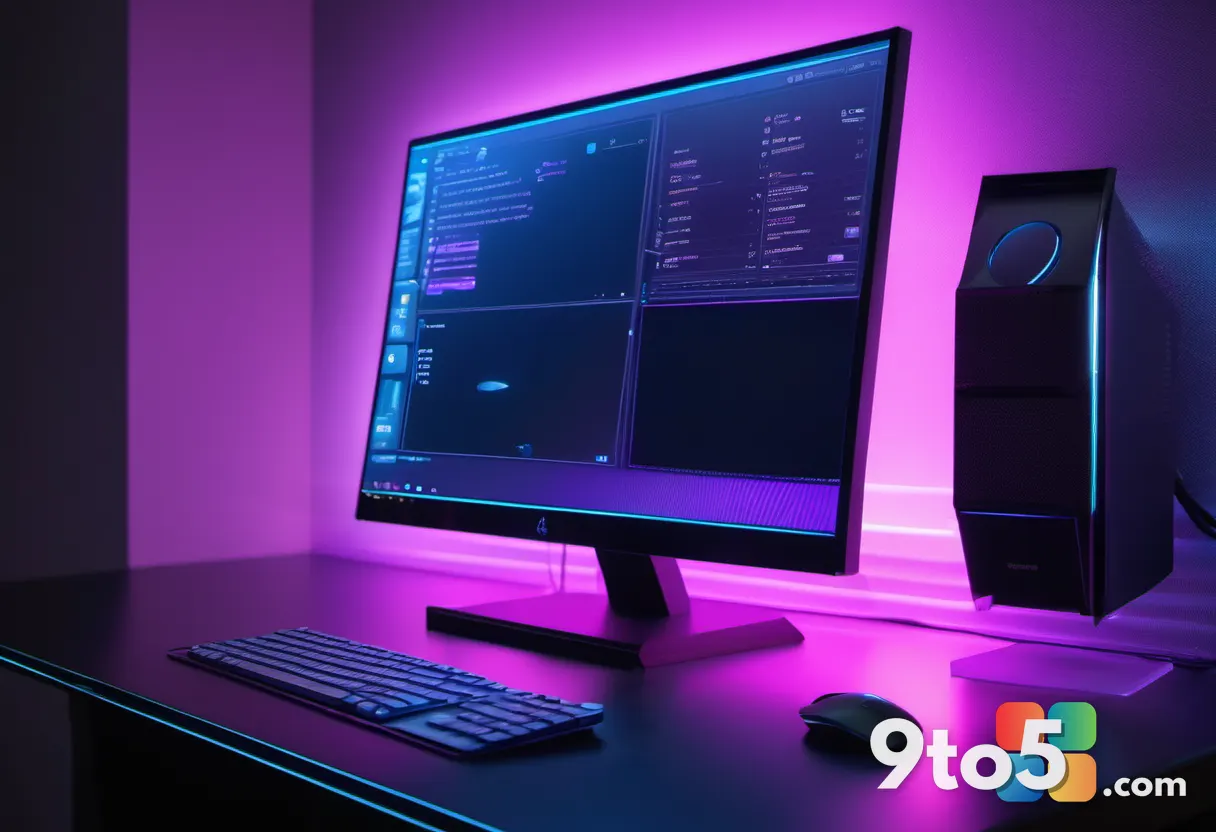
The bottom of the display features a transparent chin embedded with RGB lighting. This lighting can be controlled via Lenovo’s Vantage app or, notably, through Windows 11’s native Dynamic Lighting feature. It allows for customizable gradients and colors directly from the OS settings, integrating seamlessly into your desktop environment.
” alt=”Close-up of the transparent chin with RGB lighting on a dark desk surface” />
Display and Build Quality
The screen is a 31.5-inch 4K OLED panel capable of 165Hz refresh rates. It covers 99% of the DCI-P3 color gamut and reaches up to 1,000 nits peak brightness in HDR content. For creators working with video or photography, the color accuracy is exceptional. The metal frame surrounding the display feels premium and stays cool to the touch even under load.
However, the transparent chin has a downside: it attracts fingerprints and dust aggressively. You will likely need to clean it daily to maintain its pristine appearance. Additionally, because the stand lacks a traditional base, it requires more desk depth to angle comfortably. Users with smaller desks may find the screen sits too close or the stand edge uncomfortably near the table’s boundary.
Performance and Specs
The Yoga AiO i 32 Aura Edition is priced at $3,097.99 with a single configuration option. It runs on the new Intel Core Ultra X7 358H processor (part of Intel’s Core Ultra Series 3) paired with 32GB of LPDDR5X RAM and a 1TB PCIe Gen4 SSD.
Graphics are handled by the integrated Intel Arc B390. In benchmark tests, it achieved a Geekbench multicore score of 16,964 and handled video rendering tasks efficiently. While not designed for hardcore gaming, it manages light to moderate titles well. Games like Cyberpunk 2077 run acceptably at 1440p with high settings, while older titles like GTA V can hit maxed-out settings at 4K.
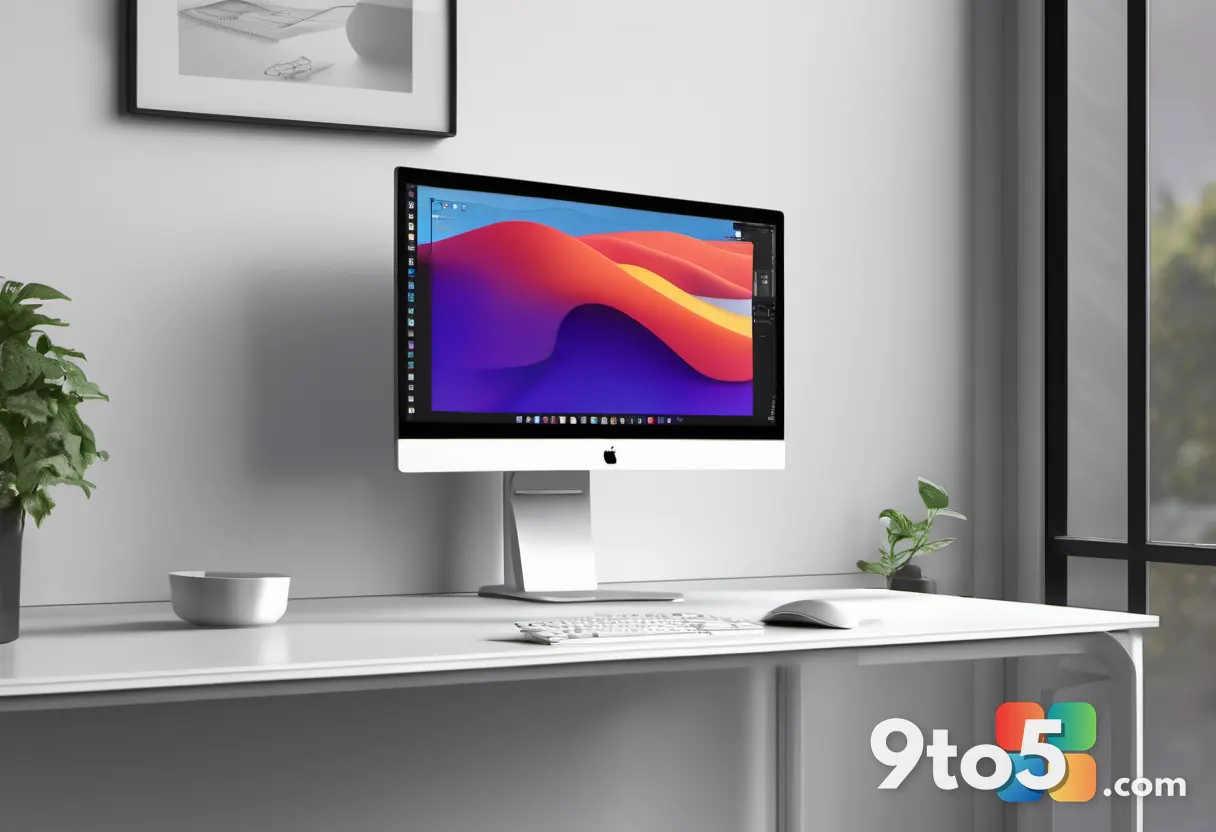
” alt=”Side profile of the thin all-in-one PC showing the sleek stand and port placement” />
Connectivity and Audio Issues
Port selection is limited. There is one easily accessible USB-C port on the side of the display, but most other connections—including two USB-A ports, two more USB-C ports, and an HDMI jack—are located at the very bottom rear of the stand. Plugging in devices requires getting up and reaching behind the screen, which can be inconvenient.
There is no Ethernet port or SD card reader, which may disappoint professional creators who rely on wired internet stability or memory card transfers. The included wireless keyboard and mouse pair automatically out of the box, offering a premium typing experience.
A significant issue noted during testing involves the built-in speakers. Both review units exhibited an audible hissing or whooshing noise whenever the audio channel was active, even when muted. This appears to be a hardware or firmware defect rather than user error. External speakers are recommended if you plan to use this system for media consumption.
Verdict
The Lenovo Yoga AiO i 32 Aura Edition is a visually stunning machine that successfully challenges the legacy of the Surface Studio in terms of design. Its OLED display and powerful Intel Core Ultra X7 processor make it an excellent choice for content creators and professionals who value aesthetics.
However, the high price point, difficult-to-reach ports, lack of dedicated GPU options, and potential speaker defects are notable drawbacks. If you have a large desk and don’t mind using external audio or peripherals, this AiO offers a premium Windows 11 experience that is hard to ignore.
Source: Windows Central
Over to you: Would you prioritize the stunning OLED display and unique design over the inconvenient port placement for a $3,000 desktop?
You may also like
 ASUS Zenbook A14 (2026) review: Snapdragon X2 Elite brings serious speed to a featherlight frame
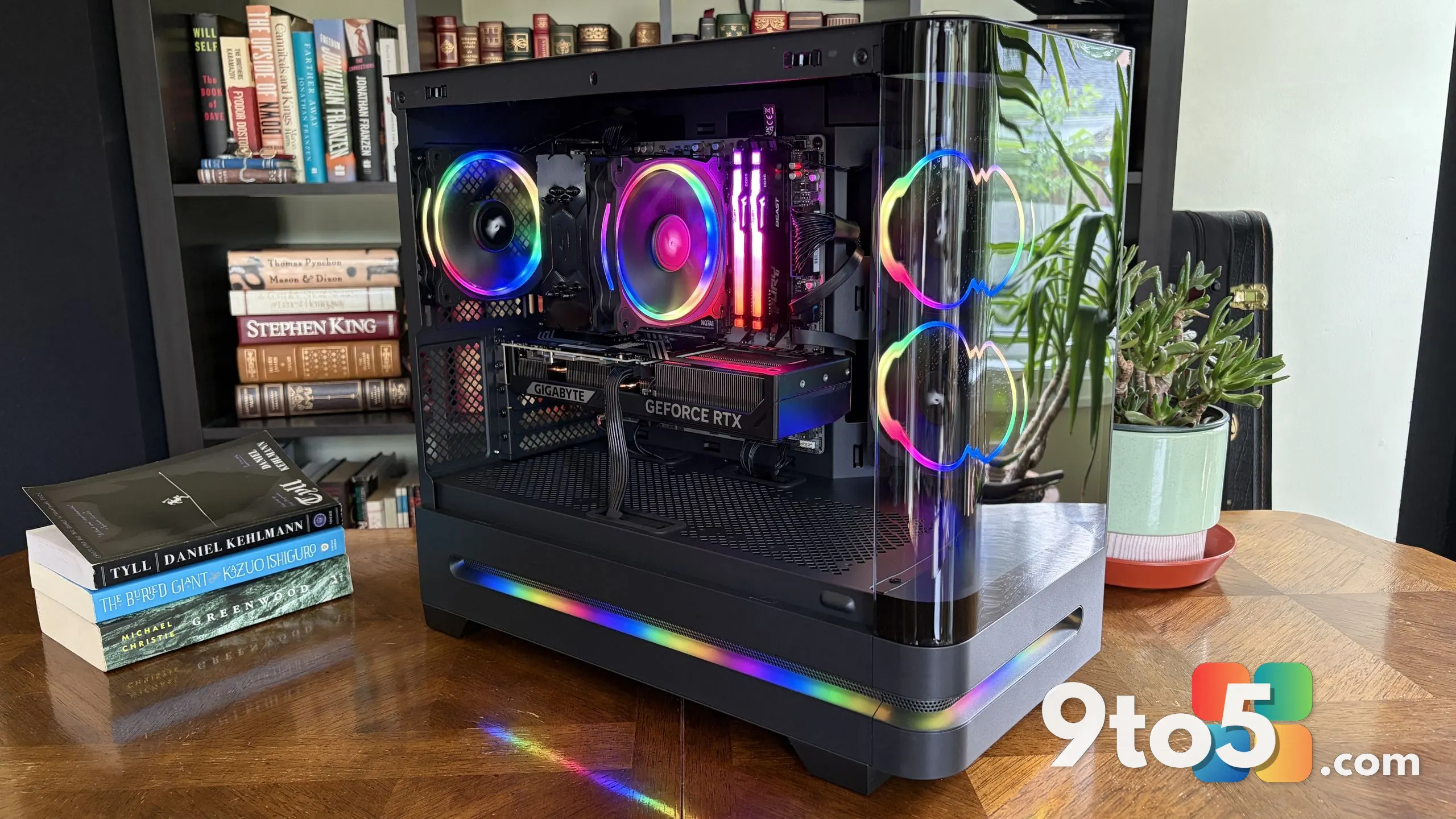 Acer Nitro 65 review: A surprisingly clean pre-built gaming PC with RTX 5070 power
 HP OmniBook 3 16-inch review: A $400 bargain or a $1,500 mistake?
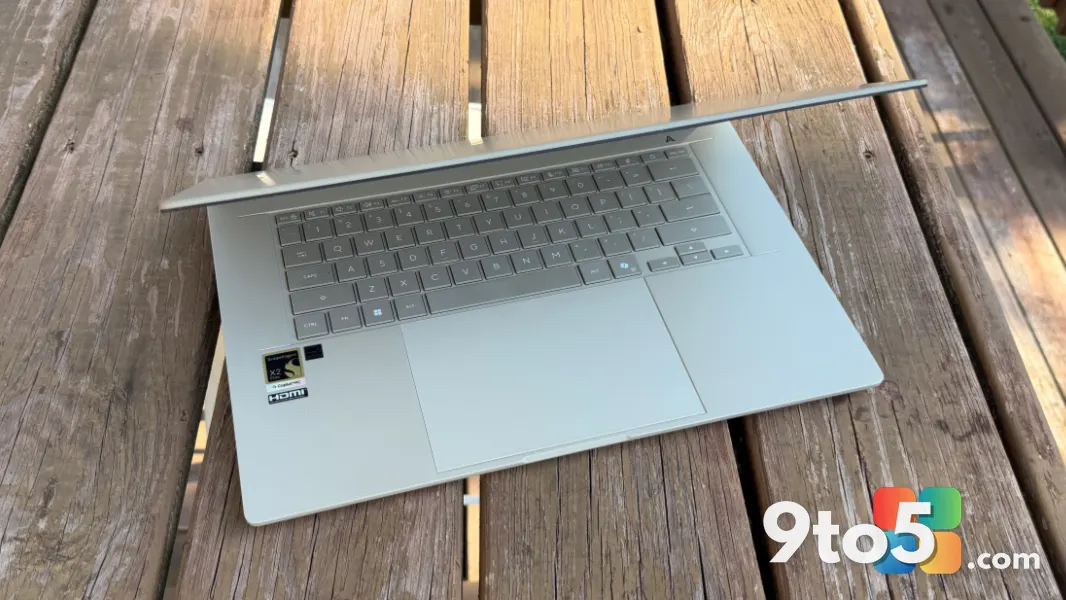 ASUS Zenbook A16 review: The portable Copilot+ PC that hits every mark