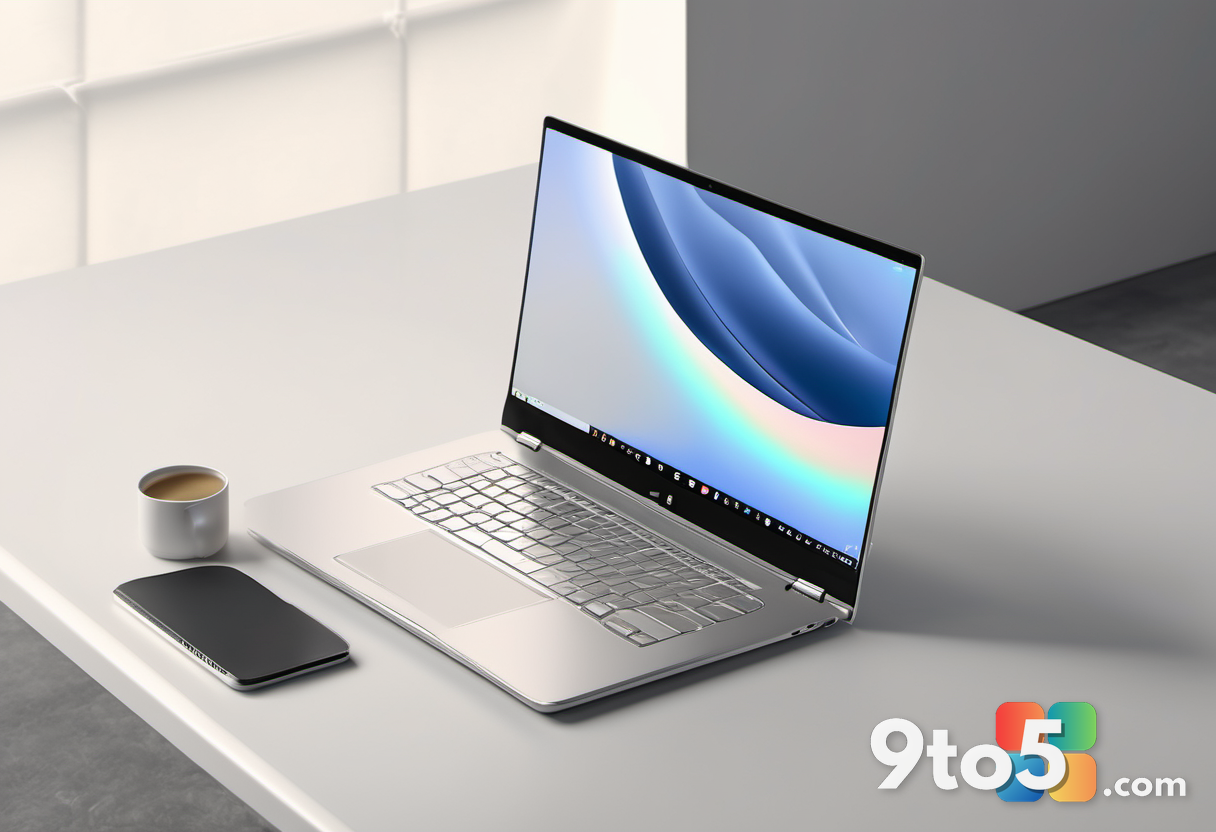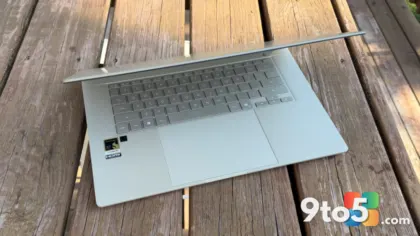
HP’s latest entry in its AI PC lineup, the OmniBook 3 16-inch, presents a confusing value proposition. On one hand, it offers class-leading battery life and solid performance from Qualcomm’s Snapdragon X chip. On the other, the build quality feels fragile, and the pricing strategy makes it difficult to recommend unless you find a significant discount.
After spending two weeks with the device, here is what you need to know before adding this laptop to your cart.
The pricing trap: Great deal or bad buy?
The HP OmniBook 3 16-inch starts at $699.99 MSRP, but HP seems to have designed this model to live in the discount bin. At the time of writing, a configuration with the Snapdragon X (X1-26) SoC, 16GB of LPDDR5x RAM, and 512GB SSD is available at Walmart for just $399. At that price point, it is an undeniable bargain.
However, the review unit tested here features higher specifications: a 16-inch OLED display, 32GB of RAM, and a 1TB PCIe 4.0 NVMe SSD. This configuration regularly lists for $1,729.99, though it was discounted to $1,259.99 during testing. At over $1,200, the laptop’s compromises in build quality and audio become hard to justify against competitors.
What this means for you: Do not pay full price. The OmniBook 3 is only a strong recommendation if you can secure it for under $700. If you are looking at the $1,500+ tier, there are better-built machines available.
Design and build quality
The OmniBook 3 is surprisingly portable for a 16-inch laptop. It measures just 0.58 inches (1.47cm) thick and weighs 3.65 pounds (1.65kg), making it easier to carry than many 14-inch rivals. The chassis combines aluminum and plastic, giving it a sleek appearance.
Unfortunately, the materials do not feel premium under pressure. There is noticeable flex in the body, and pressing on the deck produces loud creaking noises. While the lid appears rigid enough to protect the screen, the overall structural integrity feels cheap for a device that can cost over $1,000.
Display: OLED beauty with glare issues
The standout feature of the high-spec model is the 16-inch OLED display. It offers a resolution of 1920×1200 (FHD+) and covers 100% sRGB, 92% AdobeRGB, and 99% DCI-P3 color spaces. The contrast and color accuracy are excellent, far superior to the IPS panels found in lower-tier models.
However, the screen maxes out at around 300 nits of brightness. Despite an anti-glare coating, the display struggles in bright environments or direct sunlight. If you work near windows or outdoors, the OLED panel may be too dim for comfortable use.
Performance and battery life
The laptop is powered by the Qualcomm Snapdragon X (X1-26) processor. While this is last-generation hardware compared to the newer X2 series, it performs admirably for everyday tasks. In benchmark tests, it competes closely with Intel’s Core Ultra 7 256V in single-core and multi-core workloads.
The real star here is battery efficiency. The 68Wh battery delivers exceptional endurance. During testing, streaming video for a full day left the battery above 70%. Real-world mixed-use scenarios yielded approximately 25 to 30 hours of runtime, making it one of the longest-lasting Windows laptops available.
Ports and peripherals
Connectivity is solid for a budget device. The left side features an HDMI 2.1 port, two USB-C 3.2 (Gen 2) ports supporting DisplayPort 1.4, and one USB-A port. The right side includes another USB-A port and a 3.5mm audio jack. Note that the ports are limited to 10Gbps speeds; if you need Thunderbolt 4 or USB4 for high-speed external storage, look elsewhere.
The keyboard is comfortable with good key travel and includes a full numeric keypad, which is useful for productivity. The 1080p webcam supports Windows Hello facial recognition via an IR sensor, though the dual speakers on the bottom are underwhelming in volume and clarity.
Verdict
The HP OmniBook 3 16-inch is a tale of two prices. At $400–$500, it is an exceptional value for students or casual users who prioritize battery life and screen size over build quality. At $1,200+, the creaking chassis and mediocre speakers make it hard to recommend against more polished competitors.
Source: Windows Central
Over to you: Would you risk the build quality for the battery life, or stick with a more traditional Intel/AMD laptop?