The flood of AI-generated imagery has made it harder than ever to stand out as a creator, but the hardware to produce genuine, hand-crafted digital art has never been more accessible. Huion is currently capitalizing on the return-to-campus rush with a structured back-to-school sale, cutting prices across its entire lineup of pen displays, portable drawing tablets, and smart notebooks. Whether you are a design student setting up a dorm workstation or a seasoned illustrator looking to upgrade your primary display, these Huion back-to-school deals span every price bracket.
#1 Kamvas Pro 24 4K
Price drop: Was $1299.99, now $899.99
The flagship of the sale lands squarely in the professional tier. This 24-inch pen display delivers true 4K clarity and an expansive color gamut that renders fine linework and subtle gradients without banding. It supports 8,192 pressure levels, which translates directly to smoother brush transitions and more natural line weight variation when working in Photoshop, Clip Studio Paint, or Procreate for Windows.
What sets this model apart from competitors at a similar price point is the included accessory bundle. The box ships with a Keydial Mini for customizable shortcut rotation, an artist glove, multiple replacement nibs, and a dedicated pen holder. Rebecca Spear, who previously reviewed the unit, noted that it produces a great color gamut with 4K clarity and offers useful items included in the box for better control while drawing. It earned a 4.5-star rating during its Windows Central review.
#2 Kamvas Pro 19
Price drop: Was $1099.00, now $879.00
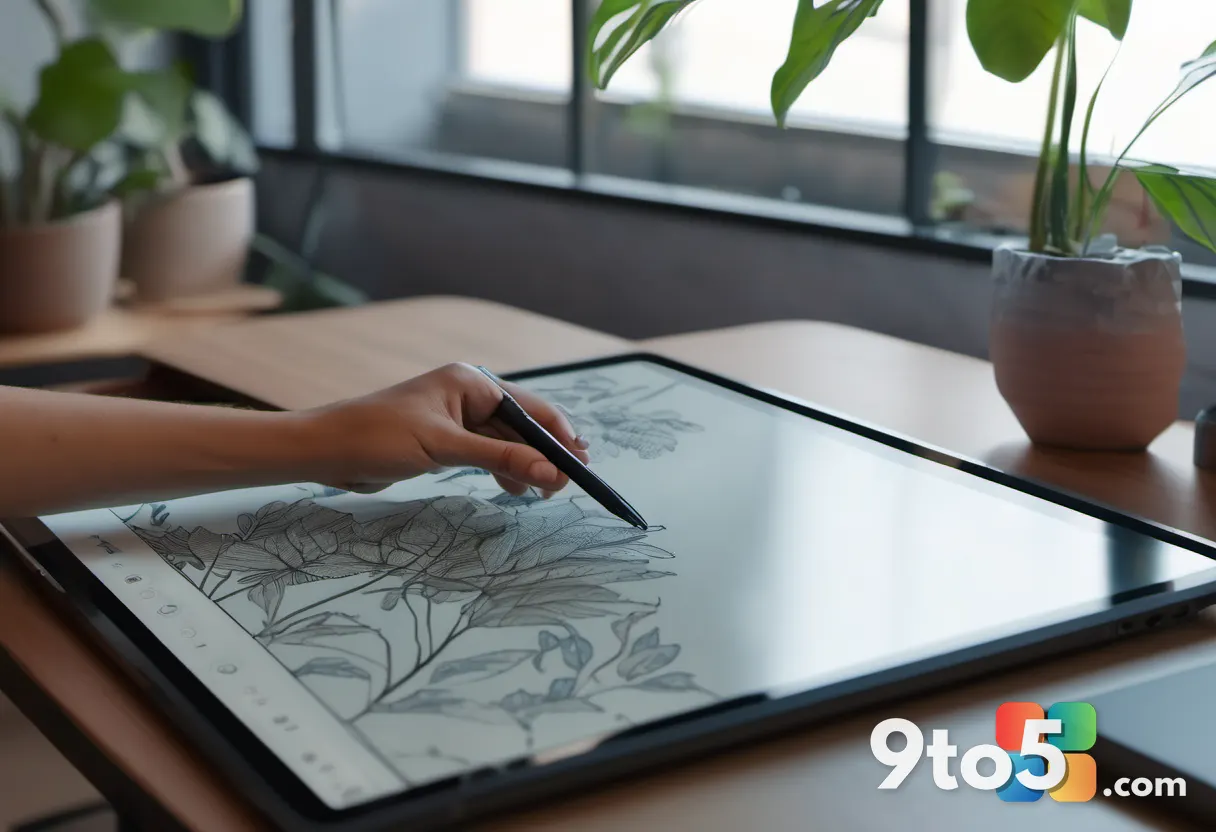
For creators who need a professional-grade display but work in tighter spaces, the 19-inch variant trims the footprint without sacrificing core performance. You receive two stylus pens, a drawing globe, a pen holder, replacement nibs, and the same Keydial Mini found in the larger model. The display maintains accurate color reproduction and excellent brush stroke pressure mapping, which is critical when rendering depth in character design or concept art.
This model also carried a 4.5-star rating in our past reviews, with reviewers highlighting the responsive stylus and the value of getting dual pens in the box. If your workflow involves frequent erasing, layer toggling, or switching between fine liners and broad markers, having a backup pen ready eliminates downtime.
#3 Huion Note
Price: Discounted from standard retail
Not every student needs a connected display. The Huion Note is a standalone smart notebook designed for lecture capture and field research. It comes pre-loaded with 50 A5-sized pages, runs on Bluetooth 5.0 connectivity, and includes four ballpoint pen refills plus two plastic pen nibs. The device offers an 18-hour battery life, which comfortably covers a full academic week of note-taking.
The practical workflow here is straightforward: you write on the physical pages, press a button, and the handwritten content transfers to your phone as a searchable PDF. You can also record audio and sync it with your sketches, making it a solid tool for architecture, engineering, or science students who need to document spatial relationships in real time.
#4 Huion Note E
Price drop: Was $369.00, now $332.00
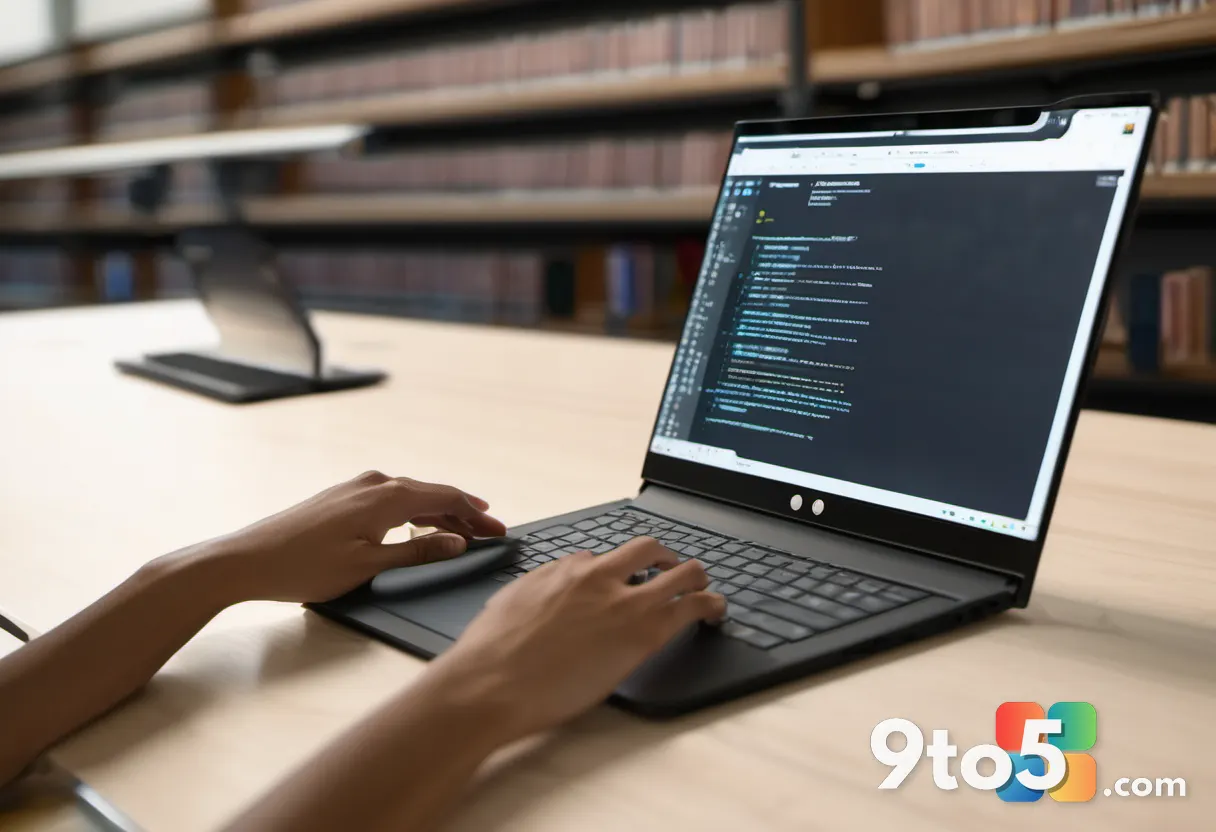
The Note E is the upgraded, display-equipped sibling to the standard Note. It features a 1920×1200 resolution screen with a 60Hz refresh rate, meaning your strokes appear instantly without perceptible lag. A bundled stylus pen and a soft-light screen filter are included to reduce eye strain during long study sessions. The customized launch interface also provides quick access to smart handwriting tools like shape recognition and table conversion.
Because it does not rely on paper or a constant internet connection to function, the Note E is positioned as the best standalone option for note-taking in the current lineup. It bridges the gap between traditional paper habits and fully digital workflows, which is especially useful for students who want to annotate PDFs or markup lecture slides directly.
#5 Kamvas 13 Gen 3
Price: Discounted from standard retail
The 13-inch category is where most beginners enter the pen display market. This Gen 3 model ships with a 1920×1080 display, 99% sRGB gamut coverage, and a durable anti-glare glass casing that resists fingerprints and classroom lighting glare. The tablet pen provides tactile feedback that closely mimics the drag of graphite on paper, which shortens the adjustment period for artists transitioning from traditional media.
Its compact size makes it highly portable, fitting easily into a backpack alongside a laptop. For digital painting, photo retouching, or UI design, the 13-inch canvas offers enough working area to see meaningful detail without dominating a shared desk.
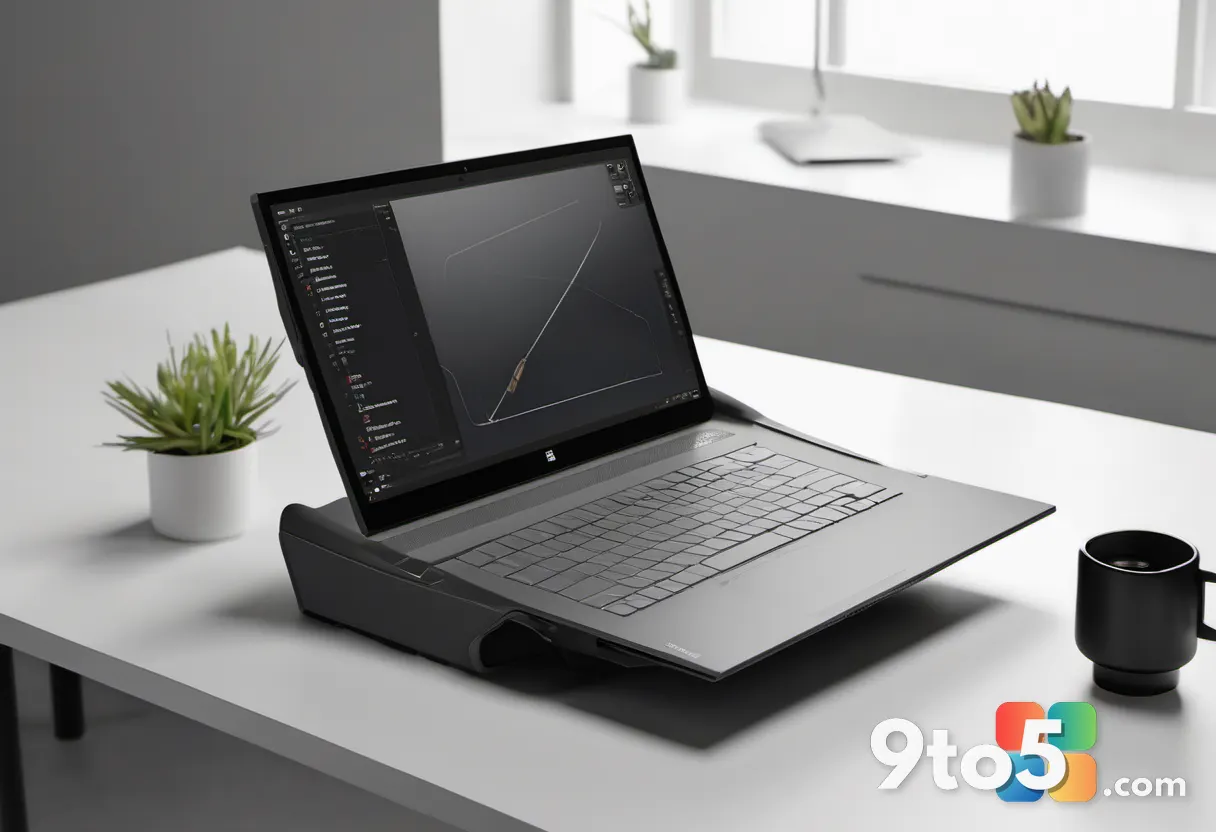
#6 Kamvas 16 Gen 3
Price: Discounted from standard retail
Stepping up to the 16-inch form factor, this model targets creators who want more breathing room before committing to the Pro line. It features a 15.8-inch 2.5K QHD display and Huion’s PenTech 4.0 technology, which improves tilt sensitivity and reduces parallax between the pen tip and the on-screen cursor. Higher resolution means you can zoom into intricate line work or texture painting without constantly panning around a pixelated canvas.
The 2.5K panel also handles color-critical work more reliably than standard 1080p displays, making it a practical choice for students in graphic design or animation programs where color accuracy is graded.
#7 Inspiroy 2 M
Price drop: Was $69.99, now $59.49
If you do not need a built-in screen, the Inspiroy 2 M is one of the most budget-friendly drawing tablets available from Huion. It relies on PenTech 3.0 technology for responsive stylus input and includes eight programmable express keys that can be mapped to common shortcuts like undo, brush size, or layer navigation. The absence of a display actually benefits certain workflows: CAD drafters, 3D modelers, and photo editors often prefer looking at their monitor while working on the tablet surface to maintain proper posture and screen real estate.
Why These Huion Back-to-School Deals Matter Right Now
AI illustration tools can generate a finished image in seconds, but they cannot replicate the iterative process of sketching, layering, and refining that defines professional creative work. Owning dedicated hardware means you retain full control over line quality, color grading, and composition. For students, these discounts lower the barrier to entry for tools that would otherwise cost significantly more during the peak retail season.
What This Means for You
In practice, this sale lets you match hardware to your actual workflow rather than overbuying. If you primarily take lectures and annotate PDFs, the Note E or standard Note eliminates paper clutter. If you are building a permanent digital art station, the Kamvas Pro 19 or Pro 24 4K provides the pressure sensitivity and color accuracy that grading rubrics and client briefs actually require. Budget-conscious users can start on the Inspiroy 2 M and upgrade to a pen display later without losing their express key mappings or stylus preferences.
How to Get It
Huion’s back-to-school campaign sale runs from August 14, 2026, to September 15, 2026. All discounted models are available directly through the official Huion online store. Prices and bundle contents are subject to change once the campaign window closes, so locking in the current pricing before mid-September is the most reliable way to secure the listed discounts.
Source: Latest from Windows Central
Over to you: Are you upgrading to a pen display for your creative workflow, or sticking with a traditional stylus and monitor setup?