In this GMKtec M3 Pro review, we put a compact 12-core system through its paces to see whether a slightly older Intel platform still holds up in today’s market. Mini PCs have firmly established themselves as the default choice for clutter-free desks, and GMKtec’s latest offering leans heavily on proven hardware rather than cutting-edge silicon. The result is a machine that handles everyday office work, multitasking, and multi-monitor setups with ease, but one that shows its age when pushed toward graphics-heavy or AI-driven workloads.
The unit we tested runs Windows 11 Pro (Build 26200.8875, Version 25H2) and ships with a generous 32GB of DDR4-3200 RAM. That memory configuration immediately signals that GMKtec is targeting power users who need headroom for heavy browser sessions, virtual machines, or large spreadsheets. However, the underlying processor choice tells a different story. The Intel Core i5-13500H inside this chassis launched in early 2023, placing it firmly in the previous generation of mobile silicon. For buyers weighing this against newer Core Ultra or Ryzen AI alternatives, understanding exactly where this platform excels and where it falls short is essential.
Design and build quality
GMKtec has stuck with a familiar chassis across its M3 lineup, and for good reason. The CNC-milled and sandblasted aluminum enclosure feels rigid and well-assembled, with tight tolerances around the seams and cleanly finished ventilation slots. The top panel features a tempered glass cover with a laser-engraved logo, which elevates the visual profile just enough to make it suitable for a living room or executive desk setup. That said, the glass surface is a fingerprint and dust magnet, requiring regular wiping if you want it to stay presentation-ready.
At 128.5 × 127 × 51 mm and roughly 480 grams, the M3 Pro occupies about 0.83 liters of desk space. That footprint is standard for the category and allows it to sit comfortably behind most monitor stands without obstructing the screen. The cooling architecture relies on a copper heat pipe paired with a turbine-style fan. Air intake is routed through the sides, while exhaust is directed out the rear panel. Under idle conditions or light office loads, the fan remains virtually silent from a distance of 19.6 inches. Only during sustained full-load scenarios, such as extended video transcoding or heavy compilation tasks, does the cooling system become noticeably active, producing a steady but measurable hum.
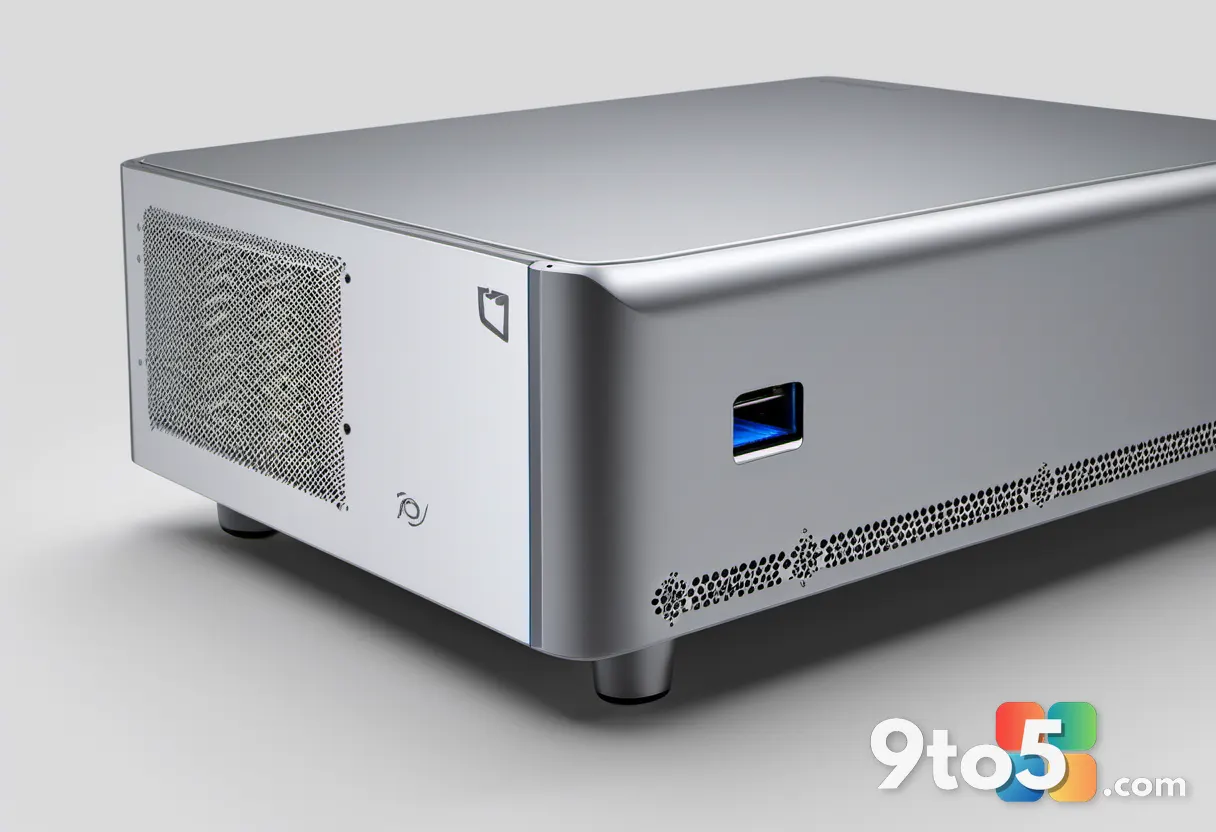
The port layout is thoughtfully arranged for most users, though it leaves one common scenario unaddressed. The front panel provides two USB-A ports and the illuminated power button, keeping frequently accessed peripherals within easy reach. The rear panel houses the DC power input, a 3.5mm audio jack, two HDMI outputs, a 2.5Gbit LAN port, two additional USB-A ports, and a single USB-C port that supports DisplayPort video output. This configuration allows up to three 4K displays to run simultaneously, which is a major advantage for productivity-focused workflows.
The missing piece is a front-facing USB-C port. In an era where USB-C has become the standard for modern peripherals, external SSDs, and smartphone connections, having to reach behind the chassis for every USB-C connection is a minor but persistent friction point. It is worth noting that GMKtec uses this exact case across the M3 series, including models with the Core i5-12450H, the M3 Plus with an i9-12900HK, and the M3 Ultra with an i7-12700H. The M3 Pro marks the first time the manufacturer has swapped in a 13th-generation processor while keeping the chassis unchanged, which explains the familiar exterior but a slightly different internal thermal load.
Specifications and connectivity
At the core of the M3 Pro sits the Intel Core i5-13500H, a Raptor Lake-H processor featuring a hybrid architecture of four performance cores and eight efficiency cores. That configuration yields 12 cores and 16 threads, with turbo frequencies reaching up to 4.7GHz. The chip carries a 45-watt base power rating and 18MB of cache, which places meaningful demands on the compact cooling system but also ensures strong multi-threaded performance for parallel workloads.
Graphics processing is handled by the integrated Intel Iris Xe GPU, which includes 80 execution units running at up to 1.45GHz. Because there is no dedicated video memory, the iGPU dynamically allocates system RAM for its framebuffer and texture storage. Our test unit came equipped with 32GB of DDR4-3200 RAM in dual-channel mode, split across two 16GB modules. GMKtec offers a 16GB variant at a lower price point, but the 32GB configuration is the smarter buy for anyone planning to run multiple virtual machines, keep dozens of browser tabs open, or work with larger datasets. The memory slots support expansion up to 64GB, which extends the system’s usable lifespan considerably.
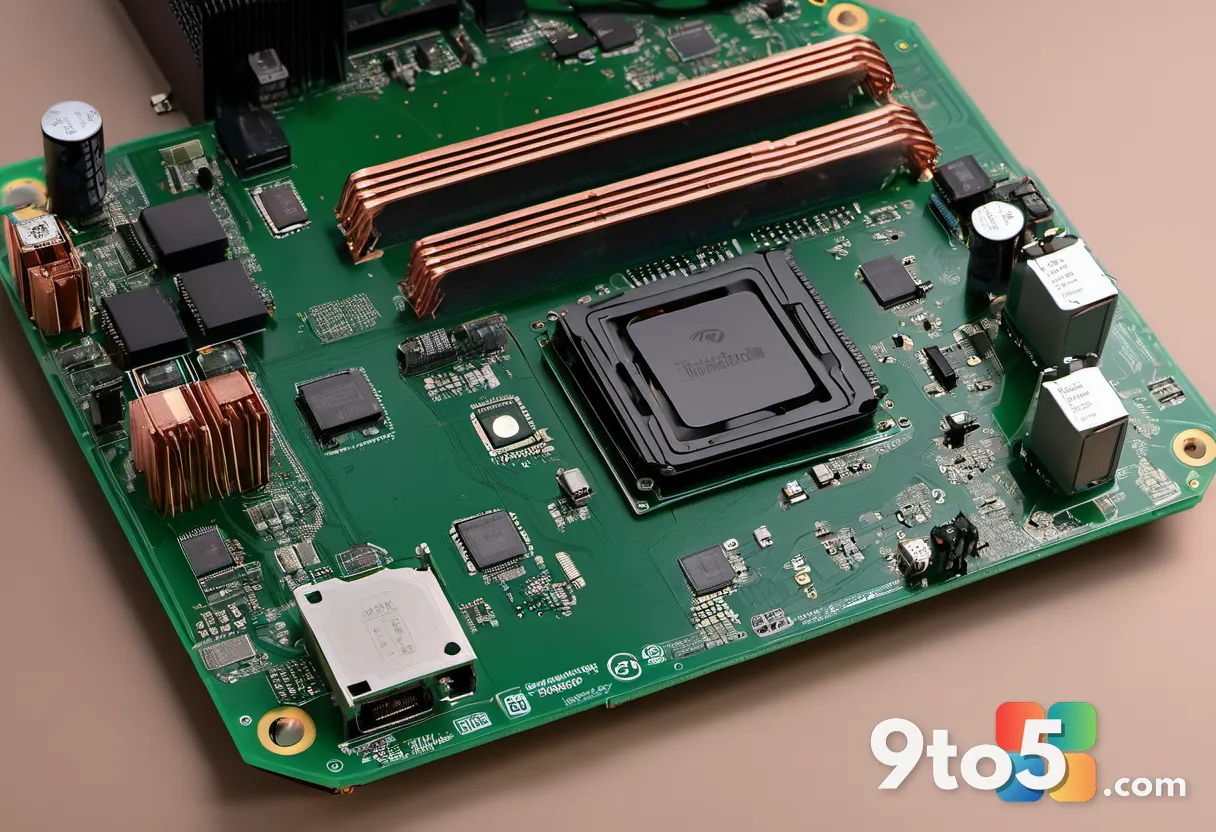
Storage is handled by a 1TB NVMe SSD connected via a PCIe 3.0 x4 interface. While PCIe 3.0 is no longer the fastest standard available, it remains perfectly adequate for boot times, application launches, and general file transfers. The real storage advantage here is the second M.2 slot, which uses the more compact 2242 form factor and supports either SATA or PCIe 3.0 NVMe drives. This dual-drive setup allows users to build out terabyte-scale storage without relying on external enclosures or cloud subscriptions.
Network connectivity is another strong point. Wired connections are handled by a 2.5Gbit LAN port powered by an Intel controller, which is significantly faster than the standard 1Gbit Ethernet found in many competing mini PCs. Wireless connectivity relies on a Realtek RTL8852BE module that supports Wi-Fi 6, alongside Bluetooth 5.2 for peripheral pairing. The combination of fast wired networking and modern wireless standards makes this system well-suited for home offices that need reliable file sharing, media streaming, or connection to NAS devices.
Windows 11 Pro ships pre-installed, running Version 25H2 with Build 26200.8875. The system is activation-ready out of the box, though we did notice that Secure Boot was disabled by default in the UEFI firmware. Users should navigate to the security settings, enable Secure Boot, and verify that Windows has properly installed the latest secure boot certificates to ensure full system integrity. The BIOS version on our unit is 5.27, dated March 13, 2026, indicating that GMKtec has been actively maintaining the firmware well past the processor’s initial launch window.
GMKtec M3 Pro review: Performance and benchmark results
Raw performance is where the M3 Pro’s hybrid architecture shines. In PCMark 10, the system scored 6,427 points overall, with breakdowns of 10,220 in Essentials and 10,269 in Productivity. Those numbers translate directly to real-world responsiveness: Office applications, video conferencing, and heavy browser multitasking all feel instant. For digital content creation, the system scored 6,866 points, which is perfectly capable for 1080p video editing and moderate photo retouching, though it will struggle with complex 4K timelines packed with effects.
The 3DMark CPU Profile test further highlights the 12-core advantage. At maximum thread utilization, the i5-13500H achieved 4,678 points, while the single-core test yielded 959 points. To put that in context, a more budget-oriented Geekom A5 Pro equipped with an AMD Ryzen 5 7530U scored 3,977 points in multi-core and 867 points in single-core tests. Interestingly, the two systems trade blows in PCMark 10 overall scoring (6,427 versus 6,526), because that benchmark weights office tasks more heavily than raw compute power. When media processing enters the equation, however, the M3 Pro pulls ahead decisively, scoring 6,866 to 5,371 points.
Integrated graphics performance is where the platform’s age becomes apparent. The Intel Iris Xe GPU scored 1,650 points in Time Spy and 1,085 points in Steel Nomad Light. While those figures beat the older Vega graphics in the Ryzen 5 7530U, they fall well short of modern gaming expectations. In Steel Nomad Light, the system managed just 8 frames per second, and 3DMark’s estimated performance for Battlefield V at 1440p remains below 30 fps. Casual gamers will find that older titles, emulators, and graphically lightweight indie games run smoothly, but anyone expecting to play current AAA releases at playable framerates will need to look elsewhere.
AI workloads reveal the most significant compromise. The Geekbench AI test returned 2,325 points in single-precision and 4,768 points in quantized mode. Those numbers lag considerably behind systems equipped with dedicated neural processing units. For comparison, a Geekom A7 Max with a Ryzen 9 7940HS scored 7,365 points in the quantized test, while a Geekom IT15 running a Core Ultra 9 285H managed 8,005 points. The M3 Pro lacks an NPU entirely, which means it cannot leverage hardware-accelerated AI inference for tasks like local language model execution or real-time image generation.
GMKtec does include its own Model Hub software, which allows users to download and run local language models like Gemma or Qwen directly on the device. An integrated chat assistant handles queries and research tasks, all processed locally for privacy. However, without an NPU and with the Iris Xe GPU handling the heavy lifting, performance remains noticeably sluggish compared to systems designed specifically for on-device AI. The SSD also performed as expected for a PCIe 3.0 drive, achieving 3,365MB/s read and 2,631MB/s write speeds. Those numbers are perfectly adequate for daily use, though they do not match the throughput of modern PCIe 4.0 or 5.0 storage solutions.
What This Means for You
The GMKtec M3 Pro occupies a specific niche in the mini PC market: it is an excellent choice for users who prioritize raw multi-core compute power, ample RAM, and robust connectivity over cutting-edge graphics or AI acceleration. If your daily workflow revolves around spreadsheets, coding environments, virtual machines, or multi-monitor productivity setups, the 12-core i5-13500H and 32GB of DDR4 RAM will handle those tasks without breaking a sweat. The 2.5Gbit LAN port and Wi-Fi 6 connectivity also make it a strong candidate for home lab enthusiasts who need fast local networking.
However, the platform’s age is impossible to ignore. The Core i5-13500H was designed before Intel’s dedicated NPU strategy took shape, and before AMD’s Ryzen AI series established a new baseline for on-device machine learning. If you plan to experiment with local AI models, run Copilot-heavy workflows, or play modern games, you will quickly hit the limits of this system. The integrated Iris Xe GPU simply cannot compete with the graphics performance of current-generation silicon, and the lack of an NPU leaves AI tasks to rely on slower CPU and iGPU processing.
From a practical standpoint, the M3 Pro is best suited for buyers who want a reliable, upgradable office machine at a reasonable price point. The dual M.2 slots, expandable RAM, and active BIOS maintenance suggest that GMKtec expects this chassis to remain in service for several years. Just be aware that you are paying for proven performance rather than future-proofing.
How to Get It
The GMKtec M3 Pro is available through major electronics retailers and direct from GMKtec’s official storefront. We tested the 32GB RAM configuration with a 1TB NVMe SSD, which represents the most balanced setup for power users. If you are working with a tighter budget, the 16GB variant is available at a lower price, though we recommend stretching for the 32GB model if you plan to keep the system for more than two years. Windows 11 Pro is included in the box, so there are no additional licensing costs to factor in.
Before completing your purchase, verify the exact BIOS version listed on the product page. Our test unit shipped with version 5.27 from March 2026, which includes stability improvements and Secure Boot configuration options. If you are upgrading from an older mini PC, the M3 Pro’s compact form factor and rear-heavy port layout will require some cable management adjustments, but the performance jump for multitasking and multi-monitor workflows is well worth the minor desk rearrangement.
Source: PCWorld
Over to you: Are you buying the GMKtec M3 Pro for the 32GB RAM and multi-monitor support, or waiting for a newer AI-ready platform?
You may also like
 Lenovo IdeaPad Slim 3 First Impressions: Tackling the 2026 Budget Laptop Rush
 Cooler Master V8 ACE 3DHP Review: V8 Aesthetics Meet Serious Air Cooling Performance
 Peladn WO4 5600H Review: An Affordable, Upgradeable Mini PC for Home Labs
 HP OmniBook X Flip 14 Review: AMD Power Meets Convertible Flexibility