Lenovo has long occupied a solid middle ground in the laptop market, but the IdeaPad Slim 3 line specifically targets the segment where every dollar counts. Getting early access to the latest iteration gives us a chance to see how Lenovo is refining its approach to entry-level computing. While budget PCs have always been a staple for students and casual users, the landscape has shifted noticeably as we move through 2026.
There is a palpable sense of urgency among manufacturers right now. Consumers are more price-sensitive than ever, yet expectations for build quality and screen real estate haven’t dropped. This puts Lenovo in a position to either win over hesitant buyers or face stiff competition from other value-focused brands. Our initial time with the device highlights where the company is prioritizing its engineering efforts.
Design and Build Quality
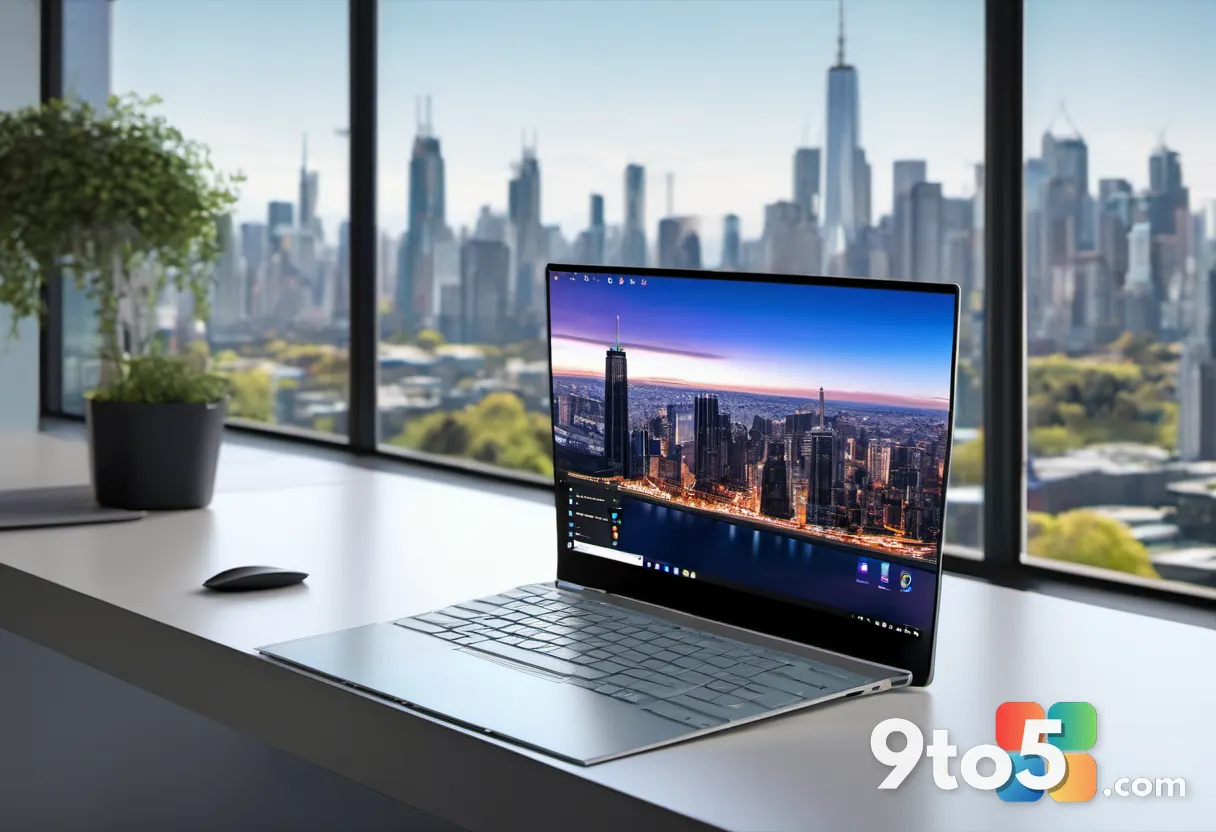
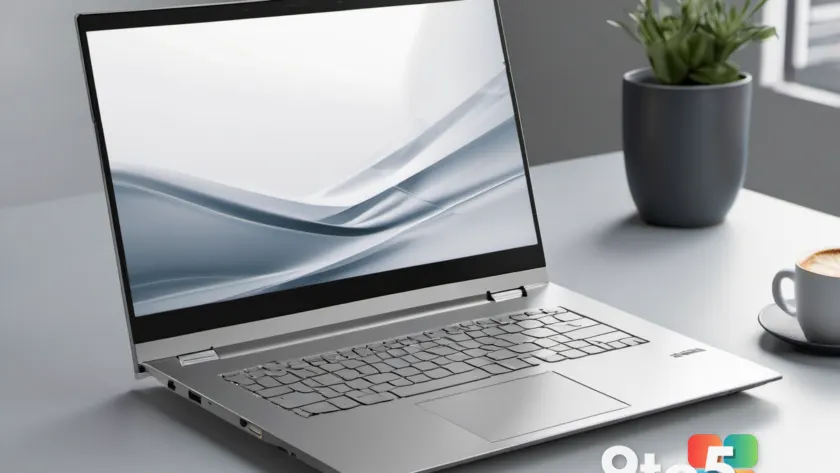
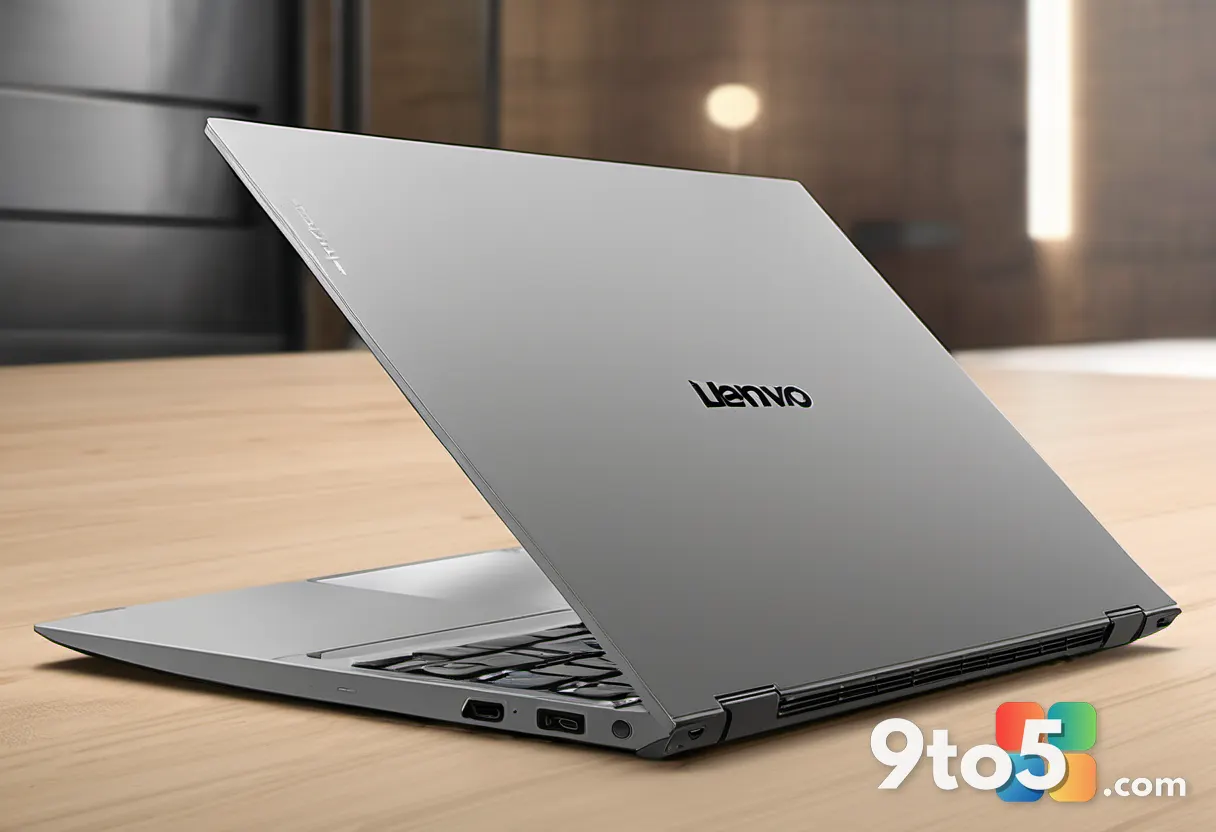
The chassis remains the primary battleground for machines in this price bracket. Lenovo has opted for a matte finish on the lid and palm rest, which helps resist fingerprints and adds a touch of professionalism for office or classroom environments. The hinges feel sturdy enough for daily opening and closing, though the overall flex in the screen lid is noticeable compared to premium ultrabooks. This is a common trade-off in the sub-$600 category, but the structural rigidity is sufficient for typical backpack transport.
At roughly 1.6 kilograms, the Slim 3 strikes a reasonable balance between portability and structural integrity. The keyboard deck features a slight texture to prevent slipping, and the trackpad is sized appropriately for the chassis width. For users upgrading from older, heavier laptops, the weight reduction alone is a significant selling point. The ports are positioned to avoid cable interference when typing, a detail that often gets overlooked in budget designs but matters greatly for daily comfort.
Display and Input Devices
Screen specifications in this category often draw the most scrutiny. The panel on this unit offers a resolution that meets modern standards for text clarity, which is crucial for prolonged document editing or web browsing. Brightness levels are adequate for indoor use, though direct sunlight visibility may require seeking shade. Color accuracy is tuned for general consumption rather than creative work, which aligns with the target audience’s typical use cases.
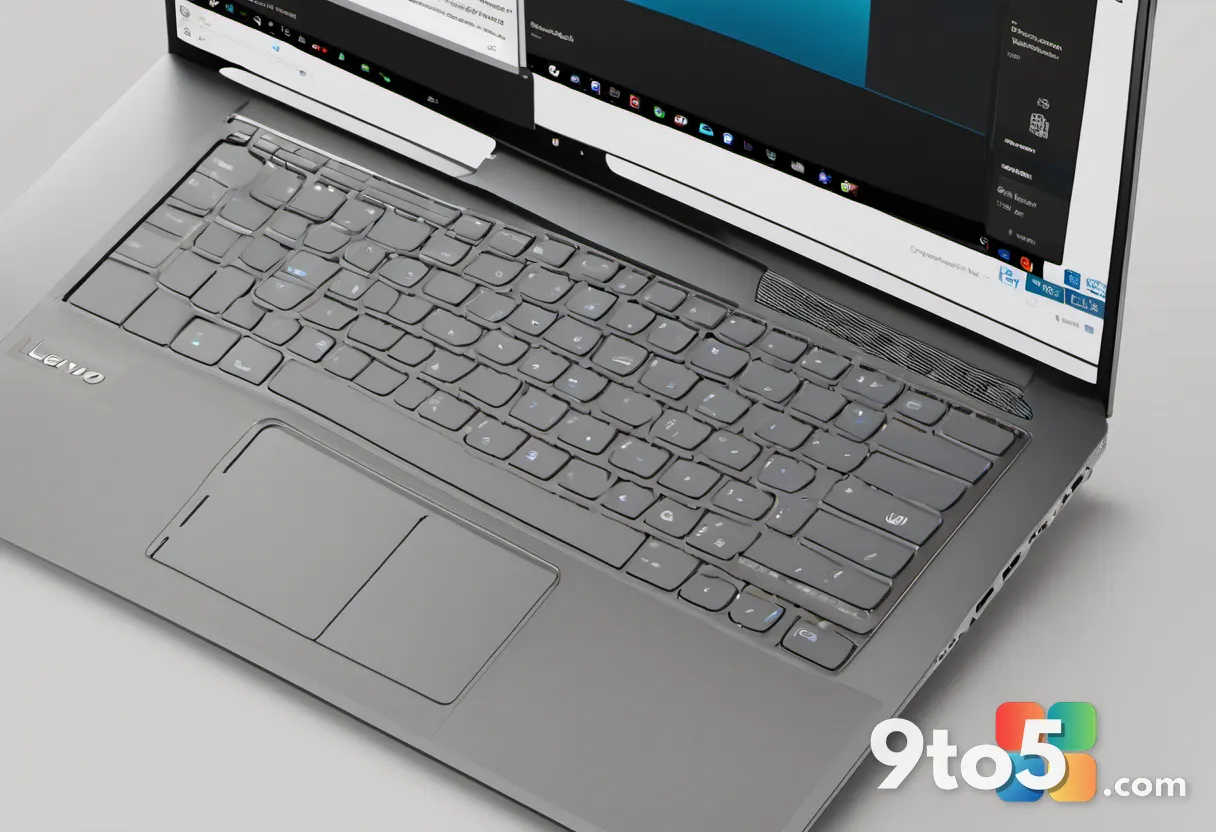
The keyboard itself features a comfortable key travel distance, which is rare to find at this price point. Keys are spaced to minimize typos during fast typing sessions. The trackpad responds accurately to gestures, supporting Windows Precision drivers for smooth scrolling and pinch-to-zoom functionality. These input components are often where manufacturers cut corners, but Lenovo seems to have held the line here, ensuring that daily interaction with the device feels responsive and reliable.
Performance and Daily Usage
Under the hood, the system is equipped with processors aimed at efficient multi-tasking rather than heavy rendering. For typical workflows like web browsing with multiple tabs, office applications, and media streaming, the performance is snappy. Boot times are quick, thanks to the included solid-state storage, which significantly impacts the perceived speed of the machine. Background processes are managed efficiently, leaving plenty of headroom for foreground tasks.
Thermal management appears to handled quietly during light loads. Fans only engage audibly under sustained stress, which keeps the user experience comfortable in shared spaces like libraries or quiet offices. Battery life is a strong suit, easily lasting through a full day of classes or work without needing a charger. This endurance makes it a practical choice for users who cannot rely on consistent access to power outlets.
The 2026 Budget Laptop Landscape
The mention of urgency in 2026 reflects broader market trends. Economic pressures have made high-end devices less accessible for average consumers, driving demand toward reliable, no-frills alternatives. Lenovo’s strategy with the IdeaPad Slim 3 seems to focus on delivering a complete package rather than chasing specs that most users won’t utilize. This means fewer premium materials but smarter component selection.
This approach means fewer premium materials but smarter component selection. The goal is to provide a device that just works for years without requiring upgrades. For buyers who need a secondary machine or a reliable tool for students, this philosophy aligns well with practical needs. The market is crowded, but differentiation now comes down to reliability and total cost of ownership rather than isolated spec wins.
What to Expect at Launch
While official pricing and full configuration options are still pending, the early indicators suggest competitive positioning. Lenovo typically releases these models through major retailers and its own website. We can expect standard connectivity options, including USB-C and HDMI ports, to ensure compatibility with existing peripherals. Software-wise, the device will ship with a clean Windows installation, free of excessive bloatware that often plagues budget systems.
This gives users a fresh start and reduces the need to spend time cleaning up the operating system immediately after purchase. Drivers and essential utilities will be available through Lenovo’s support portal, ensuring that maintenance remains straightforward over the device’s lifespan. Buyers should keep an eye on seasonal sales, as budget laptops often see price drops during back-to-school and holiday periods.
Final Thoughts on the First Look
Initial impressions of the Lenovo IdeaPad Slim 3 point to a thoughtful refinement of a proven formula. Lenovo is clearly listening to what budget-conscious buyers actually need: durability, good input devices, and reliable daily performance. The urgency in the market is driving manufacturers to innovate within constraints, and this latest model seems to hit the mark for everyday utility. It may not turn heads at a tech conference, but it aims to earn a quiet spot in daily routines where consistency matters most.
Source: Thurrott.com
Over to you: Does the latest IdeaPad Slim 3 hit the right balance of price and performance for your needs, or are you sticking with a different budget option?