Microsoft’s latest Microsoft Weekly recap is out, and this edition covers a brand-new Surface Laptop, a continued push toward on-device AI, and a change to Microsoft 365 Family storage that is already drawing pushback from subscribers. Here is everything worth knowing from the week’s roundup.
#1 A New Surface Laptop
The headline hardware story is Microsoft’s latest addition to the Surface Laptop family. The Surface Laptop line has long been Microsoft’s mainstream, everyday notebook — positioned below the more premium Signature Edition and aimed at students, office workers, and general consumers who want a lightweight, battery-friendly machine.
As with most of Microsoft’s Surface reveals, the recap framed the new model around the same recurring themes: a slimmer, lighter chassis, strong battery life, and a display tuned for all-day use. The Surface Laptop has historically competed directly with machines like the Apple MacBook Air and Dell’s XPS 13, so expectations for price-to-performance are steep.
It is worth noting that the weekly recap did not spell out every specification, so exact processor generations, display resolution, and starting price are not confirmed here. Treat those details as pending until Microsoft publishes the full product page, which typically lands alongside the broader availability date.
#2 Local AI Takes Center Stage
On the software front, the recap leaned into Microsoft’s ongoing bet that a lot of AI should run right on your PC rather than in the cloud. This is the same direction behind the Copilot+ PC program, which relies on a dedicated Neural Processing Unit (NPU) to handle AI tasks locally.
The appeal is twofold: latency and privacy. When AI models process data on-device, responses can feel snappier and sensitive information does not have to travel to a remote server. Microsoft has been rolling out features such as Live Captions and on-device summarization with this philosophy in mind.
The broader implication is that Microsoft keeps treating the NPU as a defining feature of its modern PCs. That means buyers looking for the fullest AI experience should look for machines meeting the Copilot+ PC bar, since many of these on-device features simply will not activate on older or less powerful hardware.
#3 Microsoft 365 Family Storage Cuts
The story generating the most conversation is the reduction to Microsoft 365 Family storage. The Family plan is one of Microsoft’s most popular subscriptions, bundling Office apps across up to six people and, notably, one terabyte of OneDrive cloud storage per person — roughly six terabytes of shared space across a household.
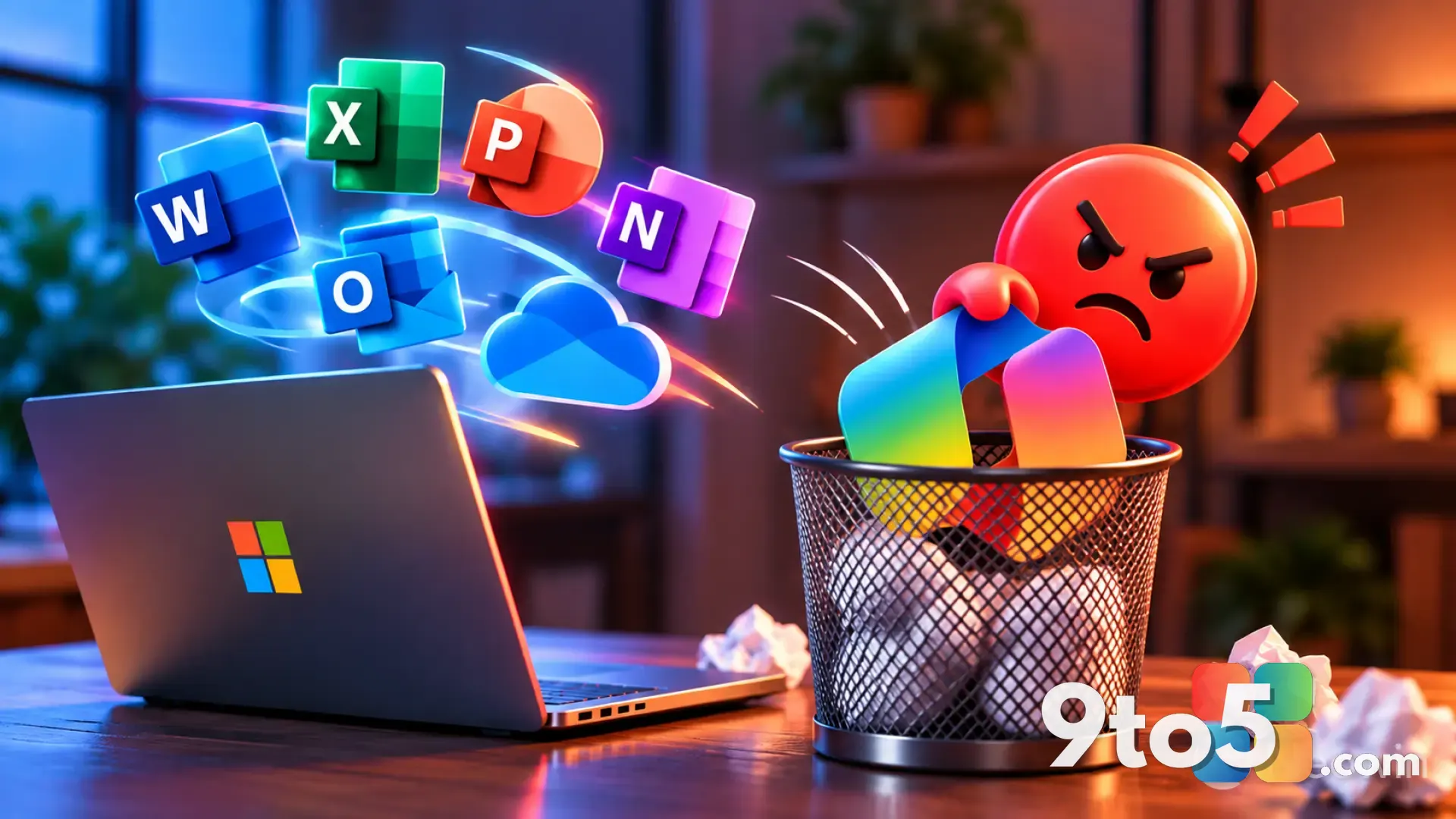
That generous per-person allocation has been a genuine selling point for families, and any reduction to it is bound to raise eyebrows. Subscribers are pushing back, concerned that a change of this nature could erode a feature they specifically chose the plan for.
As of now, the exact size of the cut and the timeline for who is affected have not been fully detailed in the recap, so treat the specific figures as unconfirmed. If you are a Family subscriber, it is worth checking your OneDrive allocation directly in your Microsoft account before assuming the worst.
What This Means for You
For most everyday users, the takeaways are practical. The new Surface Laptop matters mainly if you are in the market for a new notebook — in which case, compare its final specs and price against the competition before committing. The local AI developments are a long-game shift that will shape which PCs feel “current” over the next few years, but there is nothing to act on today.
The storage change is the one that could hit your wallet and your files. If you rely on Microsoft 365 Family for its OneDrive space, verify your current allocation and keep an eye on any account notifications from Microsoft. Should the cut apply to you, you will want to weigh whether to trim local files, move to a standalone OneDrive storage purchase, or reconsider your subscription tier.
What to Do Next
Keep the Microsoft account portal open in a tab and check your OneDrive usage under Settings. For the Surface Laptop, watch for the official product page and availability details, which will confirm the specs and pricing that the recap left vague. And if the storage change affects your subscription, Microsoft typically communicates these shifts through your account dashboard and email, so do not ignore those notices.
Source: Neowin
Over to you: If the Microsoft 365 Family storage cut lands on your account, would you trim your files or upgrade your storage plan?