Whether you are tightening your first case screws or decoding radio protocols with a pocket gadget, the thrill of PC hardware has never been purely about the final benchmark. According to recent coverage from PCWorld’s Full Nerd newsletter, the most enduring takeaway from decades of enthusiast culture is that curiosity drives progress far more than raw performance numbers ever could. The PC building learning curve remains the defining feature of the hobby, transforming beginners into seasoned technicians through trial, error, and a healthy dose of internet-fueled research.
That sentiment rings especially true for anyone who picked up a screwdriver in the mid-nineties. Early PC assembly required navigating memory management conflicts, deciphering jumpers, and carefully aligning fragile processor pins. Those friction points were not roadblocks; they were the curriculum. Today’s builders benefit from standardized connectors, UEFI firmware, and extensive documentation, but the underlying principle remains unchanged. You learn by doing, and you retain what you figure out yourself.
#1 The Flipper Zero as a Hardware Education Tool
The Flipper Zero has become one of the most discussed gadgets in the enthusiast space since its launch. Priced at roughly $219, the handheld device packs an NFC reader, a sub-1GHz radio, an infrared scanner, and an RFID reader into a compact chassis. A small LCD screen displays a cartoon dolphin mascot, and users navigate its menus to load and execute custom programs directly from the device. Microsoft Windows users and macOS enthusiasts alike can interact with it via a companion desktop application that handles firmware updates and file transfers.
What makes the Flipper Zero stand out is not just its sensor array, but the way it forces users to understand the invisible communication standards that surround them. NFC operates on 13.56 MHz using electromagnetic induction, while the sub-1GHz radio handles long-range telemetry and garage door protocols. RFID readers interact with 125 kHz proximity cards that still power many office access systems. Learning how these protocols handshake, authenticate, and sometimes fail is essentially a crash course in applied electronics.
Practical applications emerge quickly. Users routinely clone their own garage door remotes, back up hotel key cards for travel, and experiment with IoT device communication. The device also includes a GPIO header, allowing hardware tinkerers to attach external sensors or build custom peripherals. While it is not a direct PC building tool, the knowledge gained from reverse-engineering wireless protocols translates directly to troubleshooting Wi-Fi modules, Bluetooth adapters, and peripheral communication issues inside a desktop chassis.
#2 DLSS 5 and the Next Phase of PC Gaming Performance
Recent coverage of a Siggraph presentation revealed details about DLSS 5, the next generation of Nvidia’s deep learning super sampling technology. Siggraph is the premier conference for computer graphics and interactive techniques, and presentations there typically signal where rendering pipelines are heading before drivers and games ship. DLSS has evolved from a simple frame-generation trick into a comprehensive rendering framework that relies on dedicated Tensor Cores and AI-driven upscaling.
The upcoming iteration appears to push further into temporal reconstruction and neural rendering, which could reduce the reliance on native resolution rendering for many titles. For Windows gamers, this means sustained performance gains without proportional hardware upgrades. The technology continues to depend on driver support and game engine integration, so widespread adoption will require coordinated updates from both Nvidia and PC game developers.
What this means for builders is straightforward. If you are planning a system upgrade in the next twelve to eighteen months, targeting a GPU generation that natively supports the new DLSS architecture will likely yield better long-term value than chasing peak rasterization performance on older silicon. The shift reinforces how software-driven rendering optimizations now dictate real-world gaming performance as much as raw clock speeds do.
#3 Arctic Announces Tariff-Funded Price Rollbacks
Component pricing has been a persistent headache for PC builders over the past year. According to reporting, thermal solution vendor Arctic has received a partial refund from U.S. government tariff collections imposed on imported electronics and cooling hardware. Rather than absorbing the refund as profit, Arctic has committed to rolling those savings directly back to customers through reduced prices on select products.
The company also announced it will invest in community initiatives that support technology education and grassroots PC building groups across the United States. This includes hardware donations and technical support for student labs and maker spaces. The move comes at a time when many enthusiasts are stretching budgets to accommodate rising memory, storage, and GPU costs.
For consumers, the tariff refund provides a temporary reprieve on cooling costs. Arctic’s reputation for high-performance, budget-friendly thermal solutions means these price adjustments will likely apply to products that see heavy use in custom loop builds and standard air cooling setups. Monitoring Arctic’s official store and authorized retailers will help builders catch the adjusted pricing before it stabilizes.
#4 Creative Modding and Experimental Cooling Setups
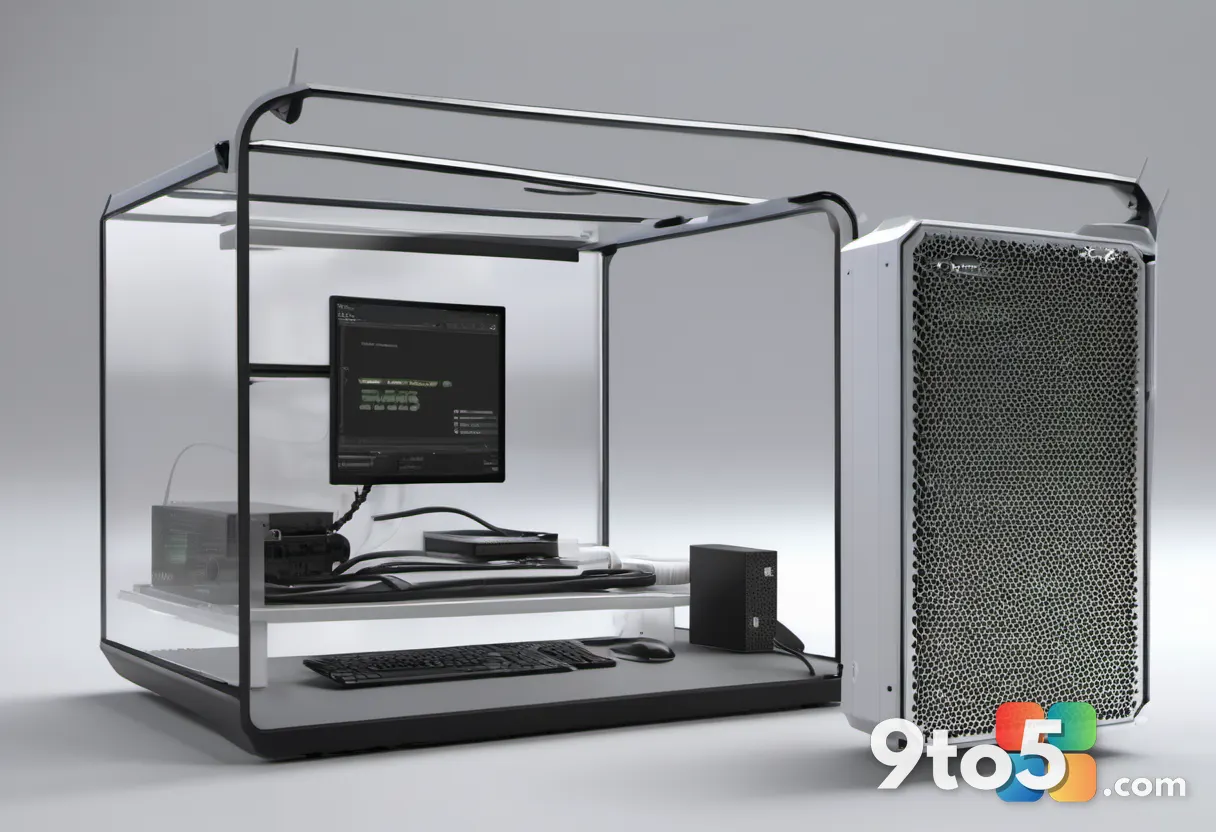
The enthusiast modding scene continues to produce visually striking projects that push hardware into unconventional form factors. One recent build transformed a ZimaCube 2 network-attached storage device into a gaming PC. The modder installed an Nvidia GeForce RTX 5060, a 750W power supply, and a custom 3D-printed frame secured with zip ties. The result reportedly delivered an 828 percent frame rate improvement over the NAS’s integrated graphics, though the setup prioritizes proof-of-concept engineering over daily usability.
Another notable experiment came from thermal testing channel Der8auer, who constructed a vertical CPU cooling chimney to demonstrate the efficiency of upward airflow designs. The build proved that directed vertical cooling can outperform traditional horizontal tower coolers in specific chassis configurations, provided the exhaust path remains unobstructed. The chimney design also highlighted how case airflow dynamics often matter more than raw fan specifications.
These projects serve as creative case studies rather than buying guides. They demonstrate that standard hardware can be repurposed when builders understand thermal dynamics, power delivery, and mechanical constraints. For those interested in trying similar experiments, documenting cable management, measuring temperatures under load, and verifying component clearance should always precede permanent modifications.
What This Means for You
The common thread across these updates is that hardware culture rewards patience and curiosity. Whether you are decoding wireless protocols with a Flipper Zero, waiting for DLSS 5 to mature across more titles, or taking advantage of Arctic’s tariff-driven price adjustments, the process matters as much as the outcome. Builders who treat each project as a learning opportunity consistently end up with more reliable systems and sharper troubleshooting instincts.
If you are currently assembling a PC or experimenting with new peripherals, focus on understanding how components communicate before chasing peak benchmarks. Keep an eye on authorized retailer pricing for Arctic coolers, track DLSS 5 driver rollouts if you are planning a GPU upgrade, and remember that every bent pin or failed handshake is just another lesson in the PC building learning curve. The hobby thrives when enthusiasts share what they figure out along the way.
Source: PCWorld
Over to you: Are you currently working on a hardware project that taught you something unexpected, or do you prefer sticking to proven builds?