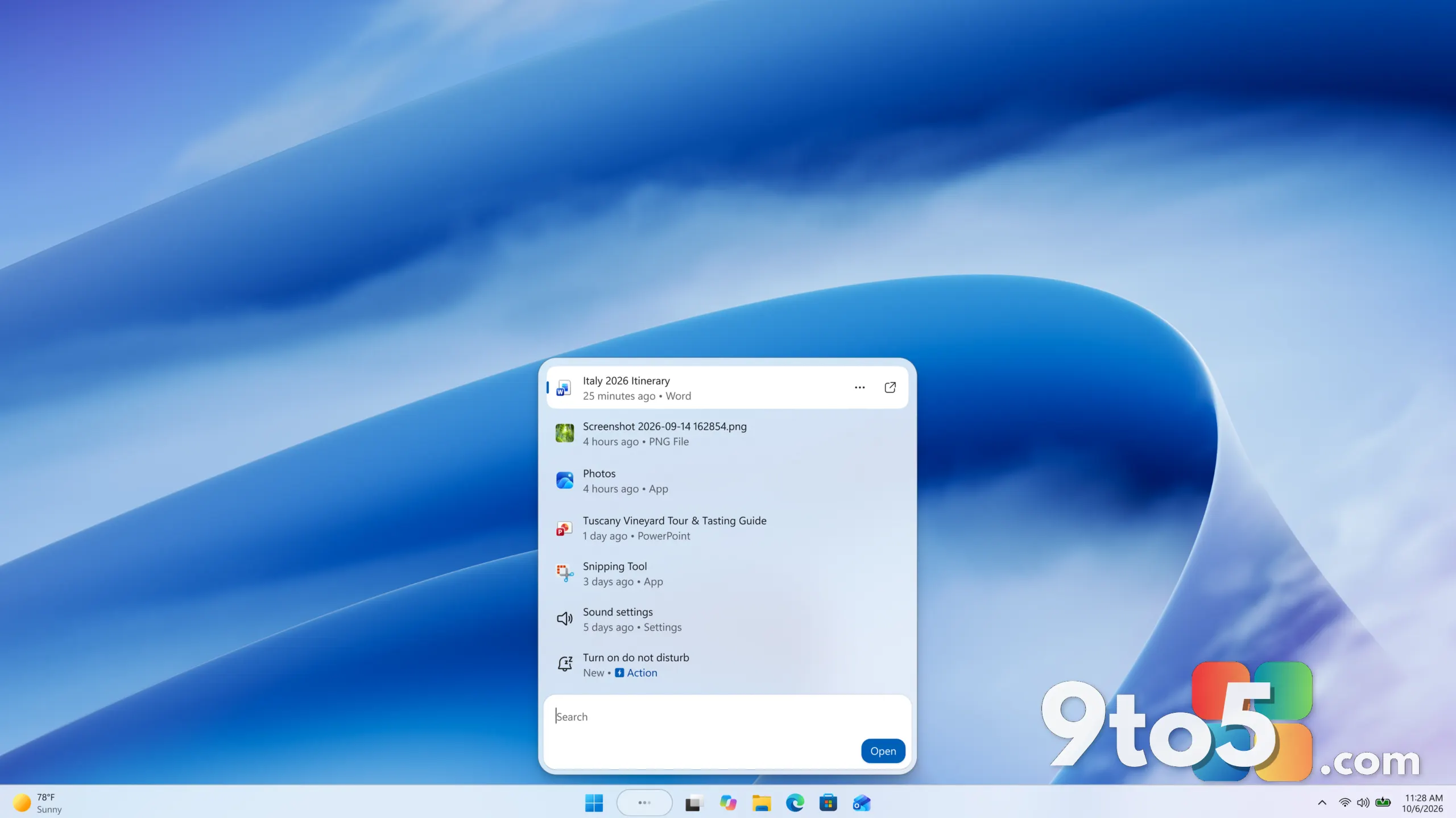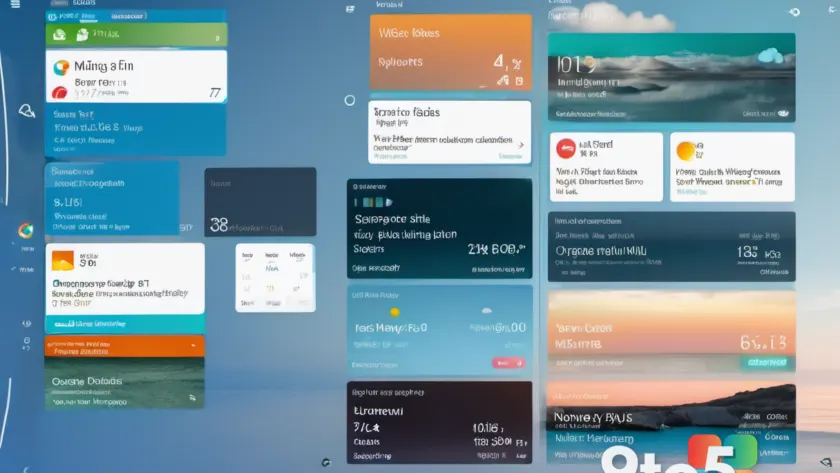
Microsoft is quietly making one of the most underused features in Windows 11 more useful, and this time it may genuinely be something people reach for. According to a report from Neowin, the company is adding a new widget to the Windows 11 Widgets panel that it believes users will find genuinely handy.
That’s a notable shift in framing. For most of Windows 11’s life, the Widgets panel has been treated as a secondary hub — a place for weather, headlines, and quick links that most users opened occasionally and then largely ignored. Now Microsoft is leaning into making the individual tiles more practical rather than purely informational.
What’s changing in the Windows 11 widgets panel
The details Microsoft has shared so far are deliberately light, but the core idea is clear: a new widget built around a task people do regularly, rather than one that simply displays information. In practice, that’s a meaningful departure from the news-and-weather-heavy lineup that has defined the panel since launch.
The report doesn’t spell out exactly what the widget does or when it will land, so treat the specifics as unconfirmed. What is confirmed is the direction — Microsoft is steering the panel toward utility over decoration, which is a reasonable read of its longer effort to keep Windows 11 widgets relevant in a market crowded with better-optimized alternatives.
Why “finally” is the operative word
The word “finally” in the original reporting isn’t just editorial flair. The Widgets panel launched alongside Windows 11 in October 2021, powered largely by Microsoft Start (the rebranded MSN feed), and it never quite earned a permanent spot on most people’s desktops.
Microsoft has spent years iterating on the experience — adding the ability to pin widgets to the taskbar, refining the grid layout, and tweaking which cards appear by default. Yet the panel remained a “nice to have” for many users, opened now and then rather than relied on daily. A widget aimed at an everyday task is an attempt to change that habit loop.
From an editorial standpoint, this fits a broader pattern: Microsoft tends to improve Windows 11 features in small, incremental steps rather than overhauls, betting that steady refinements will eventually win over skeptics. Whether that strategy pays off for the widgets panel is still an open question.
What this means for you
For everyday Windows 11 users, the practical takeaway is modest but real. If the new widget delivers on the promise of handling a common task in one glance, it could make opening the panel worth the effort instead of a curiosity you check once and forget.
It also signals that Microsoft still intends to invest in the widgets experience at all. That matters because features quietly abandoned in past updates tend to stay abandoned — a live, improving panel suggests the panel isn’t on the chopping block.
Until Microsoft shares concrete details, don’t expect the widget to reshape your workflow. Think of it as another small step in a longer refinement cycle, not a reason to change how you use your PC today.
How to get the new widget
New widgets typically arrive through routine Windows updates rather than a separate download, so keep Windows 11 set to receive updates. If you haven’t already, make sure the Widgets button is visible on your taskbar — click it to open the panel and see the current lineup of tiles.
Once the widget rolls out to your machine, you should see it appear among the others. If it doesn’t show up immediately, a quick sign-out and back in, or a restart, is the usual way to pick up a fresh panel configuration. As with any early rollout, availability can vary by region, account type, and update channel, so a delay on one PC doesn’t mean the feature was pulled.
For now, the honest position is that this is a promising direction with incomplete details. Microsoft confirmed via Neowin that a more useful widget is coming, but the specifics — what it does, when it arrives, and which builds will carry it — remain to be shared.
Source: Neowin
Over to you: Is Microsoft’s push for more practical widgets enough to finally get you to open the panel regularly, or will you keep ignoring it?