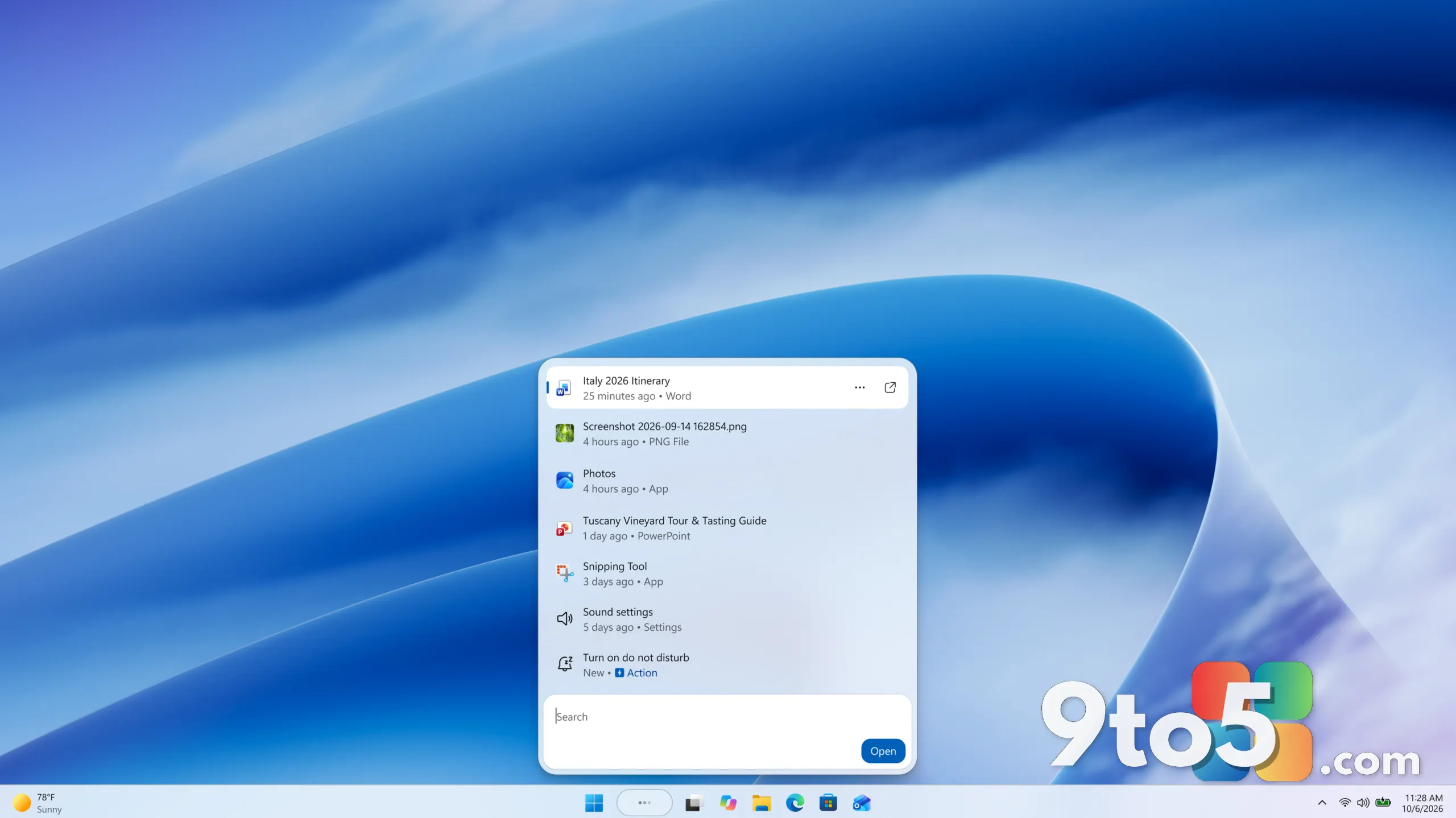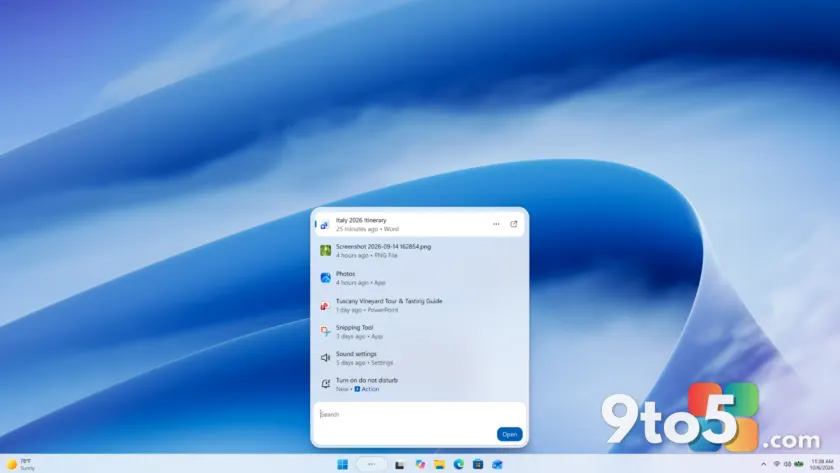
Microsoft is rebuilding Windows Search from the ground up, and the first wave of the refreshed experience is now reaching Windows Insiders. According to the Windows Insider Blog, the new version is built on WinUI 3, delivers a streamlined single-list layout, and adds inline actions that let you change settings without opening another app.
The rollout began October 7 on the taskbar, and Microsoft is intentionally sharing it early so Insiders can help tune result relevance, catch stability issues across real-world hardware, and shape the design before a wider preview.
Built on WinUI 3 for speed and a calmer layout
The new Windows Search is part of Microsoft’s broader push to modernize core Windows experiences. Early testing reportedly shows substantial gains in performance and memory usage, meaning the search window should feel quicker and lighter the moment you open it.
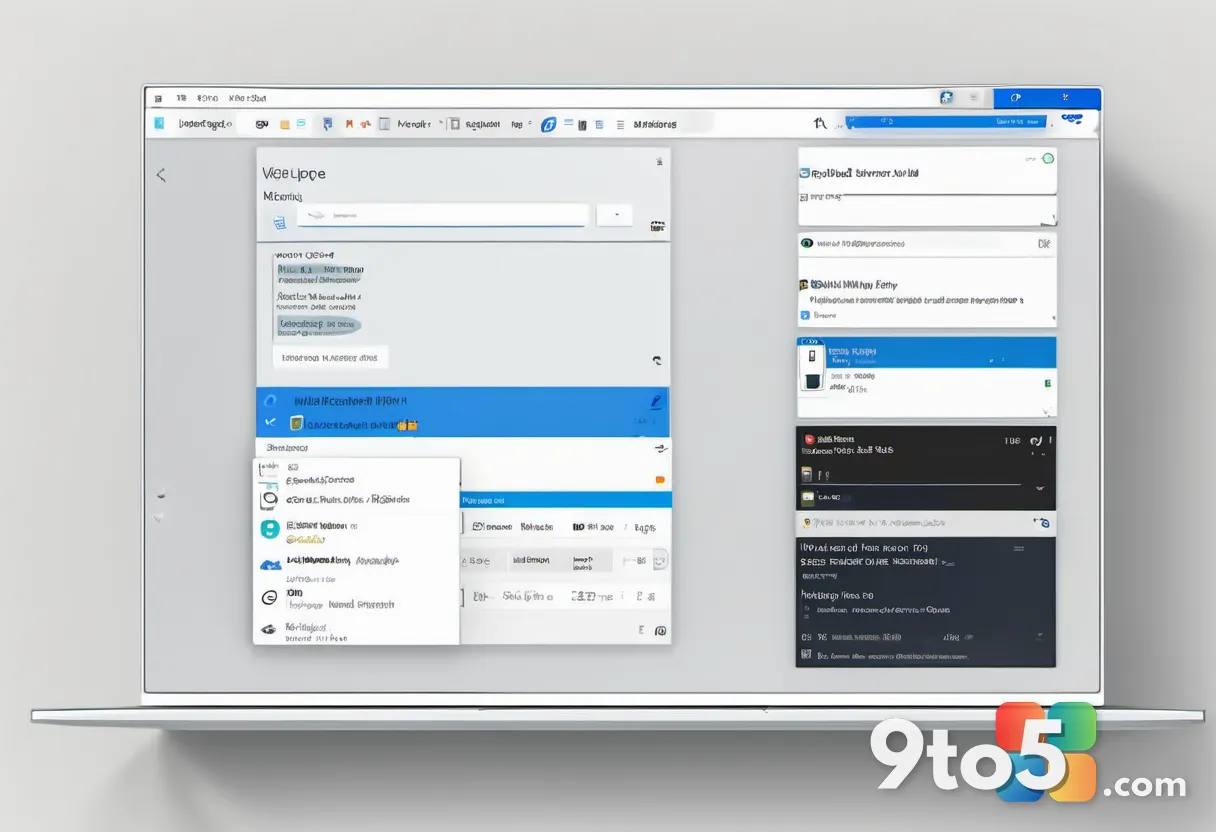
Beyond speed, the most visible change is the layout. Microsoft says data showed that nearly all clicks in the current design come from the results list on the left, not the large preview pane on the right. That insight drove the shift to a single, easy-to-scan list that reduces visual clutter and puts results in one place.
This builds on work Microsoft shared in July, when it introduced a calmer search home screen, dropped promotional content from web results, and gave users more control over whether web and Microsoft Store suggestions appear. Today’s announcement carries those investments forward into a fully modernized app.
Inline actions turn search into a place to get things done
The most notable new capability is inline actions. Instead of opening a separate app or digging through Settings, you can complete familiar tasks right where you searched.
To try them, type phrases such as:
- Turn something on or off: “switch to dark mode,” “turn on night light,” or “turn on Bluetooth.”
- Make a quick adjustment: “dim my screen” or “mute.”
- Manage your workspace: “minimize all my windows” or “arrange windows on screen.”
Microsoft notes it’s starting with the actions people rely on most and will expand the range over time. The blog pairs these descriptions with short GIFs demonstrating dark mode being enabled and Edge and Word being snapped together, so you can see the behavior before trying it yourself.
What’s coming later this year and next
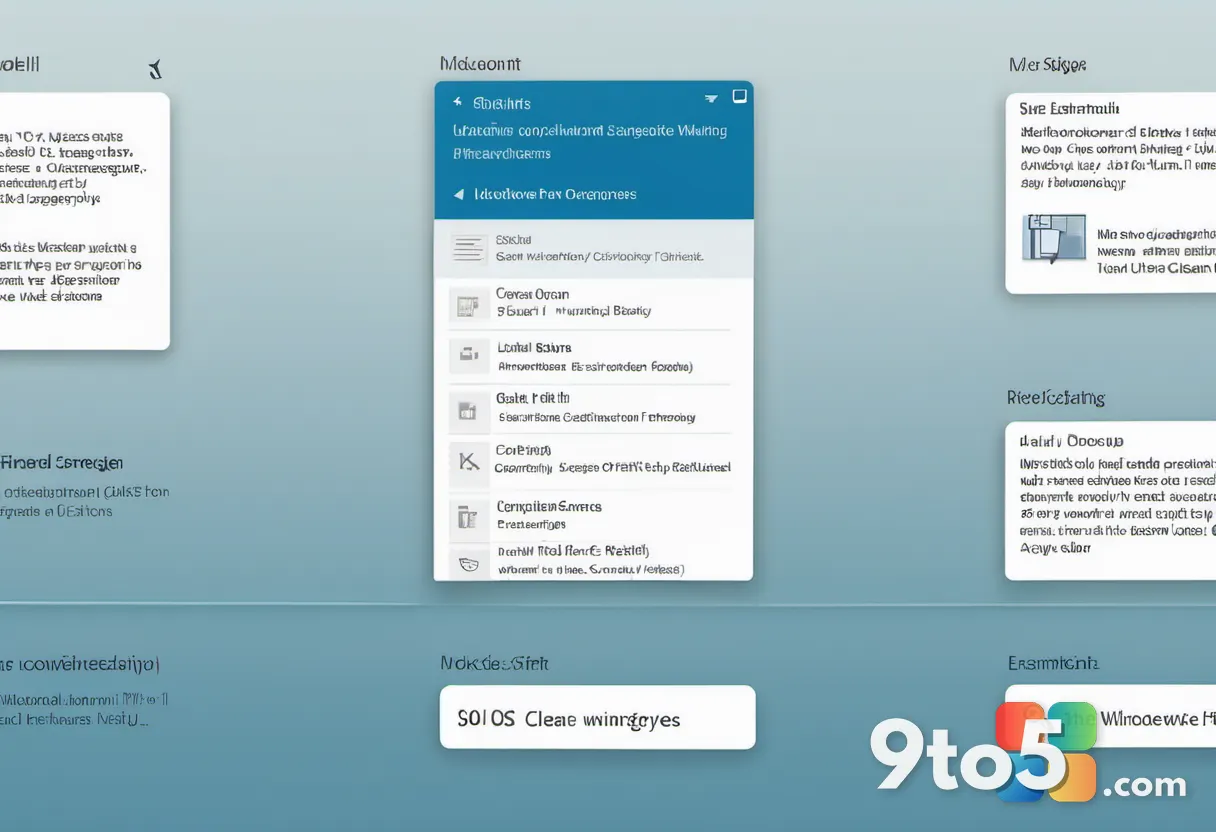
Several features are still ahead. Later this year, Microsoft plans to add inline previews and richer file details so you can differentiate similar results and get more context before opening a file. Rich inline web previews will surface answers to queries like “weather in San Diego” or “How tall is the Eiffel Tower?” directly in the results, so you can get useful information without leaving the experience.
You’ll also be able to narrow results with filters when browsing a category like files. These are features some users may already be familiar with, but they’ll land in the more streamlined single-pane layout.
Phone actions are coming soon too, letting you complete quick tasks with a Phone Link connected device, such as sending a text. Microsoft says it’s starting with the actions people rely on most and will continue building on that foundation.
Looking to next year, Microsoft says it’s already working to bring the new experience to the Start menu and have it adapt to different taskbar positions and Windows configurations. In initial previews, you’ll still see the existing search experience when searching from the Start menu while the team refines the new one. The blog also mentions thoughtful integrations with experiences like Copilot as part of the longer-term vision.
How to try the new Windows Search
The experience with inline actions is gradually rolling out now to Windows Insiders in the Experimental channel, with English as the only supported language for this initial release.
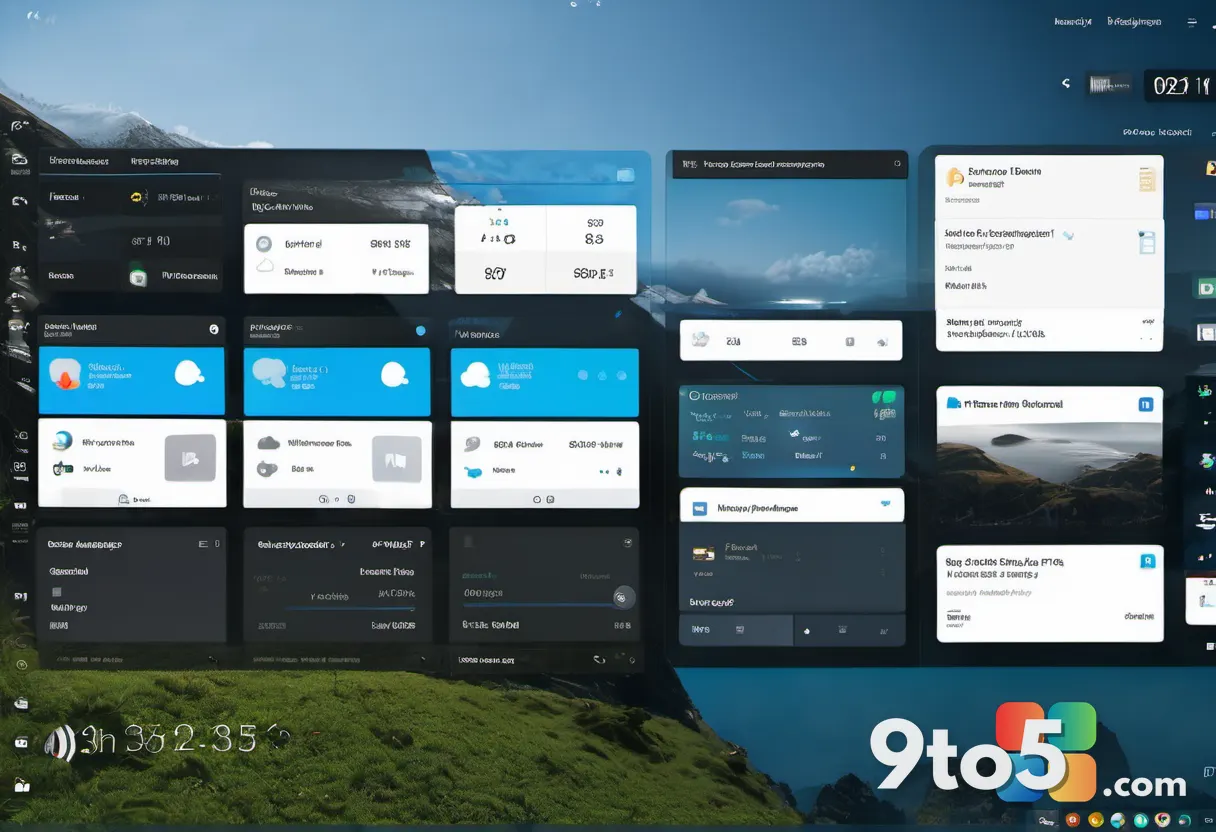
If you want to preview it sooner, you can enable it through a feature flag. After upgrading to build 26340.9616 in the Experimental channel, or build 28120.3181 in the Experimental (26H1) channel, you’ll need to open Settings > Windows Update > Windows Insider Program > Feature flags, then click “Check for updates” in Windows Update and restart your device before the “New Windows Search Experience” flag appears.
If you’re moving a device to a Windows Insider build for the first time, Microsoft points to its Get started with the Windows Insider Program guide on Microsoft Learn for setup guidance.
What this means for you
For most Windows users, this is a behind-the-scenes refresh that should make a familiar tool feel snappier and less cluttered over the coming months. The inline actions are the part you’ll actually notice day to day — being able to toggle dark mode, mute your mic, or snap windows without hunting through menus is a genuine workflow shortcut.
Because this is an early preview in the Experimental channel, expect some rough edges. Microsoft is explicitly asking Insiders to report problems so it can fix stability issues across real-world hardware. If you’re not ready for Experimental, the current search experience remains your default until the refresh reaches a broader channel.
Share your thoughts in Feedback Hub (press WIN + F) under Desktop Environment > Search. Your input will help Microsoft tune how search understands intent and expand the range of tasks you can complete directly from Windows Search.
Source: Windows Insider Blog
Over to you: Would you start using inline search actions like ‘switch to dark mode’ and ‘minimize all windows’ daily, or do you prefer keeping search strictly for finding files?