Microsoft is rolling out fresh Windows 11 Insider Preview builds this week, aimed at the Beta and Experimental channels. The update landed on September 25, 2026, and brings a pair of refinements that Insiders on the correct channel can start testing right away.
#1 New Windows 11 Insider Preview builds are live
According to the Windows Insider Blog, the headline releases this week land on two channels. Insiders on the Beta Channel receive Build 26220.9568, while those on the Experimental Channel pick up Build 26340.9577.
Microsoft also pushed updates to its 26H1 track, the branch that carries Windows 11’s next major feature update. On the Beta (26H1) channel the new build is Build 28020.3112, and the Experimental (26H1) channel ships Build 28120.3122.
If you’re watching the Experimental (Future Platforms) track, there is nothing new today — Microsoft did not release a build for that channel this week.
Each channel gets its own release notes, so you can see exactly what changed in the specific version you are running rather than guessing across builds. The notable additions below come from the Experimental channel builds.
#2 Start menu gets a scrollable phone companion
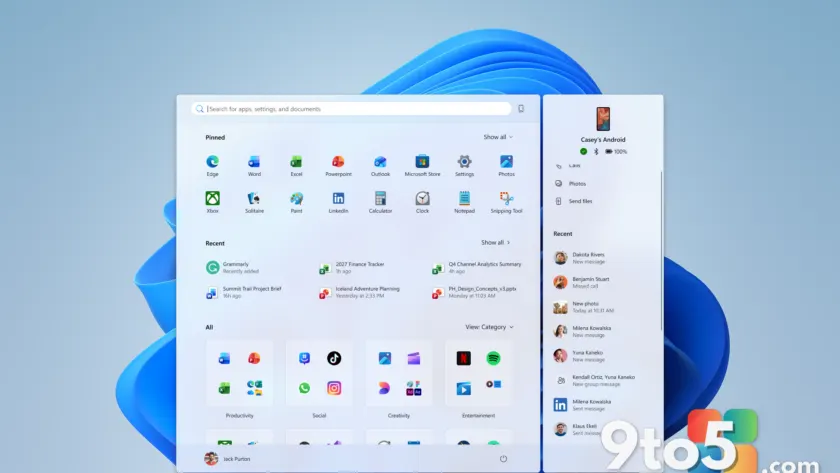
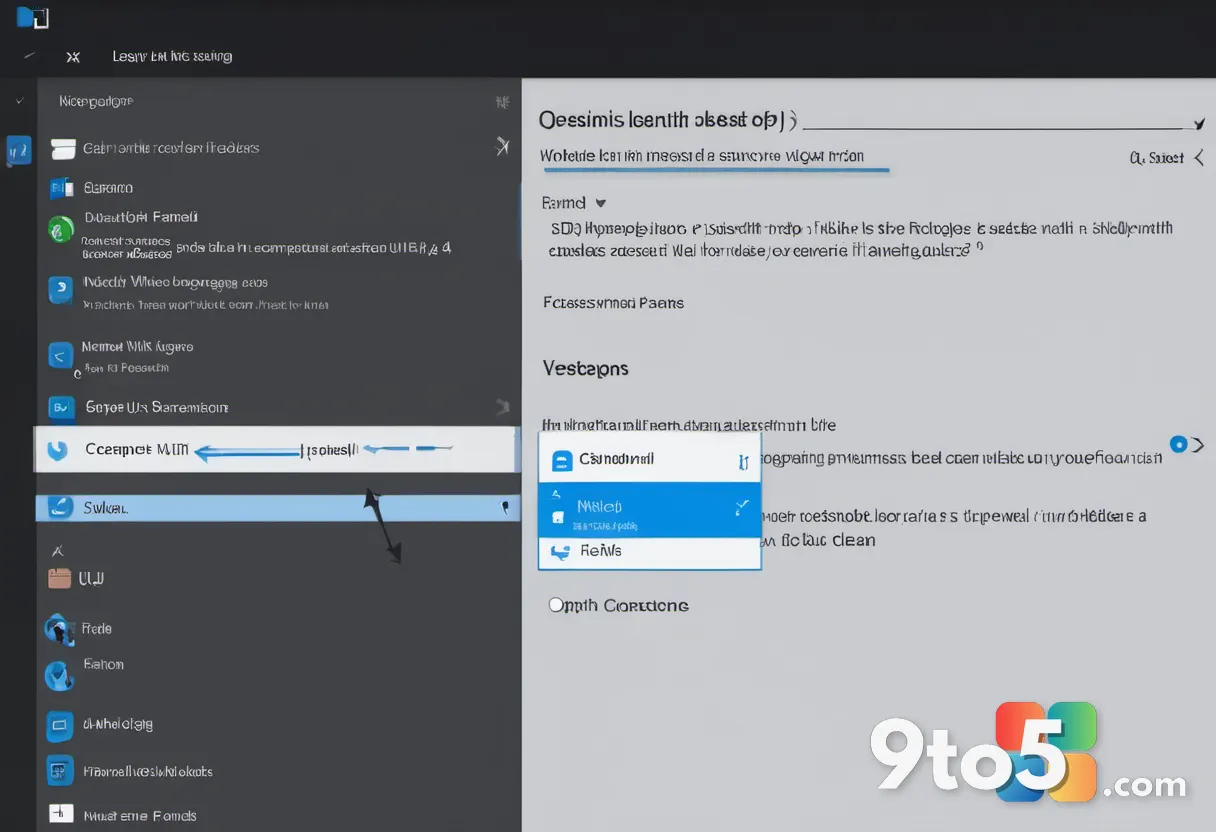
The most visible change in this week’s Experimental build (Build 26340.9577) touches the Start menu’s phone companion feature, which mirrors your recent activity from a linked phone.
Until now, that companion pane showed only a limited snapshot of your mobile activity. Microsoft is widening the window: the companion now displays more of your recent activity, backed by a scrollable side pane. The intent is that you can scroll through additional mobile items without leaving the Start menu.
For users who keep a phone and PC in constant sync, this is a small quality-of-life tweak that trims the number of taps needed to find something you just did on your phone. It also signals that Microsoft is treating the Start menu as a hub for cross-device continuity rather than just a launchpad for apps.
#3 Energy Recommendations land in Quick Settings
Also arriving on the Experimental channel is a sustainability-focused change. Windows Insiders will now see Energy Recommendations directly in Quick Settings.
Rather than hiding power-saving tips deep inside the full Settings app, Microsoft is surfacing them where you already reach for brightness, Wi-Fi, and Bluetooth toggles. The recommendations are designed to help you discover and take actions that reduce energy consumption and improve device sustainability.
From a practical standpoint, this fits into Microsoft’s longer push to make power management more proactive across Windows 11, building on features like Energy Saver mode and battery-health tooling it has been rolling out in recent years. The exact set of suggestions will vary by hardware and current power state.
What this means for you
Both new features are Experimental-channel only, so most Windows 11 users won’t see them until (and if) they progress further down the pipeline. The Beta Channel build is the more stable option for Insiders who want to stay closer to the eventual consumer release.
If you want to test these changes, you’ll need to switch to the Experimental channel in Windows Insider settings, which is a more experimental commitment than the Beta Channel. Microsoft notes that Experimental builds can be less stable, so it’s wise to back up your work before switching channels.
How to get the new builds
To grab this week’s updates, open Settings and head to the Windows Insider section. From there, select the channel that matches the build you want to test — Beta, Experimental, or their 26H1 variants — and trigger a check for updates.
Once the build downloads and installs, you can start exploring the scrollable Start menu companion and the new Quick Settings energy tips. If something feels off, you can roll back to your previous build within the standard retention window.
Source: Windows Blog
Over to you: Of the two new Experimental features — the scrollable Start menu companion or the Quick Settings energy tips — which are you most eager to try?