Microsoft has confirmed that it is removing the Windows Management Instrumentation Command-line (WMIC) utility from Windows 11, marking the end of an era for a tool that has been part of the operating system for 25 years. This legacy feature, once a staple for system administrators and power users, is being phased out as part of Microsoft’s broader push toward modernization and security improvements.
WMIC, introduced with Windows 2000, provided a command-line interface for interacting with the Windows Management Instrumentation (WMI) infrastructure. It allowed users to query system information, manage devices, and automate tasks across local and remote computers. However, as technology has evolved, Microsoft has increasingly relied on more robust and secure alternatives, such as PowerShell, to handle these functions.
What is WMIC and Why Is It Disappearing?
The decision to remove WMIC stems from several factors, including security vulnerabilities, maintenance challenges, and the availability of superior tools. Over the years, WMIC has been flagged for potential security risks, particularly due to its ability to execute commands and interact with system components in ways that could be exploited by malicious actors.
Additionally, maintaining WMIC has become increasingly difficult as Microsoft focuses its development efforts on modernizing Windows. The utility relies on older protocols and interfaces that are less efficient and less secure compared to contemporary alternatives. By deprecating WMIC, Microsoft aims to streamline its codebase, reduce potential attack vectors, and encourage the adoption of more advanced management tools.
Impact on Users and Administrators
For many IT professionals and enthusiasts, WMIC has been an indispensable tool for troubleshooting, scripting, and managing Windows environments. Its removal will necessitate a transition to modern alternatives, particularly PowerShell, which offers more comprehensive and secure capabilities for system management.
Users who have relied on WMIC for automating tasks or querying system information will need to adapt their workflows. While this may require some initial effort, the shift to PowerShell will likely result in more efficient and secure management practices. PowerShell provides a more powerful scripting environment with better error handling, improved performance, and enhanced security features.
How to Transition to Modern Alternatives
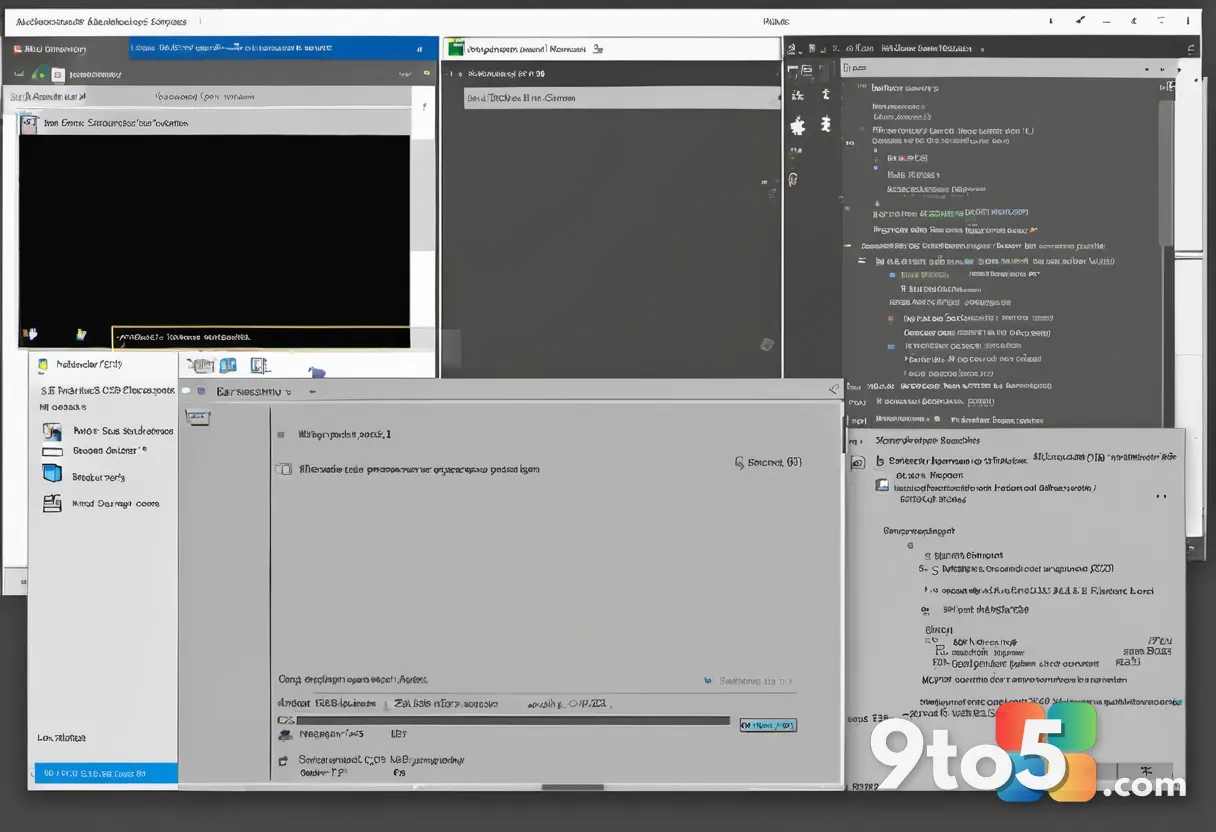
Microsoft has been actively promoting PowerShell as the primary tool for system administration and automation in Windows. The transition from WMIC to PowerShell involves learning new cmdlets and commands, but the benefits are substantial. PowerShell offers a more flexible and robust framework for managing Windows systems, with extensive documentation and community support available.
For those looking to migrate, Microsoft provides resources and guides to help users transition their scripts and workflows from WMIC to PowerShell. These resources include command mappings, tutorial videos, and community forums where users can seek assistance and share best practices. Embracing PowerShell will not only future-proof your management strategies but also align with Microsoft’s long-term vision for Windows administration.
What This Means for You
The removal of WMIC is a significant step in Microsoft’s ongoing effort to modernize Windows and enhance its security posture. For everyday users, this change may have minimal immediate impact, as many of WMIC’s functions are now accessible through more user-friendly interfaces and tools. However, for IT professionals and power users, it underscores the importance of staying current with Microsoft’s evolving ecosystem and adopting modern management practices.
As Microsoft continues to phase out legacy features, users are encouraged to review their systems and scripts to ensure compatibility with current and future versions of Windows. This proactive approach will help mitigate potential disruptions and ensure a smoother transition to modern tools and technologies.

What to Do Next
If you are currently using WMIC in your workflows, now is the time to evaluate your dependencies and begin transitioning to PowerShell. Start by identifying scripts and commands that rely on WMIC and explore their PowerShell equivalents. Microsoft’s official documentation and community resources can provide valuable guidance during this process.
Additionally, consider attending webinars or workshops focused on PowerShell to enhance your skills and stay informed about best practices. By embracing these modern tools, you will not only align with Microsoft’s strategic direction but also benefit from improved security, performance, and functionality in your Windows management tasks.
Source: Neowin
Over to you: Are you still using WMIC in your scripts, or have you already made the switch to PowerShell?