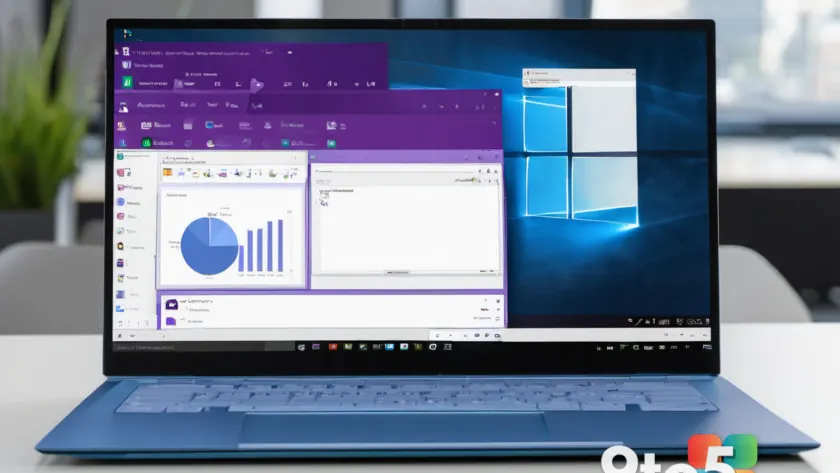
Microsoft is making a notable change to OneNote for the web, removing a feature that has been available to browser-based users while keeping it intact in the Windows desktop application. This move highlights the growing divergence between the two versions of the note-taking app and raises questions about the future of web-based productivity tools.
According to reports from Neowin, the change involves a specific capability that users have relied on within the web interface. While the exact nature of the feature has been described as “handy” by users, the decision to remove it from the web version but retain it in the Windows app suggests a strategic shift in how Microsoft prioritizes development resources.
The Divergence Between Web and Desktop
For years, OneNote for the web has served as a lightweight alternative to the full desktop application, offering core functionality for users who prefer not to install software. However, this version has historically lagged behind its desktop counterpart in terms of advanced features and customization options.
The recent removal of this feature accelerates that gap. Users who rely on the web version for quick note-taking or collaboration may find themselves needing to switch to the desktop app to access certain capabilities. This shift could impact workflows, particularly for those who use multiple devices or operate in environments where installing software is restricted.
Microsoft has not provided a detailed explanation for why this specific feature is being removed from the web version. However, the company has previously indicated that it is focusing on integrating Loop components across its ecosystem, which may influence future development decisions.
Loop Content Takes a Different Path
OneNote users will notice a different approach when it comes to Loop content. While the web version is losing certain features, Microsoft is implementing a “different plan” for Loop content already embedded in notes. This suggests that Loop, Microsoft’s collaborative block-based editing tool, remains a priority for the web interface.
Loop components allow users to create modular, shareable content that can be edited in real-time across different Microsoft 365 apps. By retaining and potentially enhancing Loop support in OneNote for the web, Microsoft is signaling that collaborative features are central to its future strategy.
This focus on Loop aligns with Microsoft’s broader push to unify its productivity suite. By ensuring that Loop content works seamlessly across web and desktop, the company aims to provide a consistent experience regardless of the platform. However, the removal of other features from the web version may lead to frustration among users who expect parity between the two.
What This Means for You
If you are a regular user of OneNote for the web, this change could affect your daily workflow. You may need to adapt by using the desktop app for tasks that require the removed feature or finding alternative solutions for specific note-taking needs.
For users who rely on Loop content, the good news is that this feature is being preserved and potentially enhanced. If you frequently collaborate with others or need real-time editing capabilities, OneNote for the web remains a viable option.
However, the overall trend suggests that Microsoft is prioritizing the desktop app for advanced functionality. Users who value a full-featured experience may want to consider switching to the desktop version if they have not already done so.
How to Get It
OneNote for the web remains available at onenote.com, and users can continue to access their notes without any immediate changes. If you need the feature that is being removed, you will need to use the OneNote desktop app, which can be downloaded from the Microsoft Store or via your Microsoft 365 subscription.
Microsoft typically provides advance notice of such changes through its official channels, including the Microsoft 365 Roadmap and support documentation. Users who want to stay informed about future updates should keep an eye on these resources.
As Microsoft continues to evolve OneNote, the distinction between web and desktop versions will likely become more pronounced. Users should weigh the convenience of web access against the need for advanced features when choosing which version to use.
Source: Neowin
Over to you: Are you switching to the OneNote desktop app to keep using this feature, or will you find a workaround in the web version?
You may also like
 Windows 11 24H2, Server 2022, and Windows 10 LTSB 2016 Get 60-Day Cut-Off Warnings
 S.T.A.L.K.E.R. 2 Free 2.0 Update Revealed: ‘Back to the Zone’ Brings Major Overhaul Ahead of DLC Launch
 Modern Warfare 4 Beta Breaks Tradition With First-Ever Campaign Mission
 The Big Xbox Exclusivity Debate: Should Fallout 5 and Elder Scrolls 6 Be Xbox Console Exclusive?