Entering a one-time code into the Microsoft login screen is usually the final step in securing your account. However, security researchers at Kaspersky have identified a sophisticated new phishing method that turns this trusted verification step into a trap.
The shift from password theft to token hijacking
Traditional phishing attacks typically aim to steal your username and password directly. Once attackers have those credentials, they often hit a wall: two-factor authentication (2FA). This is where the new method changes the game. Instead of trying to bypass 2FA, these attackers use it against you.
The attack begins with a standard phishing page that mimics Microsoft’s login interface. When you enter your credentials, the attacker doesn’t just log in immediately. Instead, they trigger the legitimate Microsoft authentication flow on their end while keeping you engaged on their fake site.
How the real-time relay works
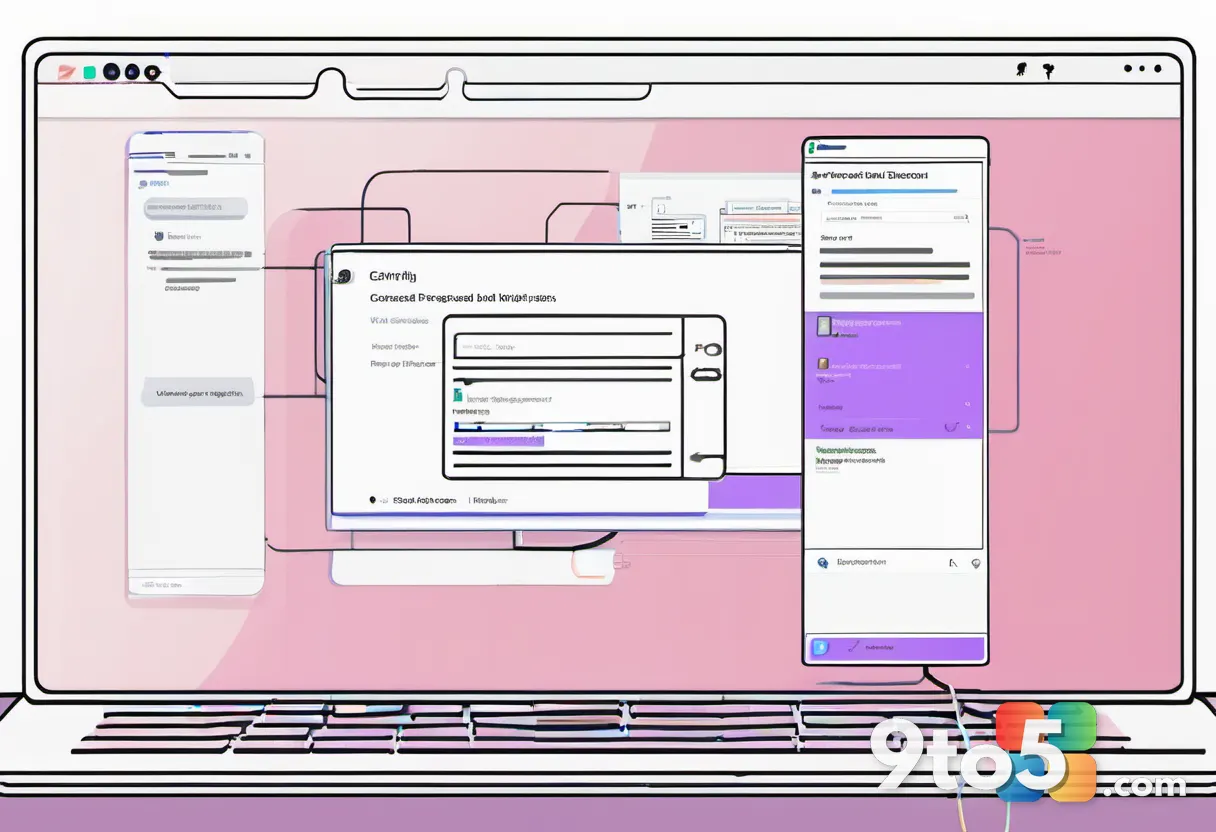
Here is where the technical sophistication comes in. The phishing page prompts you to enter the one-time code sent to your phone or authenticator app, just as Microsoft would normally ask. You believe you are completing a secure login. In reality, you are handing over the active session token.
The attacker’s system relays this code in real-time to the actual Microsoft servers. Because the code is valid and used immediately, Microsoft sees a successful login from the attacker’s device, not yours. You get a success message on the fake site, but your account is now compromised without you ever typing your password into the real Microsoft portal.
What this means for you
This method highlights a critical vulnerability in user trust. We are conditioned to believe that if we are asked for a code, we are interacting with the official service. This attack exploits that exact assumption. It means that even users with strong passwords and active 2FA are not immune if they interact with a convincing phishing page.
To mitigate this risk, Kaspersky advises checking the URL carefully before entering any credentials or codes. If the domain does not end in .microsoft.com or .live.com, do not proceed. Additionally, using hardware security keys (like FIDO2 devices) can provide an extra layer of protection that is much harder to phish than SMS codes or app-generated tokens.
Source: Neowin
Over to you: Do you rely on SMS codes or an authenticator app for your Microsoft account, and have you noticed any suspicious login attempts recently?