Geekom has built a solid reputation in the PC market, primarily known for its compact mini PCs and small form factor systems. However, the company is actively expanding its footprint into the laptop segment, and the Geekom GeekBook M16 represents its latest major push into this competitive space. Positioned just below the premium X16 Pro model, this 16-inch notebook aims to deliver a compelling mix of build quality, processing power, and endurance for everyday users and professionals who spend long hours away from a power outlet.
In this Geekom GeekBook M16 review, we are taking a comprehensive look at every aspect of the device. We have tested the chassis durability, the Intel Core Ultra 9 185H processor’s real-world performance, the display’s color accuracy and brightness, and, most importantly, the battery life that Geekom claims can last up to 24 hours. We will also examine the thermal management, noise levels, and the specific trade-offs Geekom made to hit its price point. If you are considering this machine for your daily workflow, you need to know exactly where it excels and where it falls short compared to rivals from Lenovo, MSI, and Dell.

#1 Design and Build Quality
Right from the moment you unbox the GeekBook M16, the first thing you notice is the premium feel of the chassis. Geekom has opted for a unibody aluminum construction finished in a clean “Iceberg Silver” colorway. This is not a plastic chassis with a metallic paint job; the entire body is milled metal, which immediately sets it apart from many budget and mid-range competitors that still rely on polycarbonate materials to cut costs.
The build quality is notably tight. When you inspect the gaps between the lid, the keyboard deck, and the display bezel, they are uniform and consistent. There is no creaking or loose fitting that often plagues cheaper laptops. Even when you apply firm pressure to the palm rest or the keyboard area, the chassis shows almost no flex. This rigidity is crucial for longevity, as a flexible laptop deck can lead to stress fractures on the motherboard or solder joints over time.
The display lid is held open by two robust hinges that provide excellent resistance. You can open the 16-inch panel with one hand without the base lifting off your desk, a feature that is surprisingly rare in this class. The hinges also prevent any annoying wobble when you are typing on a bumpy surface, such as an airplane tray table or a crowded coffee shop. Furthermore, the lid can open to a full 180 degrees, allowing you to lay the keyboard flat against a desk. This is a useful feature if you plan to use the M16 as a desktop replacement with an external mouse and keyboard, or if you need to share your screen during a presentation.
When it comes to portability, the M16 measures 355 × 250 × 16.8 millimeters and weighs approximately 1.7 kilograms (3.75 pounds). While 16-inch laptops are generally larger than their 14-inch counterparts, this weight is reasonable for the class. However, it is worth noting that Geekom’s own X16 Pro model weighs just 1.3 kilograms (2.86 pounds) despite having a similar CPU configuration. The weight difference here is almost entirely due to the battery. Geekom has prioritized capacity over weight savings, and that decision has a direct impact on how the laptop feels in a backpack.
The keyboard itself offers a comfortable typing experience. It features a well-defined key travel of 1.4 millimeters, which provides enough feedback for fast typists without being too mushy. The keystrokes are crisp and relatively quiet, making it suitable for office environments where noise is a concern. For working in darker environments, a white LED backlight is available with two brightness levels. While not the most vibrant backlighting option on the market, it is functional and evenly distributed across the keys.
One area where you will need to adjust your muscle memory is the keyboard layout. To accommodate a full numeric keypad on the chassis, Geekom has used a compact, three-column design for the number pad. As a result, the keys on the numeric keypad are noticeably narrower than those on the main keyboard. Additionally, the positioning of some special characters takes a bit of getting used to if you are coming from a standard ISO or ANSI layout. It is not a dealbreaker, but it is something to be aware of if you type heavily with numbers.
The touchpad is pleasantly large and responds precisely to multi-touch gestures. It is positioned correctly and offers a smooth glass-like surface that tracks fingers accurately. Integrated into the power button is a fingerprint sensor that supports Windows Hello, allowing for quick and secure biometric login. This is a standard feature on most modern laptops, but it is always welcome for daily convenience.
A small but thoughtful detail is the physical webcam cover. This sliding mechanism conceals the camera lens when you are not using it, providing a tangible layer of privacy protection. In an era where webcam security is a genuine concern for many users, having a physical shutter is a welcome feature that is unfortunately missing from many competitors in this price range.
#2 Hardware and Specifications
At the heart of the GeekBook M16 sits the Intel Core Ultra 9 185H processor. This chip belongs to Intel’s first-generation Core Ultra lineup, codenamed “Meteor Lake,” which debuted in late 2023. It is a sophisticated piece of silicon that combines six performance cores with Hyper-Threading, eight efficiency cores, and two low-power efficient cores. This results in a total of 16 cores and 22 threads, with a base clock speed of 3.1 gigahertz that can boost up to 5.1 gigahertz in Turbo mode.
One of the key selling points of this processor is the integrated Neural Processing Unit (NPU). The NPU is designed to handle AI-powered tasks such as background blurring in video calls, local image editing, and other machine learning workloads. By offloading these tasks from the CPU and GPU, the NPU helps improve efficiency and extends battery life during AI-intensive operations.
Memory configuration is where the M16 begins to show some limitations. The test unit comes with 16 GB of LPDDR5 RAM operating in quad-channel mode. According to HWiNFO, the soldered memory runs at an actual clock speed of 3,200 MHz, which translates to an effective data rate of 6,400 MT/s. While this is fast, it falls short of the maximum 7,467 MT/s supported by the Core Ultra 9 185H. Geekom likely chose this conservative clock speed to save power during battery operation, but it does mean slightly reduced performance in memory-intensive tasks compared to systems running at higher speeds.
Storage is handled by a Kingston OM8TAP4512K1-A00 NVMe SSD with 512 gigabytes of capacity, connected via PCIe 4.0 with four lanes. This is a reliable drive, but 512 GB is becoming increasingly tight for a laptop with this level of processing power. Geekom does not currently offer a larger storage option, which is understandable given the current global shortage of memory chips, but it is a limitation nonetheless.
Fortunately, expansion is straightforward. Geekom has equipped the M16 with two full-size M.2 slots. The primary slot houses the factory-fitted SSD in the standard M.2 2280 format. Right next to it is a second, free M.2 2280 slot that is also connected via fast PCIe 4.0 x4. This means you can add a second drive for additional storage without having to remove or replace the system drive. This is excellent for device longevity and allows you to upgrade your storage as your needs grow.
Connectivity is robust. The M16 uses a MediaTek MT7922 Wi-Fi 6E chipset with support for 160 MHz channel bandwidth. In our testing, it achieved a connection speed of 2,402 Mbit/s on our network, close to the theoretical maximum of 2,999 Mbit/s. This is more than sufficient for video calls, cloud backups, and large file downloads. Bluetooth 5.4 is also included for wireless peripherals.
The port selection is comprehensive. On the left side, you will find a USB4 port capable of 40 Gbit/s data transfer and video output, along with a standard USB-C port. On the right side, there are two USB-A ports, an HDMI port, and a 3.5 mm audio jack. This layout allows you to connect up to three external monitors without the need for dongles, which is a significant advantage for productivity setups. Additionally, Geekom includes a USB-C hub in the box that adds Gigabit LAN, an extra HDMI port, two USB 3.0 ports, and a USB-C port with Power Delivery.
The system runs Windows 11 Pro out of the box. The specific test unit we reviewed was running Build 26200.8457 with BIOS version 1.15. Windows 11 Pro includes additional features such as BitLocker encryption, Remote Desktop, and Group Policy management, which are beneficial for business users and power users who need enhanced security and management capabilities.
Geekom also includes its own PC Manager software, which bundles power profiles, driver management, autostart optimization, and a device-switching wizard into a single interface. This makes it easier for users to customize their system and keep drivers up to date without navigating complex menus.
#3 Display and Audio
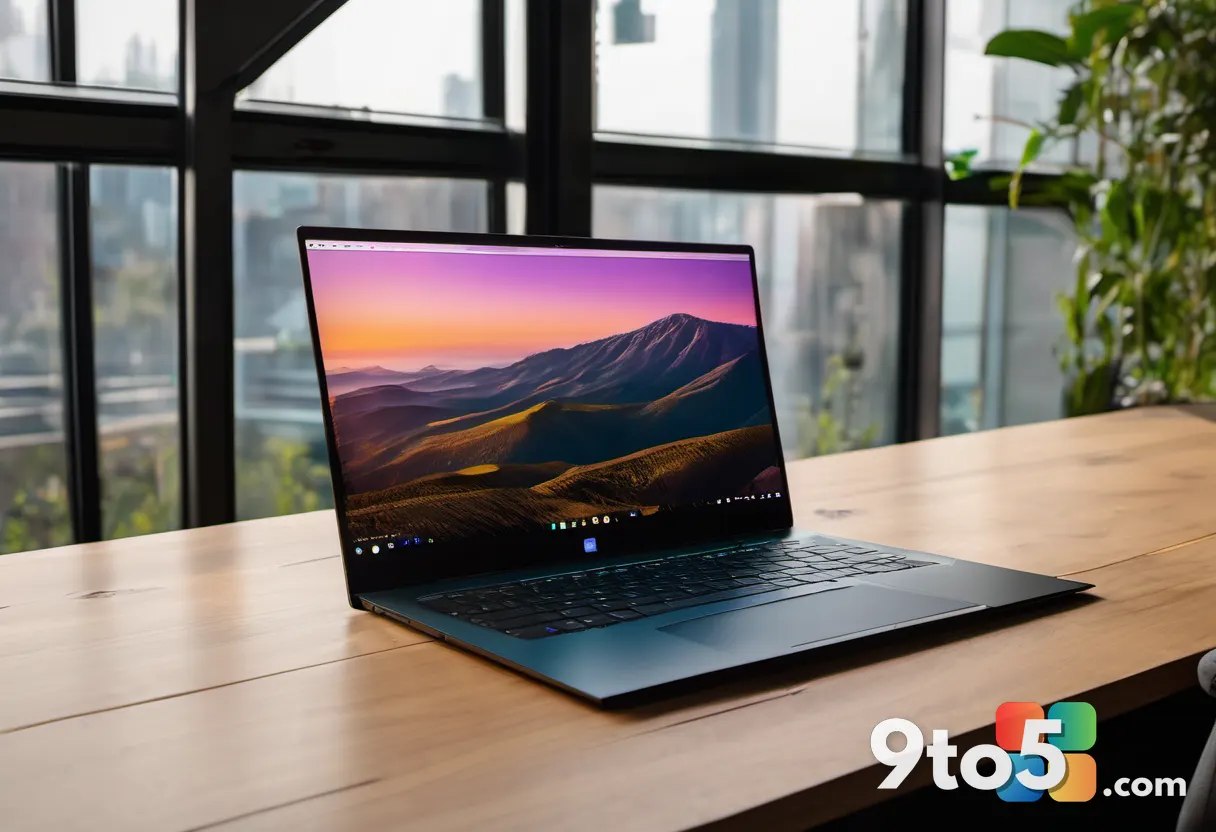
The display is arguably the most significant compromise on the GeekBook M16. Geekom has equipped the laptop with a 16-inch IPS panel featuring a 16:10 aspect ratio and a standard FHD resolution of 1920×1200 pixels. The 16:10 aspect ratio is a positive highlight, offering noticeably more vertical workspace than the classic 16:9 format. This provides real convenience when working with documents, spreadsheets, or source code, as you can see more content on the screen without scrolling.
However, the 1920×1200 resolution is a step down from what you might expect from a 16-inch laptop in 2026. While it is sufficient for text and Office applications, the difference compared to higher-resolution screens (such as QHD or 4K) is noticeable when dealing with fine graphics, small fonts, and icons. Text may appear slightly softer, and you will notice pixelation if you sit close to the screen.
The refresh rate is also stuck at the standard 60 Hz. If you are used to scrolling through web pages or moving windows on a 120 Hz or 144 Hz display, the M16’s screen will feel less smooth. This is a common trade-off in budget and mid-range laptops, but it is worth noting if you value responsiveness.
n
Brightness and color reproduction are where the display truly struggles. Geekom measured a brightness of around 300 nits, which is average at best. This is compounded by the reflective surface of the panel. Bright light sources and windows are clearly visible on the display, and in some cases, they can outshine the on-screen content. This makes readability difficult in brightly lit offices or outdoors.
Color accuracy is also a concern. The display appears slightly cool straight out of the box, and color gamut coverage is somewhat limited. While this is acceptable for office tasks and web browsing, it is not suitable for professional photo or video editing. If you are a creative professional, you will likely need to connect an external calibrated monitor for accurate color work.
By 2026, this choice of panel feels outdated. Many competitors already offer higher-resolution OLED or IPS displays with 120 Hz refresh rates and better brightness levels. The GeekBook M16’s reflective 60 Hz FHD panel is a clear weak spot that holds the laptop back from being a true all-rounder.
On the audio front, the M16 features two stereo speakers with DTS:X Ultra support. The maximum volume is sufficient for films, video conferences, and music in smaller rooms. Voices are reproduced clearly, and the sound is well-balanced. However, as with most laptops in this class, the audio lacks powerful bass and depth. For a richer audio experience, you will want to use headphones or an external speaker.
#4 Performance and Benchmarks
To understand the real-world performance of the GeekBook M16, we ran a series of benchmarks. The Intel Core Ultra 9 185H is a powerful processor, but its performance is influenced by Geekom’s power management settings.
In PCMark 10, the M16 scored 6,678 points. This breaks down into 10,031 points for Essentials, 8,496 points for Productivity, and 9,483 points for Digital Content Creation. While these scores are solid, they are lower than some competitors. For comparison, Geekom’s own X16 Pro scored 8,256 points with an identical CPU, and the Lenovo Yoga 9i managed 7,719 points with a more energy-efficient Intel Core Ultra 7 258V.
The reason for this performance shortfall lies partly in the RAM speed and partly in Geekom’s aggressive power throttling. System settings reveal that Geekom keeps the M16 on a tight leash during everyday use. The CPU is throttled early during typical productivity tasks to maximize battery life and keep temperatures low. As a result, the Core Ultra 9 performs closer to a throttled Core Ultra 7 in many scenarios.
In the 3DMark CPU profile, the M16 achieved 7,071 points at maximum thread utilization, putting it ahead of the X16 Pro’s 6,741 points. This demonstrates the hybrid architecture’s ability to scale between performance and efficiency cores. Scores across different thread levels, ranging from 937 points with a single core to the maximum, show smooth scaling.
Graphics performance is where the Meteor Lake platform shows its age. In Time Spy, the integrated Intel Arc graphics scored 3,935 points, with 3,545 points for pure graphics performance. This is almost identical to the X16 Pro’s 4,073 points. However, newer platforms like the MSI Prestige Flip 14 AI, with its Panther Lake chip and twelve Xe3 cores, scored 6,704 points—almost double the M16’s score.
In Steel Nomad, the M16 scored 667 points at 6.67 frames per second, which is at the bottom of the scale. The MSI Prestige Flip 14 AI achieved 1,213 points at 8.49 frames per second. For users who need substantial graphics power, the M16 is not the right choice. You would be better served by laptops with dedicated GPUs, such as the Asus ProArt P16 with an RTX 4070 or the Alienware 16X Aurora with an RTX 5070, though these come at a significantly higher price.
For local AI tasks, Geekbench AI delivered a score of 6,217 points, with 3,229 points in single precision and 1,334 points in half precision. These figures are virtually on par with the X16 Pro, confirming that the NPU operates identically in both models. This is a positive sign for users who plan to leverage AI features in their workflow.
Storage performance is impressive. In CrystalDiskMark, the SSD achieved 5,955 MB/s for sequential reads and 3,682 MB/s for writes. For random access with queuing, it achieved 606 and 438 MB/s, respectively. While these speeds are slightly lower than the X16 Pro’s over 7,000 MB/s for reading, they are still fast enough for everyday use, and loading times remain pleasantly short.
#5 Battery Life and Charging
The battery is the absolute highlight of the GeekBook M16. Geekom has fitted the chassis with a massive 99.9 Wh lithium-ion battery, which is the maximum allowed in hand luggage on flights. This large capacity is the primary reason for the laptop’s impressive endurance claims.
Geekom claims up to 24 hours of battery life, and our testing largely supports this. In a standardized video endurance test, where we continuously played a local Full HD video (H.264 loop) with display brightness set to 150 nits, Wi-Fi disabled, and the power-saving profile active, the M16 achieved a runtime of 24 hours and eight minutes. This is a spectacular result that underscores the effectiveness of the large battery.
However, a more realistic everyday office test provides a different picture. In our structured test, which involved continuous web browsing via Wi-Fi, regular document editing, and short video calls at 150 nits brightness in Balanced mode, the M16 lasted 12 hours and 58 minutes. This is still an excellent result for a 16-inch laptop, but it is important to manage expectations. The impressive battery life is less a result of groundbreaking efficiency from the Meteor Lake platform and more a consequence of sheer capacity.
Modern ARM competitors, such as those with Qualcomm’s Snapdragon X Elite, or Intel’s newer Lunar Lake generation, achieve similarly long running times with significantly smaller and lighter batteries. The M16 pays for its independence from the mains primarily with weight. At 1.7 kilograms (3.75 pounds), it is heavier than some rivals that offer comparable battery life.
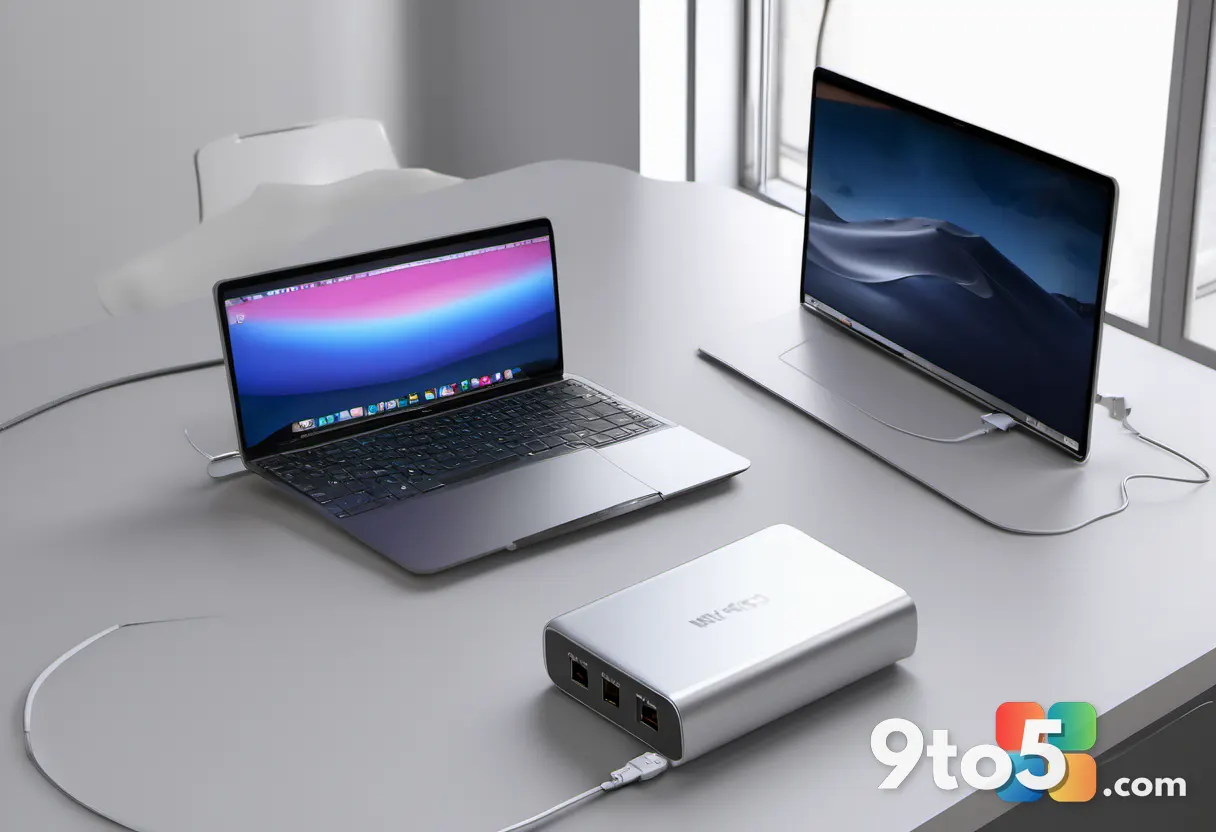
Charging is fast and convenient. The included 100-watt GaN power adapter supports PD fast-charging technology. A quick 10-minute stop at an outlet provides enough power for just under two hours of office work. It takes just under 30 minutes to charge an empty battery to 50 percent, and after about 90 minutes, the GeekBook is fully operational again. The 100-watt adapter never runs at its limit, even under maximum system load, and has sufficient reserves to charge the laptop quickly.
Thermal management is also worth noting. Despite its compact height of just under 17 millimeters, the M16 maintains good thermal control. After half an hour of intensive stress testing, the palm rest remained cool at 28.4 degrees Celsius (83.1 Fahrenheit). The hotspot on the keyboard reached a maximum of 41.2 degrees Celsius (106.2 Fahrenheit), which is warm but not uncomfortable. On the underside, directly above the heat pipes, we measured a peak temperature of 44.6 degrees Celsius (112.3 Fahrenheit). This is why we would not recommend using the M16 on your lap for intensive rendering work, but on a desk, it performs exceptionally well.
Noise levels are generally low. Under normal office conditions, the fans usually switch off completely, meaning the laptop operates in complete silence. Only during brief spikes in load do the fans whir at a barely perceptible 26 to 28 dB(A). During more demanding tasks, the background noise settles at a very quiet 32 dB(A). Under sustained full load, the peak reading was 45.1 dB(A), which is clearly audible but free of annoying high-frequency whistling.
What This Means for You
The Geekom GeekBook M16 is not a classic all-rounder. It is a highly specialized workhorse with a very clear trade-off: you get CPU cores and maximum battery capacity in exchange for display quality and peak system speed. If you are a professional who spends long hours away from a power outlet and needs a reliable machine for office work, coding, and web browsing, the M16 is an excellent choice. The aluminum build, comfortable keyboard, and massive battery make it a joy to use on the go.
However, if you are looking for a modern multimedia laptop with a high-refresh-rate display, you will be disappointed by the 60 Hz panel and the aggressive power throttling. In that case, it would be wiser to choose similarly priced devices from competitors like Lenovo or Dell that offer a more balanced configuration with a better display and less restrictive power limits. The M16 is a niche product that excels in specific areas while making deliberate compromises in others.
How to Get It
The Geekom GeekBook M16 is available for purchase through Geekom’s official website and select retailers. Pricing may vary by region, but it is generally positioned in the mid-range segment, offering strong value for the hardware provided. We recommend checking for any current promotions or bundle deals that might include the USB-C hub or additional storage options. Given the limited storage configuration, you may want to budget for a second M.2 SSD if you plan to store large files locally.
Source: PCWorld
Over to you: Does the Geekom GeekBook M16’s massive battery life make up for its 60 Hz display in your daily workflow?
You may also like
 Lenovo IdeaPad Slim 3 First Impressions: Tackling the 2026 Budget Laptop Rush
 Cooler Master V8 ACE 3DHP Review: V8 Aesthetics Meet Serious Air Cooling Performance
 Peladn WO4 5600H Review: An Affordable, Upgradeable Mini PC for Home Labs
 HP OmniBook X Flip 14 Review: AMD Power Meets Convertible Flexibility