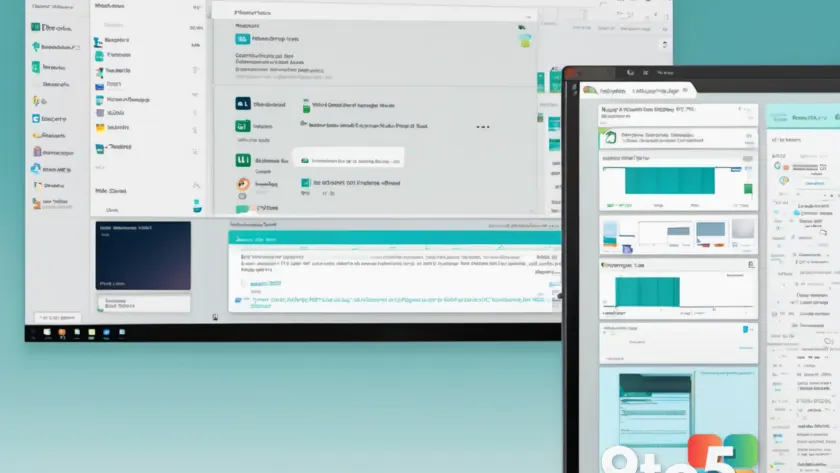
Microsoft has pushed a fresh update to the Windows 11 Beta channel, and while the changelog is unusually terse, the single feature it introduces is one that power users have been requesting for years.
Build 26220.9223 adds a dedicated Maximize button directly to application title bars, giving you a simple one-click way to maximize apps — no more digging through dropdown menus.
What’s actually new in build 26220.9223
According to the Windows Insider Blog, the headline change in this build is the addition of a Maximize button alongside the existing Minimize and Close buttons on the title bar of supported apps.
In practice, this means you can now click a single button to snap a window full-screen, just like you could in Windows 10 and every version of Windows before it. Before this update, Windows 11’s title bars only exposed Minimize and Close, with the “Restore Down” option tucked away in a small dropdown menu that appears when you hover over the Close button.
That menu-driven approach has been a frequent point of frustration since Windows 11 launched. The classic three-button layout — Minimize, Maximize/Restore Down, and Close — was one of the most consistently requested changes from users migrating from Windows 10, and this build finally delivers the missing piece.
Why Windows 11 dropped the Maximize button
When Windows 11 shipped in 2021, Microsoft redesigned the title bar to be more minimal, keeping only Minimize and Close visible. The Restore Down and Maximize functions were consolidated into a single dropdown that appears when you click the small arrow next to the Close button.
The thinking behind the redesign was to give windows a cleaner, more modern look and to reduce visual clutter on the title bar. However, the tradeoff was an extra click and a less intuitive workflow for anyone used to the traditional layout.
Over the years, Microsoft has quietly added several requested features back to Windows 11 — including right-click-to-rename in File Explorer and the return of the classic context menu — but the title bar buttons remained a stubborn holdout. This build appears to be Microsoft’s direct response to that ongoing feedback.
What this means for you
For everyday Windows 11 users, this is a small but genuinely quality-of-life improvement. If you frequently resize and reposition windows — snapping them to halves of the screen, expanding them for spreadsheets, or toggling between multitasking and focused work — you’ll no longer need to reach for the dropdown menu.
The change should feel automatic once you install the build. There’s no setting to toggle it on or off that Microsoft has announced, so if you’re on build 26220.9223 or later in the Beta channel, the Maximize button should already be available on supported apps.
It’s worth noting that not every app may show the new button yet. Title bar styling depends on how individual applications render their windows, so some older or custom-built apps might not reflect the change until they’re updated to match the new Windows 11 styling.
How to Maximize Apps with the New Build
Build 26220.9223 is being distributed through the Windows 11 Beta channel, part of Microsoft’s Windows Insider Program. The Beta channel is aimed at users who want relatively stable early access to upcoming features without the rawness of the Dev channel.
To receive the update, open Settings and navigate to Windows Update. From there, click Windows Insider Program and make sure you’re enrolled in the Beta channel. Once enrolled, return to Windows Update and select Check for updates.
If you’re already in the Beta channel, the update should arrive automatically within a day or two. To switch channels, you can also use the built-in Channel Hopper tool, which lets you move between the Dev, Beta, and Release Preview channels without resetting your device.
What to do now
Unless you’re specifically avoiding the Beta channel, this is a straightforward update to install if you want the new Maximize button. The feature is low-risk and reversible — you can always roll back to a previous build within 10 days if something doesn’t work to your liking.
For those who prefer to stay on stable releases, keep an eye on the upcoming Release Preview and stable channels. Features tested in Beta eventually filter down, so the one-click maximize is likely to land in a mainstream Windows 11 update sometime later this year.
Source: Neowin
Over to you: Now that Windows 11 has a one-click Maximize button, will you keep using it, or do you prefer snapping windows to screen halves?
You may also like
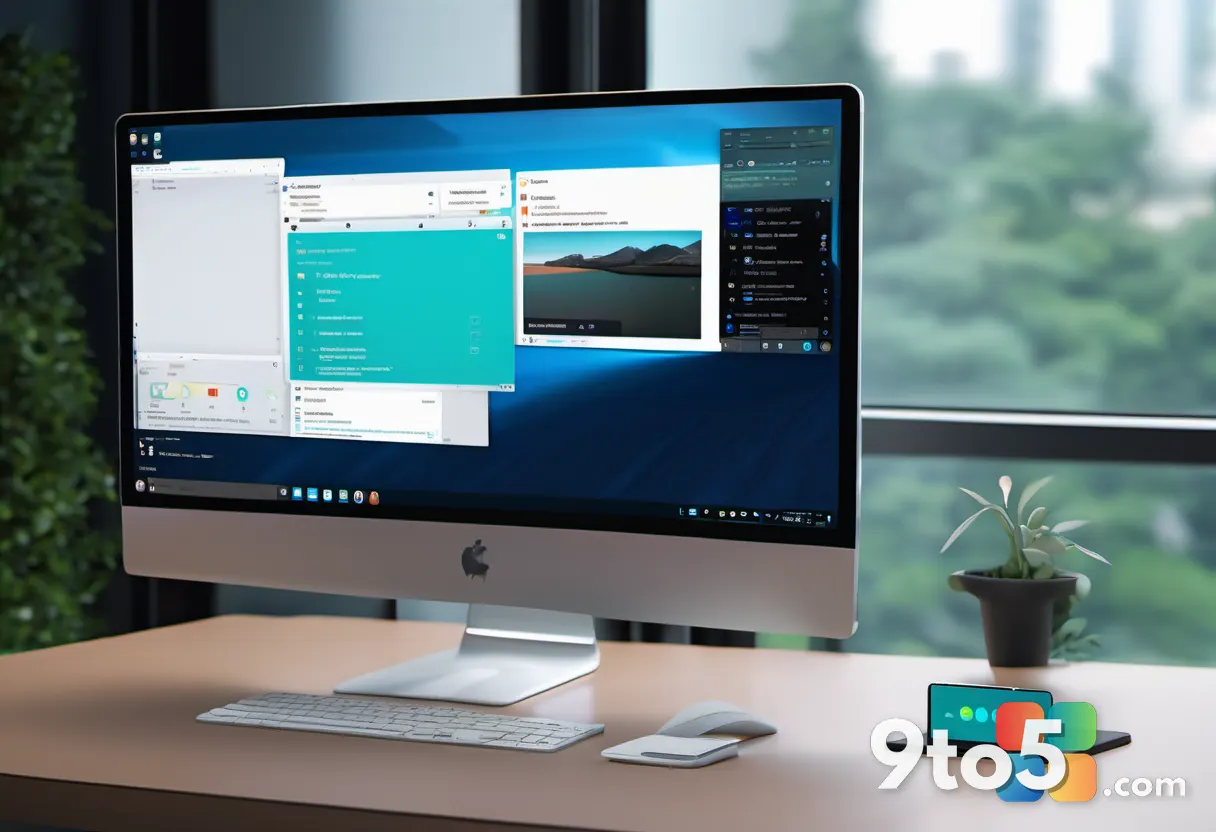 Windows 11 Will Let You Force Apps to Open Maximized by Default
 Windows 11 Experimental build adds automatic PDF previews in File Explorer
 Windows 11 Insider Preview builds bring a modernized Autoplay and a new ‘Open apps maximized’ setting
 Windows 11 Could Let You Decide How Much RAM Goes to Graphics and AI