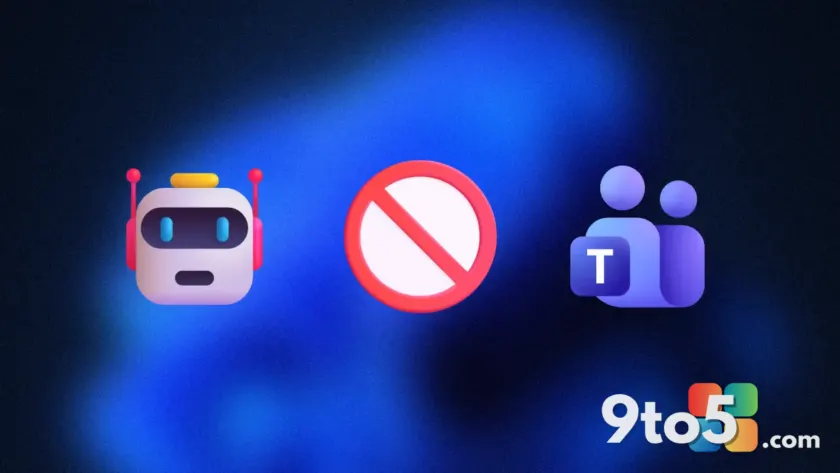
Microsoft is updating Microsoft Teams to stop unauthorized bots and AI assistants from quietly joining your meetings. The company announced changes to how these automated participants are handled, aiming to prevent unwanted software from slipping into calls without the organizer’s knowledge.
Tighter controls on meeting participants
In the past, certain bots could join Teams meetings with minimal friction, sometimes appearing in the participant list without clear indication of their purpose or origin. Microsoft is now implementing stricter checks to ensure that only approved applications can enter a session. This shift puts more control back in the hands of meeting organizers and IT administrators.
The update specifically targets “sneaky” bots—automated tools that might attempt to join calls to record audio, take notes, or perform other actions without explicit consent. By blocking these unauthorized entries, Microsoft aims to reduce confusion during meetings and protect user privacy.
What this means for you
If you use Teams for work or personal calls, you may notice fewer unexpected participants in your meeting roster. Legitimate AI assistants that have been properly configured and approved by your organization will continue to function as expected. However, any bot attempting to join without proper authorization will be denied entry.
This change is particularly relevant for users who rely on third-party integrations or AI tools for transcription and summarization. Ensure that any such tools you use are officially supported and configured within your organization’s Teams settings to avoid disruption.
Why security matters now
As AI-powered tools become more common in the workplace, the risk of unauthorized data collection or meeting interference grows. Microsoft’s move aligns with broader efforts across the tech industry to secure collaboration platforms against malicious or intrusive automation. By tightening these rules, Teams becomes a safer environment for sensitive discussions.
IT administrators will likely appreciate the added layer of control, as it simplifies policy enforcement regarding which applications can access meeting data. For everyday users, the benefit is simpler: fewer surprises during calls and greater confidence that your conversations remain private.
Source: Neowin
Over to you: Do you currently use AI assistants in your Teams meetings, and have you ever noticed an unexpected bot joining a call?
You may also like
 Microsoft admits Outlook’s most critical feature is currently broken
 Microsoft to auto-install Microsoft 365 Copilot app on eligible Windows PCs starting June 2026
 Microsoft kills Edge Drop, Collections, and Sidebar to clear the way for Copilot
 Secure Boot deadline passed: What happens to your Windows 11 PC if you missed the update