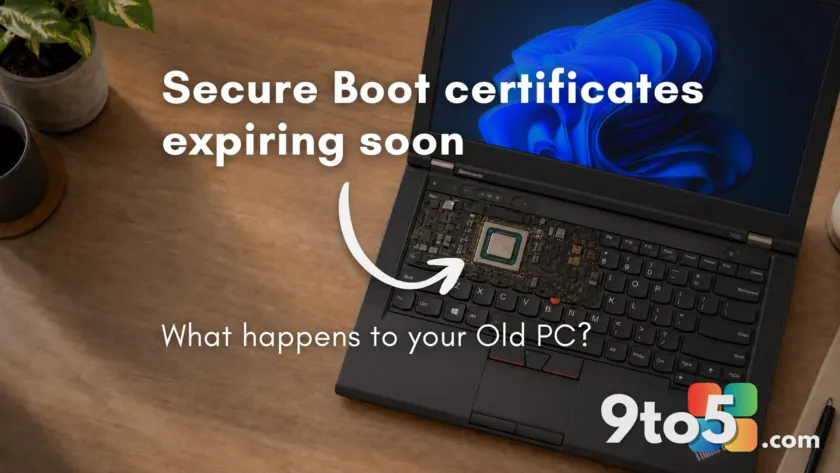
The clock struck midnight on June 24, 2026, marking the expiration of the Secure Boot 2011 certificates. If you are using a modern PC, you likely received the Secure Boot 2023 update automatically and saw nothing change. But if you are running Windows 11 on older hardware, bypassed installation requirements, or are stuck on Windows 10 without Extended Security Updates (ESU), you might be wondering if your computer is now broken.
The short answer is no. Microsoft has confirmed that devices missing the update will continue to boot and operate normally. However, there is a catch regarding long-term security. Here is everything you need to know about the post-deadline landscape for Windows PCs.
Your PC won’t break, but it will stop receiving boot-level fixes
First, let’s address the panic. According to Microsoft’s official support documentation, reaching the expiration date without the new certificates does not trigger a shutdown, a forced reboot loop, or any startup error messages. Your device will still start up and run Windows as usual.
Standard Windows updates will also continue to install. The issue is not with the operating system itself, but with the firmware-level security chain. Devices without the 2023 certificates can no longer receive updates to the Windows Boot Manager, Secure Boot databases, or revocation lists. This means your PC is effectively frozen in time regarding boot-level vulnerability mitigations.
Why some PCs never received the update
The rollout of the Secure Boot 2023 certificates relies on device firmware accepting and storing new keys. This process requires compatibility work from PC manufacturers, which is why many older devices were left behind.
- OEM Support Cutoffs: Manufacturers like Dell have confirmed they are not providing BIOS updates for platforms with an End of Service Life before January 1, 2026. If your OEM discontinued support for your specific model, there is no path to receive the certificate update automatically.
- Legacy BIOS and CSM Mode: PCs running in Compatibility Support Module (CSM) mode or using Legacy BIOS do not use UEFI Secure Boot. For these devices, the certificate update is irrelevant because Secure Boot was never active in the first place.
- Unsupported Hardware Bypasses: If you installed Windows 11 on unsupported hardware (like a 6th-gen Intel or early Ryzen system) using registry bypasses to skip TPM 2.0 or CPU checks, your device likely has Secure Boot disabled or in a partial state. The update process is designed to skip these devices to avoid breaking them.

The real security risk: Frozen revocation lists
Without the 2023 certificates, your PC cannot receive future updates to the Secure Boot DBX (Forbidden Signature Database). The DBX is a critical list that blocks known compromised bootloaders. When Microsoft discovers a vulnerability in a bootloader, it adds that signature to the DBX to prevent malicious code from loading.
A device stuck on the 2011 certificates can only process DBX updates signed with the old key, which has now expired. This leaves your system vulnerable to bootkits like BlackLotus, which exploited older bootloader vulnerabilities (CVE-2022-21894 and CVE-2023-24932) to bypass Secure Boot. While these attacks are complex and typically target high-value individuals or enterprises, the risk grows over time as more vulnerabilities are discovered.
How to check your Secure Boot status
You can verify whether your PC has the updated certificates by opening the Windows Security app and navigating to Device Security. Look for the Secure Boot section, which now displays color-coded badges:
- Green Checkmark: The 2023 certificates are applied. You are fully updated.
- Yellow Warning: The update is pending, or Microsoft needs more data from your device before proceeding.
- Red Stop Icon: There is a specific issue, usually a firmware incompatibility, blocking the update.
If the Secure Boot section is missing entirely, your PC either has Secure Boot disabled in the firmware, is running in Legacy BIOS mode, or was installed on hardware where Secure Boot was not enforced. In these cases, the certificate update does not apply to your system.

What this means for you
For most home users on older hardware, this is a theoretical risk rather than an immediate emergency. Your PC will keep working, and day-to-day performance is unaffected. However, businesses face stricter compliance requirements. Many cyber insurance policies require endpoint devices to receive active security updates at every layer, making the inability to receive DBX revocations a significant gap for enterprise environments.
If you are on Windows 10 with ESU, you should still receive the update if your OEM supports it. If you are on unsupported hardware or an older PC with no BIOS updates available, your options are limited. You can continue using the device as-is, accept the gradual security degradation, or consider upgrading to newer hardware that supports the latest firmware standards.
Source: Windows Latest
Build details:
- KB5087544
- kb5087544
Over to you: Are you keeping your older PC running despite the Secure Boot gap, or have you already upgraded to newer hardware?