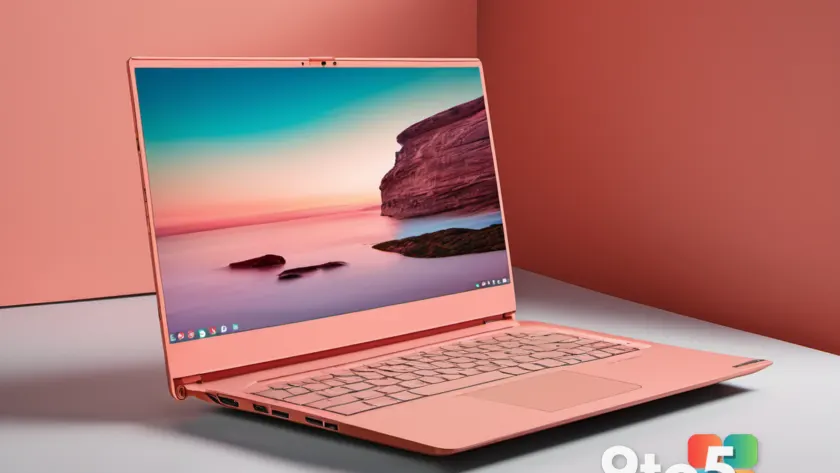
Lenovo has officially shared the complete specification sheet for the IdeaPad Vibe, the colorful, budget-focused laptop positioned as a direct alternative to Apple’s MacBook Neo. According to details obtained by Windows Latest, the IdeaPad Vibe brings a surprisingly flexible hardware lineup to the entry-level market, starting at 8GB of RAM and offering a wide array of AMD processor, display, and storage configurations.
While the MacBook Neo has drawn attention for its vibrant color options and accessible price point, it comes with a tightly controlled internal spec sheet. Lenovo, however, is leveraging the inherent advantages of the Windows ecosystem by giving buyers a genuine menu of choices. From 14-inch to 15-inch displays, IPS to OLED panels, and single-channel to dual-channel memory, the IdeaPad Vibe aims to cover more user preferences than its Apple counterpart.
Processor Options: AMD Ryzen AI 400 and 300 Series
At the heart of the IdeaPad Vibe are AMD’s latest silicon, with Lenovo offering two distinct processor families under the hood. The specification sheet confirms support for both the newer Ryzen AI 400 series and the previous-generation Ryzen AI 300 series, all capped at a 30W TDP.
For the Ryzen AI 400 lineup, buyers can choose from the Ryzen AI 7 445, Ryzen AI 5 435, or Ryzen AI 5 430. These chips belong to AMD’s Gorgon Point generation, which was announced at CES 2026. AMD claims up to 50 TOPS of NPU performance across these processors, positioning them firmly within the Copilot+ PC ecosystem for configurations that meet the memory threshold.
The Ryzen AI 300 series options include the Ryzen AI 7 350, 345, 340, and 330. While these are technically the outgoing Strix Point chips, they still deliver robust integrated Radeon Graphics and solid AI acceleration, ensuring that even the base models remain competitive for everyday tasks and light creative work.
It is also worth noting that Lenovo has confirmed Snapdragon variants will be available for the IdeaPad Vibe, though detailed specifications for those ARM-based configurations have not yet been disclosed. This dual-platform approach mirrors Microsoft’s broader push to offer both x86 and ARM options across its Copilot+ PC lineup.
Memory and Storage: 8GB Starts the Lineup
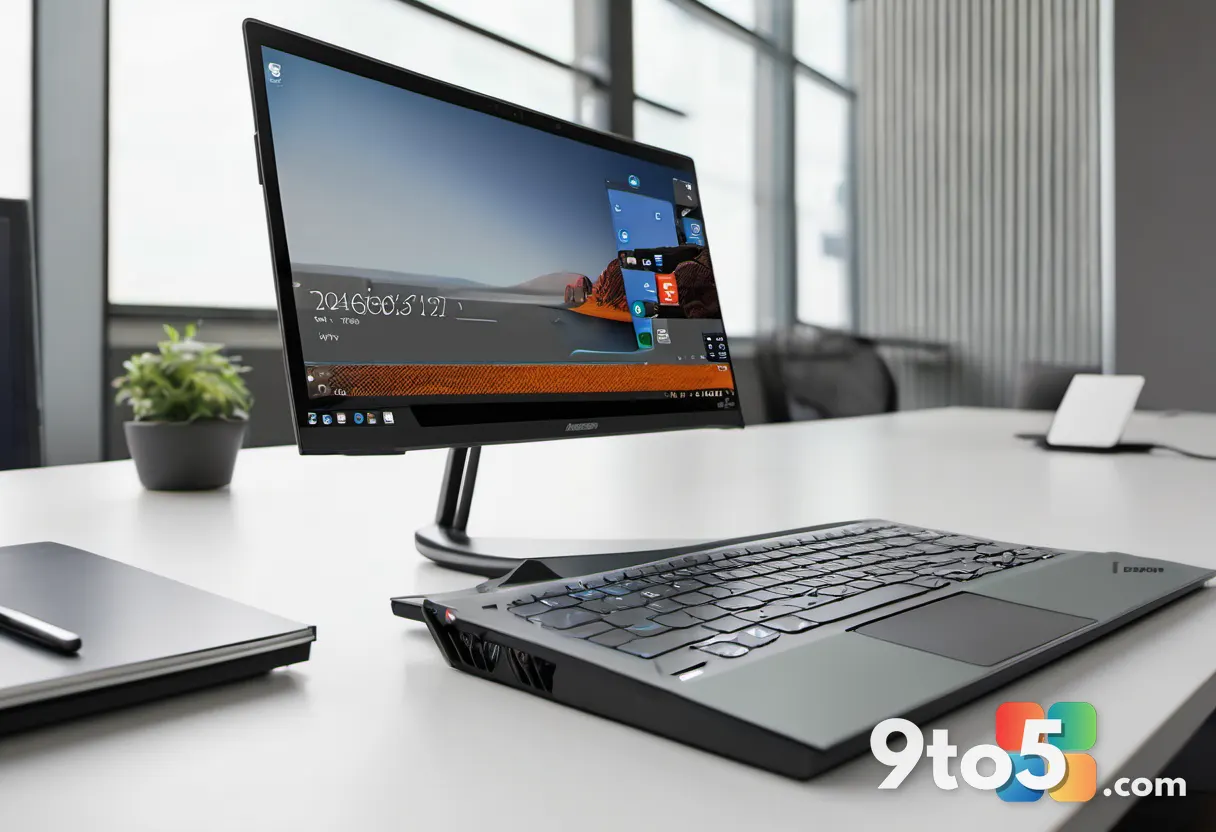
One of the most discussed aspects of the IdeaPad Vibe specs is the memory configuration. The entry-level model starts with 8GB of LPDDR5X memory running at 5600MT/s. However, Lenovo has structured the memory options carefully to balance performance and cost.
The 8GB and 16GB configurations run in single-channel mode, which can sometimes bottleneck integrated graphics performance. To address this, Lenovo offers 16GB, 24GB, and 32GB options in dual-channel mode. For users planning to do any light photo editing, video streaming, or multitasking, the dual-channel variants provide a noticeable advantage in memory bandwidth.
Storage options range from 256GB to 1TB, all utilizing PCIe Gen4 NVMe SSDs. Here, Lenovo makes a distinction between TLC and QLC NAND. The base 256GB configuration uses faster TLC flash, while the 512GB and 1TB options switch to QLC. QLC drives are perfectly adequate for everyday use and offer better price-per-gigabyte ratios, but power users should be aware of the trade-off in write endurance and sustained performance.
Additionally, the specification sheet clarifies Lenovo’s Copilot+ PC definition for this lineup: any configuration with 16GB or more of RAM qualifies as a Copilot+ PC, while models with less than 16GB are classified as non-Copilot. This aligns with Microsoft’s official requirements for accessing the full suite of on-device AI features.
Display Choices: IPS, OLED, and Refresh Rates
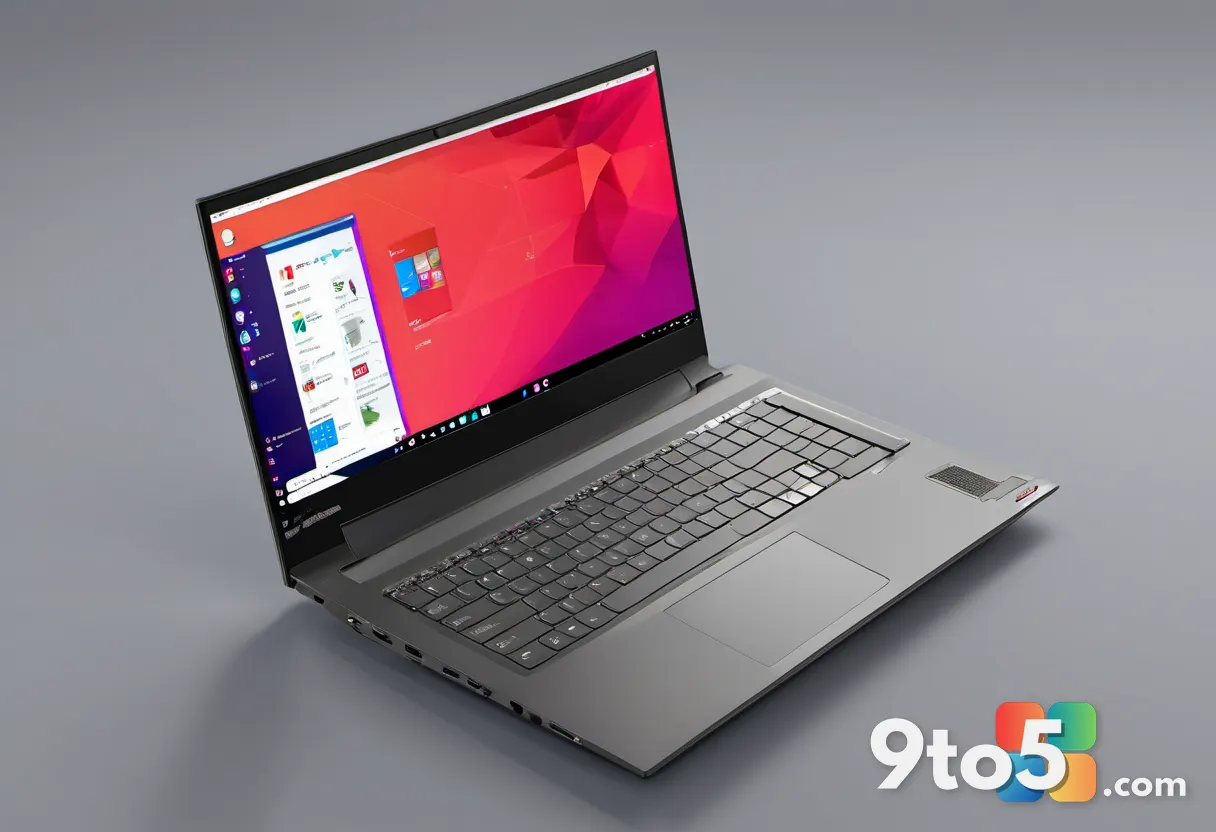
Display options are where the IdeaPad Vibe truly separates itself from fixed-spec competitors. Both the 14-inch and 15-inch models offer three distinct panel choices, catering to different priorities like color accuracy, refresh rate, or budget.
The standard IPS option across both sizes delivers a WUXGA resolution (1920×1200) in a 16:10 aspect ratio, 400 nits of brightness, and TÜV Low Blue Light certification. The 14-inch IPS panel runs at 60Hz with 45% NTSC color coverage, while the 15-inch IPS variant bumps the refresh rate to 120Hz and covers 100% sRGB, making it a better choice for media consumption.
For users prioritizing visual fidelity, Lenovo offers an OLED option. The 14-inch OLED panel maintains the WUXGA resolution and 60Hz refresh rate but upgrades to 100% DCI-P3 color gamut, True Black 500 certification, and TBD peak brightness. The 15-inch OLED steps up further with a 2.1K resolution (2240×1400), 500 nits of brightness, True Black 1000 certification, and a 60Hz refresh rate.
Touch functionality is available exclusively on the 15-inch IPS model, which runs at 120Hz. All other configurations, including the OLED panels, are non-touch. The active area ratio sits at 90.1% across the lineup, with narrow bezels measuring 3.42mm on the sides, 6.42mm at the top, and 9.69mm at the bottom.
Design, Colors, and Connectivity
Lenovo has clearly taken inspiration from the MacBook Neo’s approach to personalization, offering seven distinct color finishes. Two standard options, Lowkey Grey and Moody Blue, provide understated looks, while five “Trendy Color” options are available out of the box: Chill Blue, Zen Green, Spicy Gold, Radiant Coral, and Dreamy Violet.
In terms of physical dimensions, the IdeaPad Vibe is impressively compact. Both sizes measure 222.1 x 224.1mm and are as thin as 16.9mm. Weight starts at approximately 1.3kg (2.86 lbs) for the base model, with slight increases depending on the battery and display configuration. The chassis has passed MIL-STD-810H military durability tests, suggesting it can handle the rigors of daily commuting and student use.
Connectivity is a major strength. Every IdeaPad Vibe configuration, regardless of price, includes two USB-A 3.2 Gen 1 ports, two USB-C ports with DisplayPort and Power Delivery support, an HDMI 1.4 output, a microSD card reader, and a 3.5mm combo audio jack. This port selection eliminates the need for dongles, a common complaint with ultra-thin competitors.
Wireless connectivity is capped at Wi-Fi 6 and Bluetooth 5.3. While Wi-Fi 6E or 7 would be ideal for future-proofing, Wi-Fi 6 remains more than sufficient for current home and office networks, especially given the laptop’s target demographic.

Battery, Camera, and Audio
Battery life is supported by two options: a 50Whr cell for the base IPS models and a 65Whr cell for higher-end configurations. Lenovo also highlights Rapid Charge Boost, claiming 15 minutes of charging yields 2 hours of use. Given the efficiency of the AMD Ryzen AI processors and the 30W TDP limit, real-world battery life should be competitive with other entry-level laptops in this class.
The camera setup is unusual for this price tier. Lenovo includes an HD 5MP RGB camera with a physical privacy shutter, which is notably higher resolution than the standard 720p or 1080p webcams found on many budget laptops, including the MacBook Neo. Additionally, an FHD IR camera with a privacy shutter is listed for all variants, enabling Windows Hello facial recognition login even on the cheapest models.
Audio is handled by dual 2W speakers tuned with Dolby Audio, providing decent volume and clarity for media consumption. The keyboard offers 1.3mm of key travel, which is comfortable for typing, though the backlight is an optional extra rather than a standard inclusion.
What This Means for You
The IdeaPad Vibe specs reveal a device that prioritizes consumer choice over streamlined simplicity. If you are a student, casual user, or someone upgrading from an older Windows laptop, the ability to pick your exact RAM, storage, and display type is invaluable. You can avoid paying for features you do not need, such as OLED or touch, or invest in them if you prioritize visual quality.
However, the 8GB single-channel starting configuration requires careful consideration. While adequate for web browsing and office tasks, it may feel limiting for multitasking or light creative work. Upgrading to dual-channel 16GB or 24GB will provide a smoother experience, especially with modern Windows 11 background processes.
The inclusion of a McAfee LiveSafe trial on every configuration is a notable bloatware addition. Microsoft has repeatedly stated that Windows Defender provides sufficient protection for most users, and preinstalling third-party antivirus trials has become increasingly unpopular. Fortunately, these trials can be easily removed, and the cost savings from skipping them may be reflected in the final price.
How to Get It
As of now, Lenovo has not announced a release date or pricing for the IdeaPad Vibe. Given its positioning as a MacBook Neo rival, we expect it to launch in the entry-level price bracket, likely targeting the $499 to $699 range depending on configuration.
Once pricing and availability are confirmed, the IdeaPad Vibe will likely be available through Lenovo’s official website, major electronics retailers, and business channels. Buyers should monitor Lenovo’s announcements for early-bird promotions or bundle deals, especially given the optional in-box accessories like the WL310 Bluetooth mouse and E310 earbuds.
For those currently using a MacBook Neo or considering a switch, the IdeaPad Vibe offers a compelling alternative with superior port selection, customizable internals, and a wider range of display options. The final decision will likely come down to price, ecosystem preference, and whether the colorful design appeals to your personal style.
Source: Windows Latest
Over to you: With seven color options and a wide range of configurations, which IdeaPad Vibe spec would you choose if you could pick any?