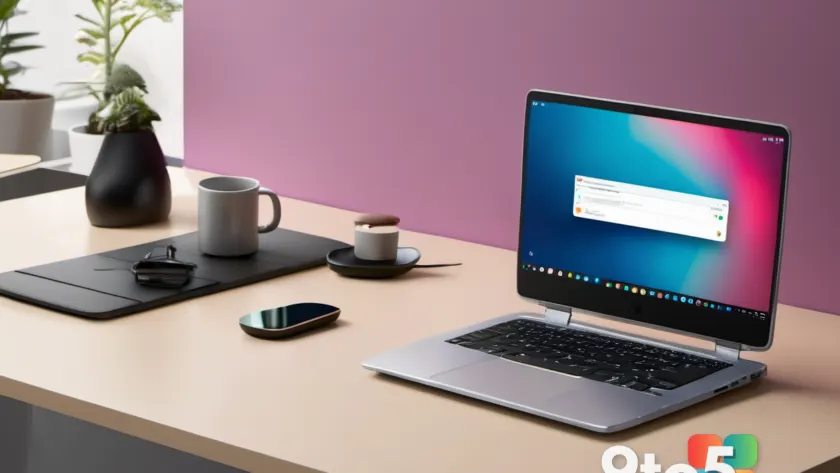
If you want a fast, low-maintenance machine that mostly lives in the browser, few options are as compelling as a Chromebook. These devices don’t try to do everything, which is exactly why they’re so appealing to students, remote workers, and casual users alike. For this roundup of the best Chromebooks 2026, we focused on models that stay fast under real-world use and make it through a full day unplugged. Every pick here was tested hands-on by our editorial team, applying rigorous usability standards alongside standard performance benchmarks.

#1 Asus Chromebook Plus CX34: Best Overall Chromebook
The Asus Chromebook Plus CX34 takes the top spot as the best overall Chromebook because it strikes a near-perfect balance between performance, connectivity, and design. Powered by an Intel Core i5 processor, this machine keeps streaming, school assignments, and heavy browser multitasking running smoothly. The CX34 is built for users who want a single device that handles the daily grind without breaking a sweat.
One of the strongest selling points is the wide array of connectivity options. You get USB-C, USB-A, HDMI, and a headphone jack right on the chassis. In practice, this means you can connect to external monitors, transfer files, and plug in wired peripherals without ever needing a dongle. For anyone tired of carrying around a tangle of adapters, this is a massive quality-of-life improvement.
The design is chic and the keyboard is enjoyable to type on, making it a solid choice for long writing sessions. However, the 16:9 aspect ratio on the display can feel a little cramped compared to modern 16:10 or 3:2 screens that offer more vertical space for documents and code. Additionally, while the battery life clocks in around 13 hours, it isn’t the most competitive in its class. If you prioritize screen real estate or maximum unplugged endurance, keep reading.
#2 Asus Chromebook CX15: Best Budget Chromebook
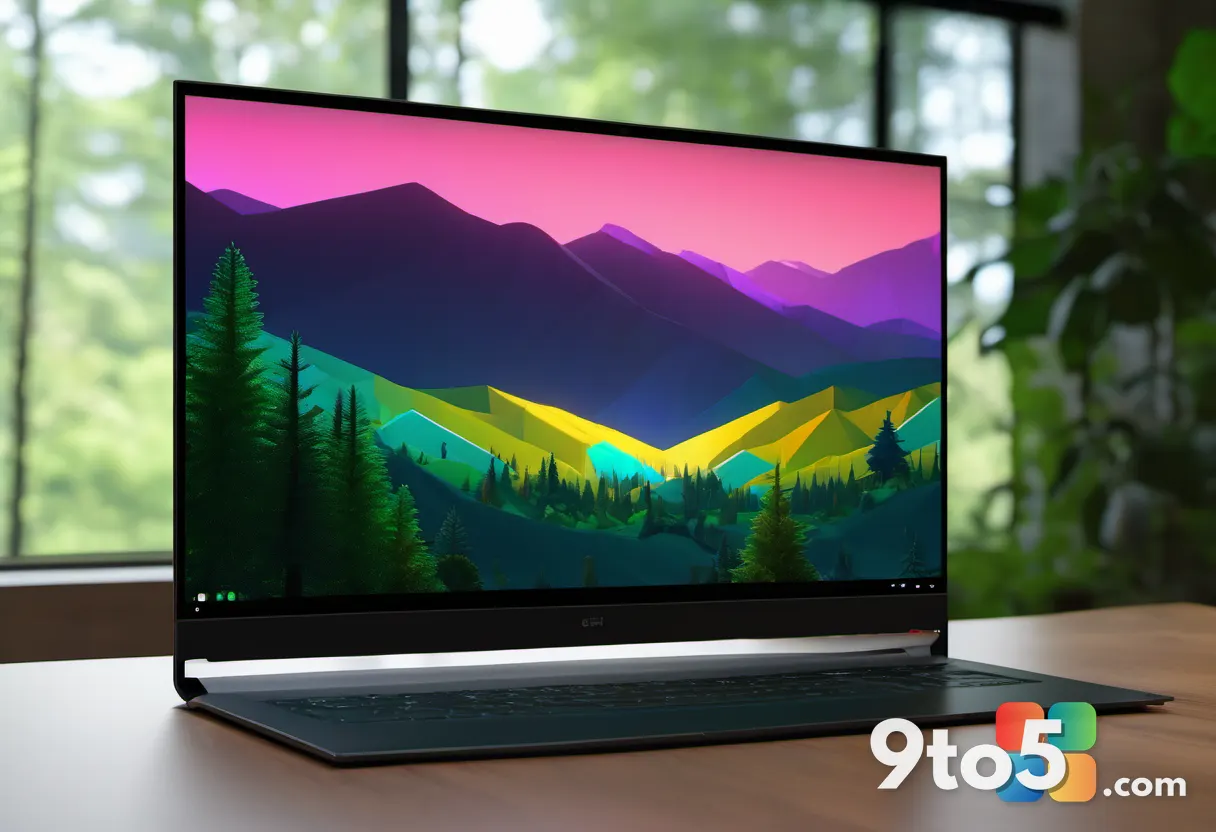
Need a reliable laptop for under $200? The Asus Chromebook CX15 is totally worth a look. It is built for anyone who mostly browses the web, streams video, and completes light schoolwork. At this price point, Asus managed to include a spacious 15.6-inch 1080p display and a roomy keyboard, making it feel noticeably more premium than you would expect from a budget machine.
The Intel Celeron N4500 processor offers enough pep to get you through lighter workloads, but you will notice some lag if you try to run heavy multitasking or keep dozens of Chrome tabs open simultaneously. The 4GB of RAM is often the bottleneck here, so if your workflow involves switching between multiple web apps, you may want to consider stepping up to a model with 8GB. That said, for basic daily tasks, the CX15 really gets the job done.
Battery life is pretty darn good at around 10 hours, though we have seen other Chromebooks stretch even further. The small touchpad and slightly sluggish dual-core processor are the main trade-offs, but for what you pay, the CX15 is a surprising little machine. It proves that you do not need to spend a fortune to get a functional, comfortable laptop for everyday use.
#3 Lenovo Chromebook Plus 14: Best High-End Chromebook
If you have been looking for a high-end Chromebook, the Lenovo Chromebook Plus 14 is a big step up from the usual budget fare. It features a stunning 14-inch 1920×1200 OLED touchscreen where colors truly pop, making it excellent for media consumption and creative work. The model we tested came loaded with 16GB of RAM and 256GB of UFS storage, handling tons of tabs, Google Docs, and YouTube playback without breaking a sweat.
Under the hood, the MediaTek Kompanio Ultra 910 chip, paired with a dedicated Neural Processing Unit (NPU), makes everything feel incredibly snappy. This processor is designed with AI workloads in mind, which aligns with Google’s push toward on-device machine learning features in Chrome OS. The 2.78-pound aluminum chassis is super light to carry around, and the battery will last you about 19 hours as long as you keep the brightness level conservative.
The Lenovo Chromebook Plus 14 is almost the complete package, but there are minor nitpicks. The function keys are really small and they pick up fingerprints like nobody’s business, which can be annoying in a professional setting. Additionally, some of the built-in AI tools feel unnecessary in everyday use, adding clutter rather than value. Still, if you want a Chromebook that looks and feels nicer than the budget crowd, this is the one to pick.
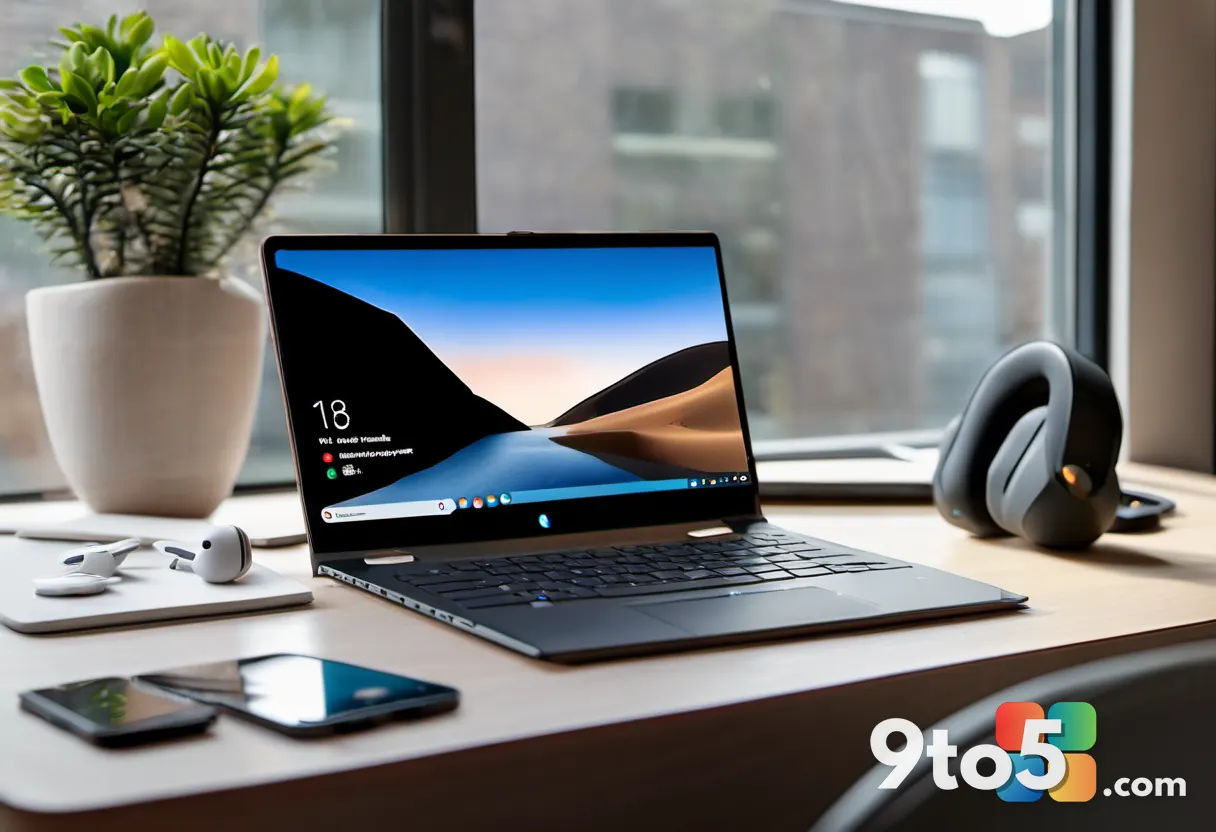
Other Notable Chromebooks We’ve Tested
Beyond our top three picks, several other Chromebooks deserve attention depending on your specific needs. The Acer Chromebook Plus 514 isn’t the most attractive Chrome OS machine, but it offers good performance and lots of storage for the price, making it a solid runner-up for power users on a mid-range budget.
The Acer Chromebook Plus 516 benefits from an Intel Core i3 chip with solid performance, and it frequently appears at low sale pricing, which can make it a steal if you catch it at the right moment. Meanwhile, the Acer Chromebook Spin 315 is comfy to type on and handles the basics just fine, though the big bezels and limited charging options hold it back from our main list.
Finally, the Asus Chromebook Plus CX14 performs better than models with Celeron CPUs, offering a nice middle ground if you want more speed than the CX15 provides but do not need the premium OLED display of the Lenovo. Each of these devices fills a specific niche, and our full reviews break down exactly how they compare in real-world scenarios.
How We Test Chromebooks
The PCWorld team puts each and every laptop through a series of benchmarks that test GPU and CPU performance, battery life, and display accuracy. The idea is to push the laptop to its limits and then compare it against others we’ve tested. Due to the cloud-based nature of Chromebooks, they go through a series of web-based tests. It wouldn’t be fair or possible to run the same kinds of tests on a Chromebook as we use on traditional laptops because they exclusively run a completely different operating system.
We evaluate how quickly web apps load, how smoothly video streams play, and how well the device manages thermal output during sustained workloads. Battery tests are conducted with standardized screen brightness and Wi-Fi activity to ensure consistent results across all models. This methodology helps us separate marketing claims from actual user experience.
How to Choose the Best Chromebook
If you want something like a Windows or MacBook but cheaper, check out a Chromebook. Just keep in mind they have some limits. They’re good for simple, everyday stuff but they don’t have a lot of RAM or storage, so they’re not equipped to handle more resource-intensive tasks like gaming or video editing. We have a detailed guide that compares Chromebooks and Windows laptops if you want to figure out what’s best for your specific workflow.
Operating System
Chromebooks only run Chrome OS, which is pretty easy to use. You can’t put Windows or macOS on them — you’re stuck with Google’s setup. This is actually a feature for many users, as Chrome OS is lightweight, secure by default, and receives automatic updates in the background. You get access to the Google Play Store for Android apps and the Chrome Web Store for extensions, which greatly expands what the device can do without needing native desktop software.
Processor
Shoot for a mid-range Chromebook if you can. They cost anywhere in the $400 to $600 range and many of them come equipped with Intel Pentium, Intel Core i3, or AMD Ryzen 3 processors. These Chromebooks run the browser smoother. They’re the best deal for the price. The fancier ones sometimes come with Intel Core i5 or AMD Ryzen 5 chips, which are way more powerful. Then there’s the new Kompanio Ultra chips, which are more powerful and AI-ready, offering dedicated hardware for machine learning tasks.
RAM
Lots of Chromebooks come with just 4GB of RAM, which isn’t much. Since they’re all about the web, you need enough RAM to keep your tabs from lagging. And with RAM prices being a bit more volatile lately, it’s worth opting for more if you can. If you can drop a bit more cash, you can grab a mid-range Chromebook with 8GB (or 16GB if you want to be extra safe), which runs way smoother. More RAM directly translates to better multitasking performance and longer device longevity as web applications continue to grow in complexity.

What This Means for You
Choosing the right Chromebook comes down to understanding your daily habits. If you spend most of your time in a web browser, Google Workspace, and streaming services, a Chromebook will likely outperform many Windows laptops at the same price point while offering significantly better battery life. The Asus CX34 is the safest all-around choice for most people, but if you are on a tight budget, the CX15 delivers surprising value. For those who want a premium build and top-tier display, the Lenovo Plus 14 is worth the extra investment. Remember to check storage and RAM requirements before buying, as Chrome OS devices are not easily upgraded after purchase.
How to Get It
All of the Chromebooks mentioned in this roundup are available through major retailers, including Amazon, Best Buy, and the manufacturers’ official stores. We recommend checking price comparison tools before purchasing, as Chromebook prices fluctuate frequently during sales events. If you are open to refurbished options, platforms like Backmarket often have certified pre-owned models at a steep discount, which can be a great way to get higher-end specs for less money.
Source: PCWorld
Over to you: Which Chromebook feature matters most to you: battery life, display quality, or port selection?
You may also like
 Larian Drops Surprise Baldur’s Gate 3 Xbox Update as Game Hits Deepest Sale
 Microsoft’s Xbox Emulator on Windows Will Soon Support Xbox 360 Games
 Windows 11 AI Gets a Hardware Boost: Inside Click to Do and Recall on Copilot+ PCs
 Xbox Reveals New FanFest Tour Stops and Community Celebrations for 25th Anniversary