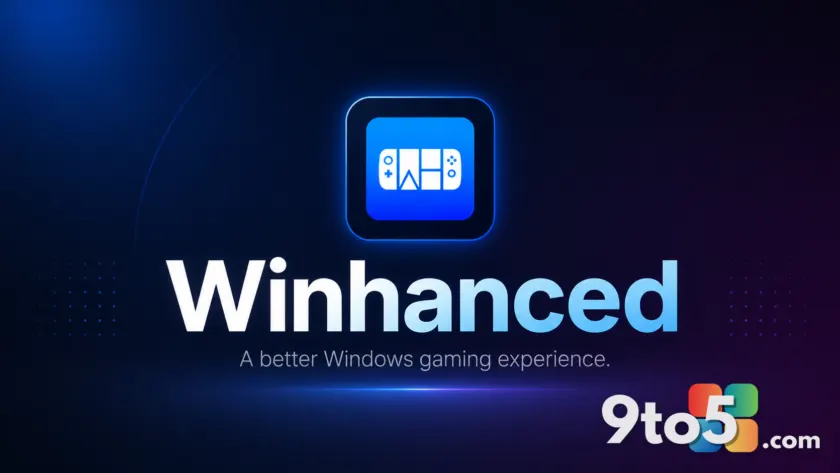
If you use a Windows handheld like the ASUS ROG Ally or Lenovo Legion Go, you know that managing games across different stores can be fragmented. Winhanced has long served as a unified launcher to replace the native Xbox Mode experience, but it just got significantly more useful for budget-conscious gamers.
The project has introduced a built-in store browser in its testing channel. This feature allows you to browse titles, compare prices across multiple storefronts, and purchase games directly from the cheapest option—all without leaving the launcher interface.
Compare prices across Steam, Xbox, and GOG
The new store browser aggregates listings from major platforms including Steam, the Microsoft Store (Xbox), and GOG. When you search for a game, Winhanced displays the current price on each supported platform side-by-side.
This makes it easy to spot discounts or permanent price differences. For example, if a title is cheaper on Xbox than on Steam, you can see that immediately. The interface also indicates whether a game is included with an Xbox Game Pass subscription, helping you decide between buying outright or accessing it through your existing subscription.
It is important to note that the feature is still in development. At launch, it only supports certain currencies, though regional currency support is planned for future updates. Despite this limitation, the core functionality of price comparison is fully operational and ready for testing by supporters of the project.
Purchases happen via web browser
When you decide to buy a game through Winhanced, the launcher does not process the payment itself. Instead, it opens your default web browser to complete the transaction on the respective store’s website.
This design choice ensures that Winhanced never has access to your credit card or payment details. You retain full control over your financial information while still enjoying the convenience of a unified discovery interface.
Personalized recommendations and search
Beyond price comparison, the store browser offers personalized game recommendations. The system analyzes your recent play history to suggest similar titles. For instance, if you have been playing racing games like Forza Horizon 6, Winhanced will prioritize other racing titles in its suggestions.
If algorithmic suggestions aren’t your preference, you can still manually search for specific games or browse through curated categories. This dual approach ensures that both casual browsers and targeted shoppers can find what they need easily.
Other features move out of early access
Alongside the store browser, several other features have graduated from experimental status to general availability. These updates include:
- Back paddle support: Better integration for physical back buttons on handhelds.
- SteamGridDB artwork browsing: Enhanced visual customization for your game library.
- RGB controls: Refined lighting effects for compatible devices.
These additions are now considered stable and ready for regular use, further solidifying Winhanced as a comprehensive alternative to the default Windows gaming interface.
What this means for you
For everyday Windows handheld users, this update removes the friction of switching between apps to check prices. You can now discover new games and secure the best deal in one place. If you have been waiting for a reason to try Winhanced, the addition of price comparison tools makes it a compelling utility for managing your digital library.
The feature is currently available in testing for users supporting the project via Patreon or Discord. As always, be sure to check the official channels for the latest build updates and currency support expansions.
Source: Windows Central
Over to you: Will you use Winhanced’s price comparison tool to manage your game library, or do you prefer sticking to a single storefront?