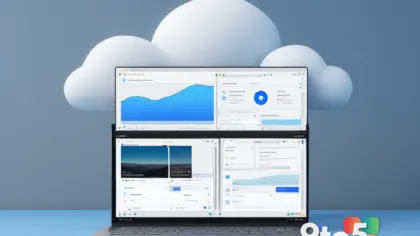
Finding specific details from past Microsoft Teams meetings has often felt like searching for a needle in a haystack. You know the conversation happened, but locating the exact recording or transcript within endless chat threads can be tedious. Microsoft is addressing this friction with a new dedicated app called Recap, designed to centralize these resources.
Centralized access to recordings
The Recap app aggregates meeting recordings and transcripts into a single, searchable interface. Instead of scrolling through individual channel histories or private chats to find a link, users can now view a consolidated list of recent meetings. This change aims to reduce the time spent navigating the Teams interface just to retrieve information.
Improved workflow for remote teams
For organizations that rely heavily on asynchronous communication, this tool offers a practical improvement. Team members who missed a live session can quickly access the recording or read the transcript without needing to ask colleagues for links. It streamlines the process of catching up on decisions and action items discussed in previous calls.
What this means for you
If you frequently use Teams for work, expect a cleaner way to manage your meeting history. The Recap app removes the clutter from your main chat views by housing media files in their own dedicated space. This should make it faster to find what you need and keep your primary communication channels focused on active discussions.
Source: Neowin
Over to you: Do you currently save Teams meeting links in a separate folder, or do you rely on search to find them?