Multitasking on Windows often feels like a game of whack-a-mole with your open applications. You start watching a tutorial video or checking a live weather radar map, but as soon as you switch to your main work window, that critical reference disappears behind the rest of your desktop. While Windows has built-in snapping features, they don’t always guarantee that a specific small window stays visible above everything else.
That is where PermaTop comes in. This lightweight freeware utility allows you to pin specific windows to the top of the Z-order, ensuring they remain visible regardless of which other application you are actively using. It is particularly useful for scenarios where you need constant access to information without having to manually rearrange your desktop layout.
How PermaTop simplifies multitasking
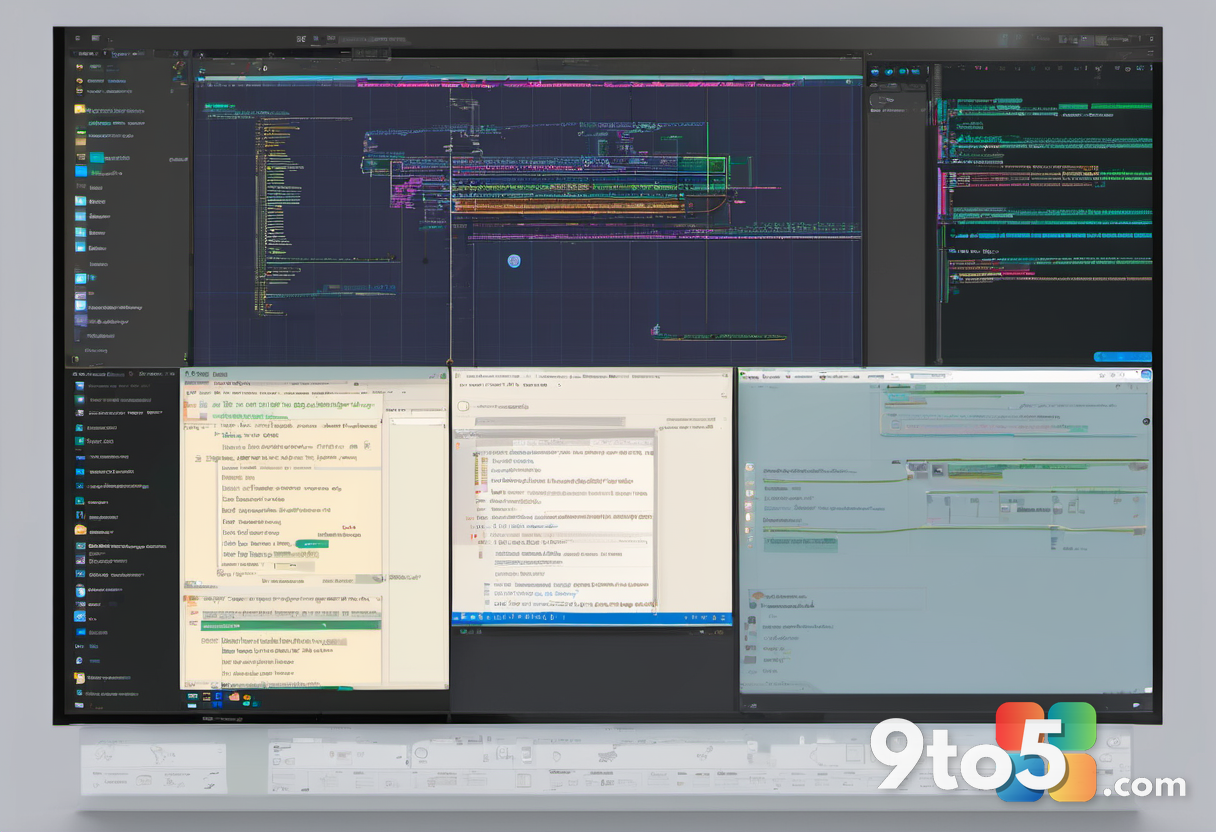
The core function of PermaTop is straightforward: it forces selected windows to stay on top of all other open programs. This is not just about maximizing a window; it is about maintaining visibility for smaller, secondary windows that serve as references or monitors.
For example, if you are following a text-based tutorial while coding or writing, you can pin the browser tab containing the instructions. Similarly, users in areas prone to severe weather might keep a live radar map pinned so they can monitor conditions while continuing their daily tasks without interruption.
Why use a dedicated tool instead of built-in features?
Windows 10 and Windows 11 offer various window management tools, including Snap Assist and FancyZones (via PowerToys). However, these tools are primarily designed for arranging windows side-by-side or in specific grids. They do not inherently support a persistent “always on top” state for individual windows without third-party assistance.
PermaTop fills this gap by providing a simple, dedicated solution. It avoids the complexity of full-featured window managers while addressing the specific need to keep certain content visible at all times. This can reduce the cognitive load of constantly switching between tabs or minimizing and restoring windows.
What this means for you
If you frequently work with reference materials, live data feeds, or communication tools that need to stay visible, PermaTop can streamline your workflow. By keeping essential information in view, you spend less time managing window positions and more time focusing on your primary task. It is a small utility that addresses a common pain point for power users and casual multitaskers alike.
For IT professionals or those managing multiple monitors, this tool can complement existing setups by adding an extra layer of control over window hierarchy. Whether you are debugging code, monitoring server logs, or simply keeping an eye on the news, having a reliable way to pin windows can enhance productivity.
Source: AskWoody
Over to you: Do you use any third-party tools to manage your Windows desktop layout, or do you rely solely on built-in features?