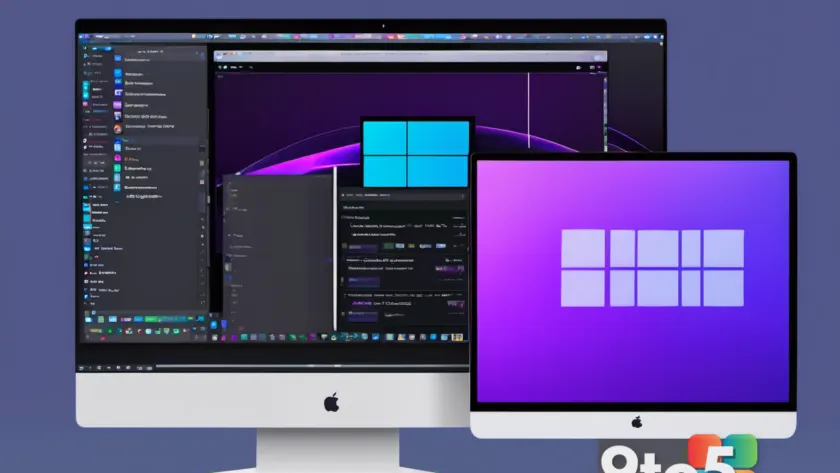
The Windows Utility Gets a macOS Makeover
Microsoft’s PowerToys suite has long been a staple for power users seeking to extend the functionality of Windows 10 and Windows 11. From FancyZones window management to PowerRename and the always-useful PowerToys Run launcher, the collection has become indispensable for developers, designers, and IT professionals alike. Now, a former Microsoft engineer has taken it upon themselves to bridge the gap between operating systems by releasing a free, polished macOS equivalent.
According to the announcement, this new PowerToys Mac version strips away the bloat often associated with cross-platform ports and focuses on delivering the core utilities that macOS users actually need. The developer has prioritized native integration with Apple’s ecosystem, ensuring that keyboard shortcuts, system tray behavior, and UI scaling align with macOS design guidelines rather than feeling like a direct Windows port. This approach not only improves usability but also reduces the resource overhead that typically plagues third-party system utilities on Apple Silicon.
The release comes at a time when the line between Windows and macOS workflows is increasingly blurred. Remote work, cloud-based development environments, and hybrid IT setups mean that professionals frequently switch between platforms. Having a consistent set of productivity tools available across both operating systems eliminates the friction of relearning workflows or relying on paid alternatives that may not offer the same depth of functionality.

Why an Ex-Microsoft Engineer Built This
The decision to port a Windows-centric utility to macOS is rarely trivial. It requires a deep understanding of both operating systems’ architecture, permission models, and user expectations. By leveraging experience gained during their tenure at Microsoft, the developer has been able to replicate the underlying logic of the original suite while adapting it to macOS’s sandboxing requirements and event-driven architecture.
From a technical standpoint, the most significant challenge in creating a PowerToys Mac version is replicating low-level system interactions. Features like window snapping, global hotkeys, and file system utilities require direct access to the OS kernel or specific APIs that Apple tightly controls. The developer has likely utilized macOS’s Accessibility permissions framework and private APIs where necessary to achieve the same responsiveness and reliability that Windows users have grown accustomed to.
This project also highlights a growing trend in the tech community where former employees of major tech companies launch independent tools that fill gaps left by their previous employers. These ex-engineers often have a unique perspective on what users actually want, free from corporate roadmap constraints. The result is typically a more user-focused, efficiently coded product that prioritizes functionality over feature bloat.
What This Means for You
For macOS users who have previously relied on paid third-party apps to mimic PowerToys functionality, this free release is a significant upgrade. You will no longer need to juggle multiple subscriptions for window management, color picking, or bulk file renaming. The native integration means these tools will respect your system’s battery life, handle notifications correctly, and update seamlessly through the Mac App Store or direct downloads.
If you are a developer or sysadmin who maintains a mixed environment, consistency is key. Being able to use the same keyboard shortcuts and utility names whether you are on a Windows workstation or a Mac laptop reduces cognitive load and speeds up your workflow. It also simplifies documentation and training, as you can reference a single set of tools regardless of the host operating system.

How to Get It
The PowerToys Mac version is available for immediate download at no cost. The developer has opted for an open distribution model, allowing users to grab the latest release directly from their official website or GitHub repository. This bypasses the Mac App Store’s review process, ensuring that updates can be pushed faster and that the software remains fully free without in-app purchases or premium tiers.
Installation is straightforward, with a standard macOS installer package that handles permissions and system integration automatically. Users should ensure they are running a recent version of macOS to take advantage of all features, particularly those that rely on newer APIs for window management and system monitoring. Once installed, the utility suite integrates into your system settings, allowing you to toggle individual tools on or off based on your current needs.
As the project continues to evolve, expect regular updates focused on stability, new feature additions, and deeper macOS integration. The developer has indicated that community feedback will drive the roadmap, meaning popular requests from the original Windows PowerToys community are likely to be prioritized for the macOS port.
Source: Neowin
Over to you: Will you be switching your primary workflow to macOS for this utility, or sticking with Windows?