Following a previous roundup of six essential tools, the Windows Central community and Reddit users shared their own top picks for enhancing Windows 11. These selections address common gaps in the operating system, offering improved control over themes, audio, file transfers, and task switching.
#1 Auto Dark Mode
This utility automates the transition between light and dark themes based on scheduled times or sunrise/sunset data. While Windows 11 includes a manual theme switcher, it lacks native scheduling options. Auto Dark Mode fills this void by applying your preferred theme at set intervals, reducing eye strain during evening hours without requiring manual intervention.
The app runs quietly in the background and integrates with system settings to ensure consistent appearance across applications. Users can customize the transition times and choose whether to apply changes system-wide or only to specific apps.
#2 EarTrumpet
EarTrumpet replaces the default volume mixer with a more detailed interface that displays individual application volumes alongside device outputs. The built-in Windows volume slider often groups all audio into a single control, making it difficult to adjust specific programs. This tool restores granular control, allowing users to mute or lower volume for individual apps like browsers or media players.
It also provides quick access to audio output devices, simplifying the process of switching between headphones, speakers, or virtual audio drivers. The interface is compact and integrates seamlessly into the system tray, maintaining a clean desktop appearance.
#3 Blip
Blip enables seamless file sharing between Windows, iOS, and Android devices without relying on cloud services or cables. Similar to Apple’s AirDrop, it uses local network connections to transfer files directly between paired devices. This is particularly useful for users who work across multiple platforms and need to move documents, photos, or media quickly.
The app supports drag-and-drop functionality and maintains a history of recent transfers for easy access. It operates securely by encrypting data during transmission and requires explicit user approval for each transfer, ensuring privacy and control over shared content.
#4 AltTabby
AltTabby enhances the traditional Alt+Tab task switcher by offering five customizable view layouts and intelligent app prioritization. The default Windows switcher displays a simple grid of open windows, which can become cluttered with multiple applications. AltTabby allows users to organize these windows by size, position, or frequency of use, streamlining navigation.
The app learns which applications you use most often and can place them in prominent positions within the switcher interface. This reduces the time spent searching for specific windows, especially in complex multitasking scenarios. It is available through the Microsoft Store and Stardock, with a promotional discount currently applied.
#5 Calendar Flyout
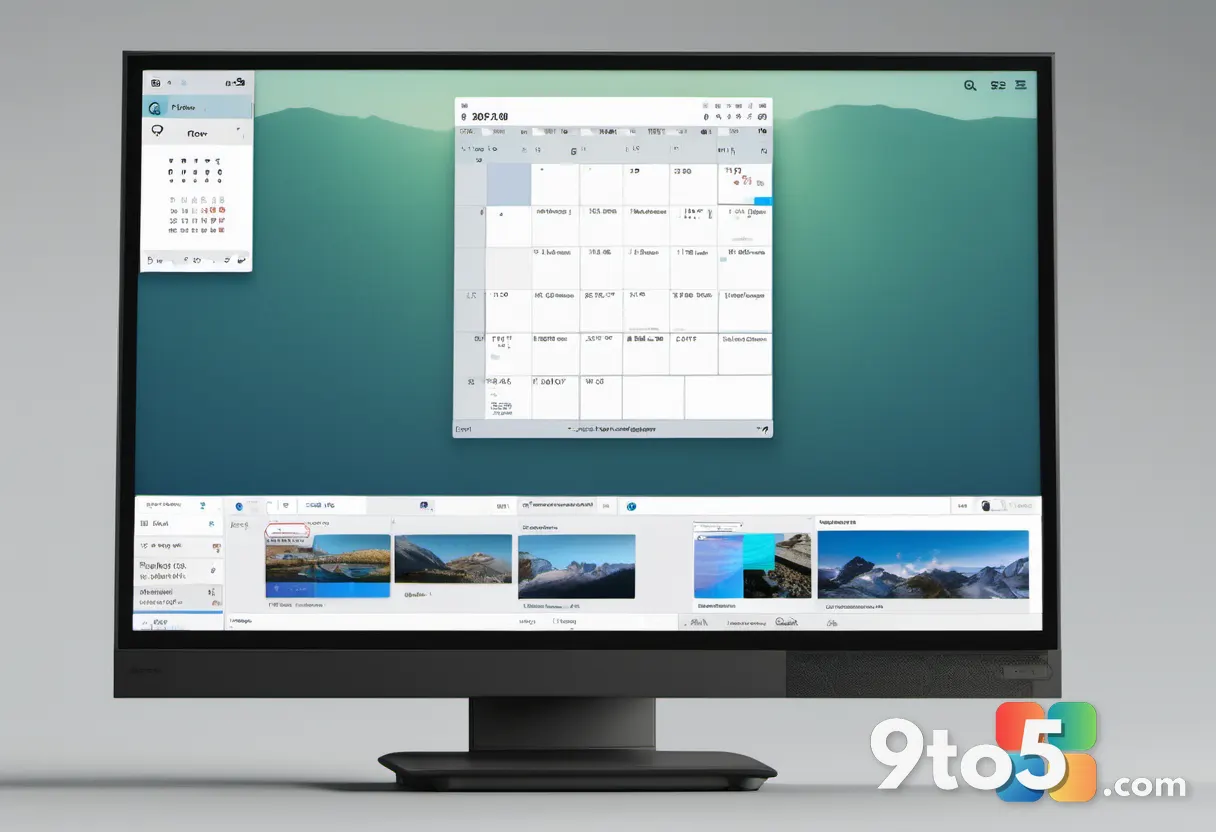
This utility restores the calendar widget from Windows 10, which was removed in the initial release of Windows 11. The flyout appears when clicking the date and time in the system tray, displaying upcoming events and allowing users to create new appointments without opening the full Calendar app. This provides a quicker overview of daily schedules and reduces workflow interruptions.
The widget integrates with Microsoft Outlook and other calendar services, syncing events in real time. It maintains a compact design that fits within the system tray area, preserving screen space while offering immediate access to scheduling information.
What This Means for You
These community-suggested apps address specific usability gaps in Windows 11, offering targeted improvements rather than broad system changes. Each tool focuses on a single function, such as theme scheduling, audio control, or file transfer, which helps maintain system performance and reduces unnecessary bloat. Users can selectively install only the utilities that align with their workflow, ensuring a customized experience without compromising stability.
How to Get It
Most of these applications are available through the Microsoft Store, providing straightforward installation and automatic updates. Blip and AltTabby can also be downloaded directly from their respective developer websites, offering alternative distribution channels. The Calendar Flyout app is priced at $3.99, while AltTabby currently offers a discounted rate. Auto Dark Mode, EarTrumpet, and Blip are available at no cost, making them accessible options for enhancing your Windows 11 environment.
Source: Latest from Windows Central
Over to you: Which of these community-suggested apps would you install first on your Windows 11 machine?