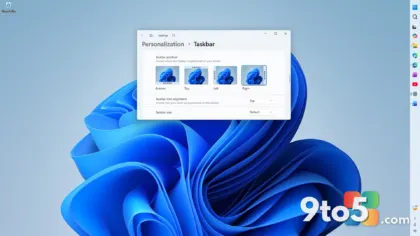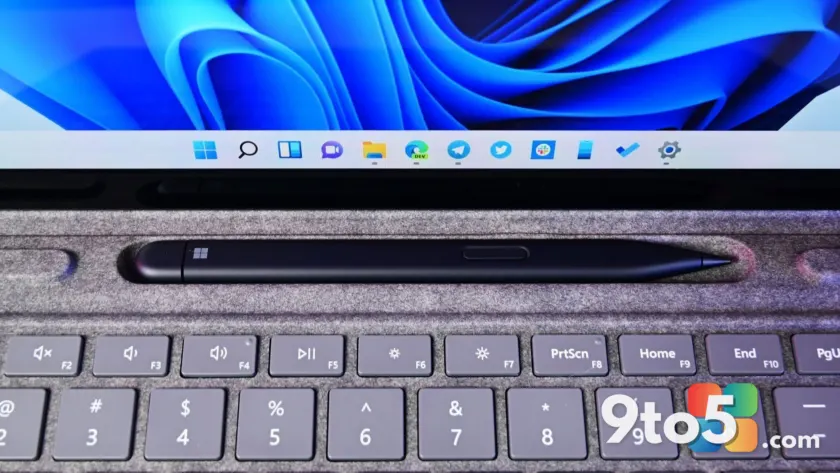
Microsoft is addressing one of the most persistent complaints about Windows 11 by introducing a dedicated setting to change the taskbar size. Previously, users could only enable smaller icons while keeping the full-height bar. Now, you can shrink the entire taskbar height for a more compact desktop experience.
Taskbar customization
The primary addition in Experimental Preview Build 26300.8758 is a new toggle that lets you adjust the physical size of the taskbar. When switched to “small,” the setting reduces the height of the bar itself and automatically enables smaller icons. You also have the option to keep the default taskbar height while using small icons, giving you granular control over your desktop real estate.
Microsoft notes that they have refined the transitions between different taskbar sizes to ensure a smoother visual experience when switching settings. This change builds on earlier Insider builds that allowed moving the taskbar position but lacked true resizing capabilities for the bar’s height.
File Explorer improvements
Beyond the taskbar, this build includes several fixes for File Explorer. Microsoft improved the reliability of thumbnail previews for cloud files in the Details pane and reorganized the layout to make file properties easier to review at a glance.
Two specific bugs were addressed: the OneDrive shortcut now works correctly when File Explorer is run in administrative mode, and the confirmation dialog for permanently deleting files no longer displays internal Recycle Bin filenames instead of the original file name.
Sounds and other changes
System sounds have been improved for better clarity when using Windows in dark mode. Additionally, an unnoted change in recent builds shows that “Xbox mode” is now labeled as “XBOX mode.” These updates are part of the broader Windows K2 initiative aimed at resolving long-standing pain points in performance and design.
What this means for you
If you have been waiting for a way to reclaim screen space on your monitor, this build offers a native solution without third-party tools. The ability to shrink the taskbar height is particularly useful for users with smaller screens or those who prefer a minimalist interface. While currently available only in the Experimental channel, this feature signals Microsoft’s commitment to restoring user control over desktop customization.
Source: Windows Central
Build details:
- 26H1
- Build 26220.8754
- Build 28020.2366
- Build 28120.2374
- Build 29617.1000
Over to you: Will you use the smaller taskbar option to gain more screen space, or do you prefer the default height?
You may also like
 Microsoft confirms WSL 3 isn’t real, but WSL Containers are arriving next week