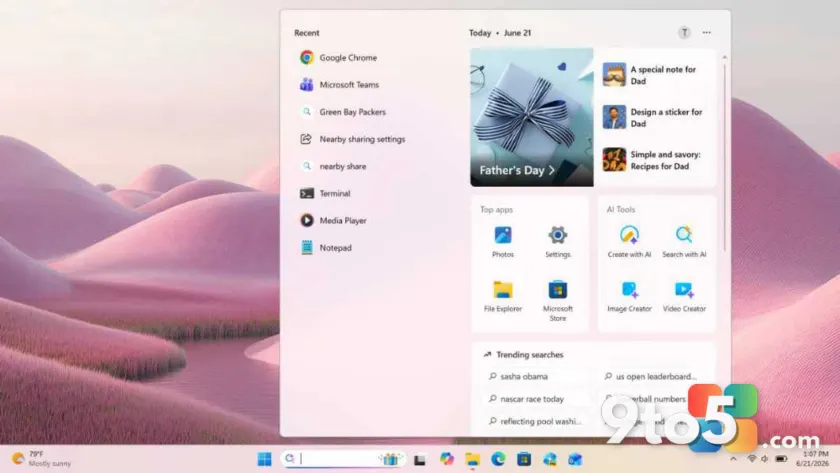
Windows Search serves as a central hub for navigating your PC. Instead of digging through folders or scrolling through the Start menu, you can use this single interface to locate documents, applications, and system settings instantly.
Unified discovery
The core strength of Windows Search lies in its ability to aggregate different types of results. When you type a query, the system scans across your file system, installed programs, and configuration options simultaneously. This means you do not need to guess whether a specific item is an app or a document; the search engine handles that distinction for you.
What this means for you
For everyday users, this translates to less time spent navigating directory trees. Whether you are looking for a PDF saved months ago or trying to toggle a specific privacy setting, starting with the search bar is often faster than manual browsing. It streamlines your workflow by keeping all discoverable content in one accessible location.
Source: Thurrott
Over to you: Do you rely on the Start menu or Windows Search to find your most-used apps?